

School Romance: Love or Lose is a Simulation application developed by Genius Studio Japan Inc., but with the best Android emulator-LDPlayer, you can download and play School Romance: Love or Lose on your computer.
Running School Romance: Love or Lose on your computer allows you to browse clearly on a large screen, and controlling the application with a mouse and keyboard is much faster than using touchscreen, all while never having to worry about device battery issues.
With multi-instance and synchronization features, you can even run multiple applications and accounts on your PC.
And file sharing makes sharing images, videos, and files incredibly easy.
Download School Romance: Love or Lose and run it on your PC. Enjoy the large screen and high-definition quality on your PC!
■Synopsis■Your high school life is about to be anything but average—you just got accepted into one of the most prestigious schools in the country! But there’s a catch… In order to stay enrolled, you need to find a girlfriend before the end of the school year!
You’ve never even been on a date—how are you supposed to find a girlfriend?! Fear not, as three of your beautiful classmates seem excited to get to know you. They all have their own ways of showing affection, but which one will grab your heart?
■Characters■
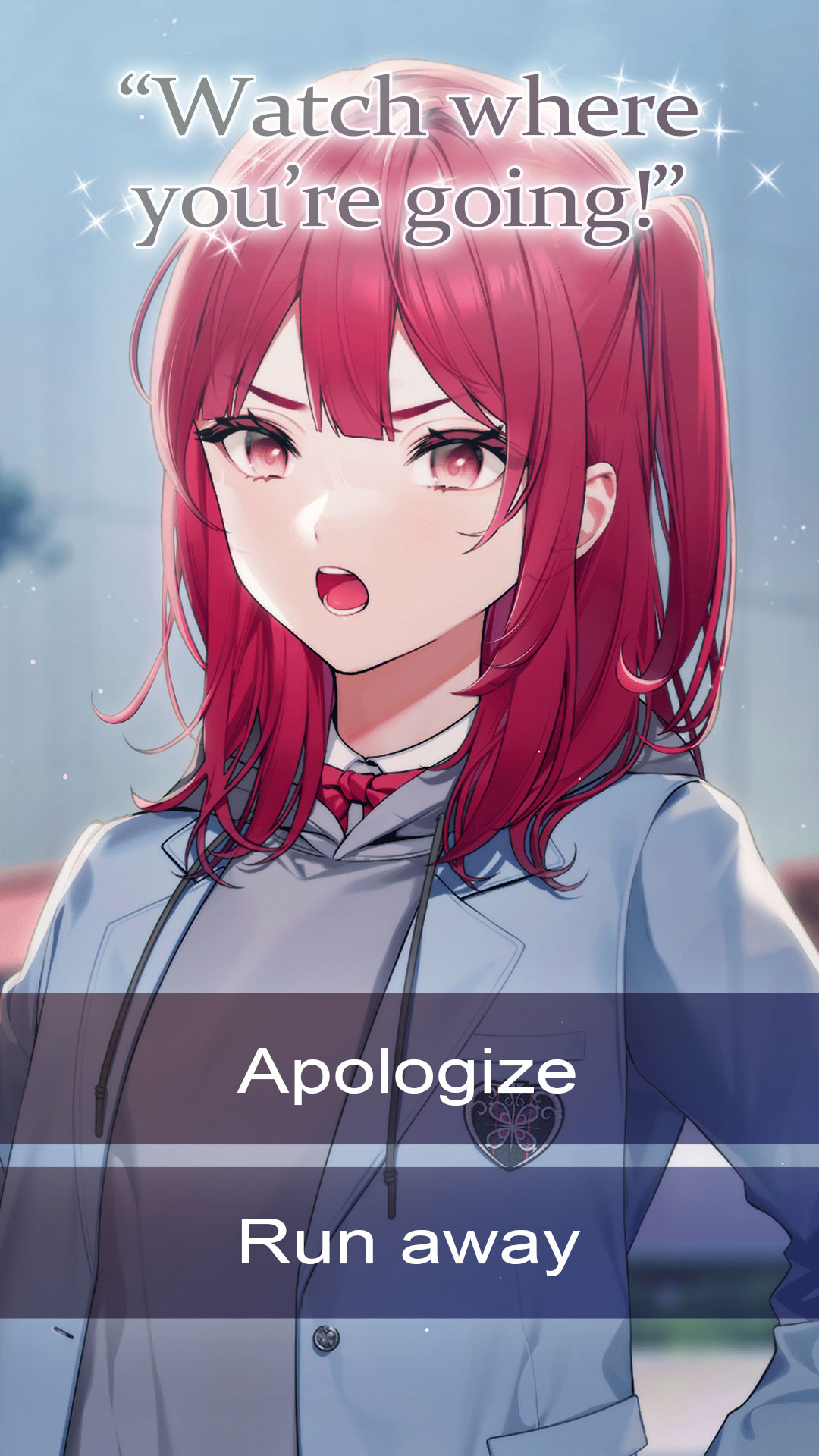
Hazuki — The Distrustful One
Hazuki is a determined and hard-working student. She doesn’t need anyone to tell her what to do, especially not a guy like you! As you spend more time with her, you realize her distrust towards men runs deep. Can you help Hazuki learn to trust again and restore her faith in those around her?
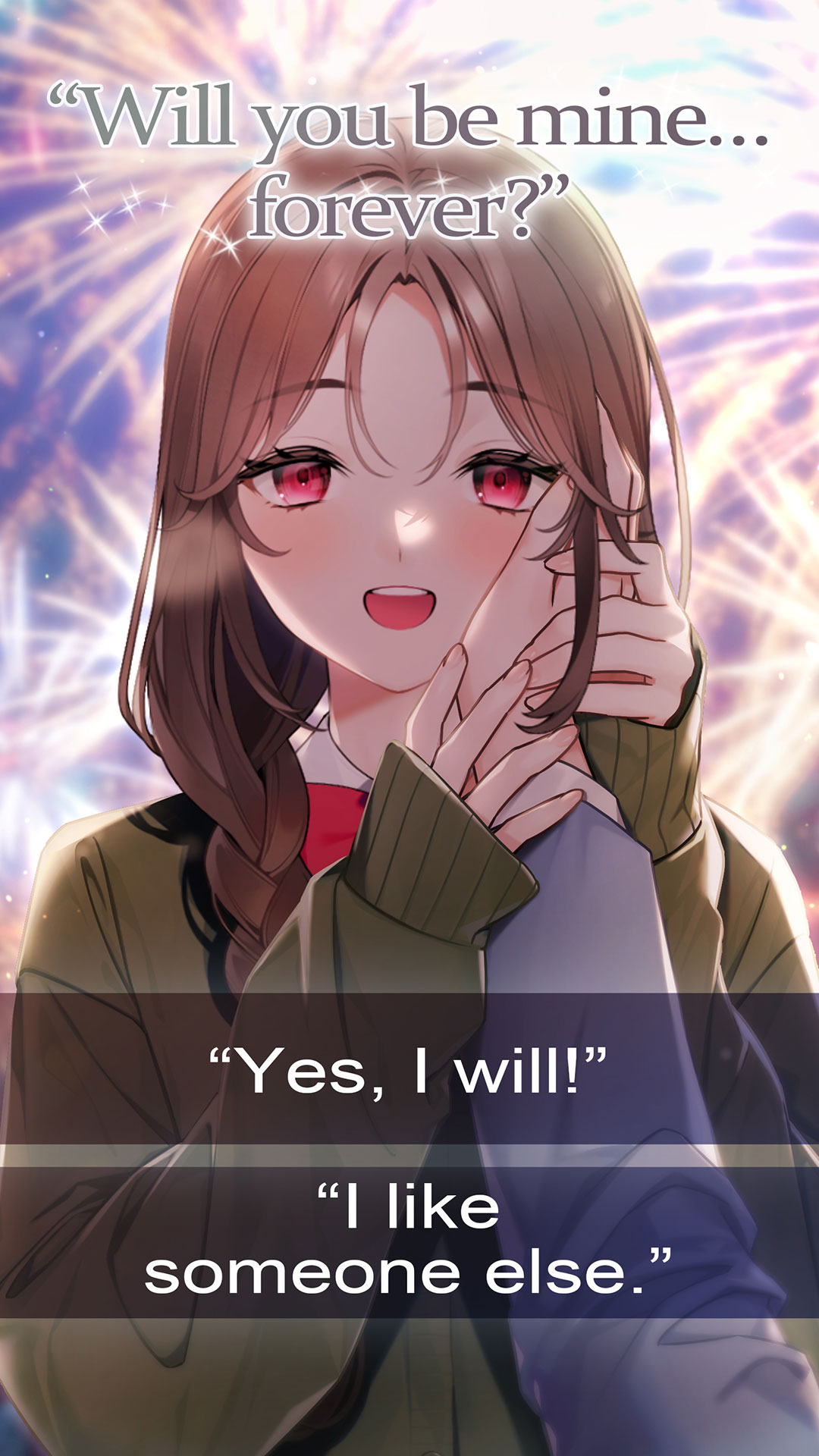
Nanami — The Yandere One
Nanami loves to dote on others, whether it be by making bentos or walking them to school. She immediately gravitates toward you, but something just doesn’t seem right. Surely someone this kind would have found a boyfriend by now, right? Will you give Nanami the romance she craves, or will you be running for your life?
Megumi — The Shy and Quiet One
Megumi seems distant at first, but then you realize that you both like the same anime! She may not be the best at communicating, but when it comes to her hobbies, she’s got a lot to say! The two of you end up talking late into the night about your favorite shows, but is that enough to make you choose her as the heroine of your own story?