Scrabble® GO – Fun with Words! is a Word application developed by Scopely, but with the best Android emulator-LDPlayer, you can download and play Scrabble® GO – Fun with Words! on your computer.
Running Scrabble® GO – Fun with Words! on your computer allows you to browse clearly on a large screen, and controlling the application with a mouse and keyboard is much faster than using touchscreen, all while never having to worry about device battery issues.
With multi-instance and synchronization features, you can even run multiple applications and accounts on your PC.
And file sharing makes sharing images, videos, and files incredibly easy.
Download Scrabble® GO – Fun with Words! and run it on your PC. Enjoy the large screen and high-definition quality on your PC!
Welcome to the ultimate collection of smart and fresh word games!ALL-IN-ONE WORD GAME
Love to connect, search and chain words? Test your skills in one of our game modes:
Adventures – Solo word puzzles with unique goals. Earn rewards as you advance!
Word Search – Find hidden words in a letter grid before time runs out!
Duels – Fast-paced, multiplayer head-to-head Scrabble, with big prizes!
Tumbler – Use the letters at your disposal to create words as fast as you can!
Word Drop – Connect the falling letters (in any direction) to form words!
MULTIPLAYER
Easily find and start games with your Facebook friends and family! Connect with Scrabble fans worldwide and enjoy exciting rounds of Scrabble. Express yourself with fun, easy-to-use chat emojis and phrases!
COLLECT PLAYABLE TILES
Personalize your Scrabble experience with custom tiles! Unlock chests to discover and collect a variety of visually stunning tiles, then show off your new tiles to other players in-game as you compete! New and limited edition tiles are added often, so be sure to collect them all!
BOOSTS
Powerful Boosts like Hint, Upgrade, Word Spy, and Vortex help take your gameplay to the next level. Different game modes have different boosts, so make sure to check them all out!
PRACTICE MODE
Play Scrabble one-on-one against the computer with Practice Mode! Designed to match your skill level, it’s a great way to test out new strategies and tactics.
TRACK STATS
See how your Scrabble skills are progressing with our in-depth profile page! View your scoring averages, longest words, best plays, and more! Visit another player’s profile to see Head-to-Head stats.
LEVEL UP & UNLOCK MORE!
Earn experience and increase your Player Level by scoring points in Scrabble and Duels, or by ranking high on the Arena leaderboards! Higher levels grant access to more features and unlock new collectible Tiles!
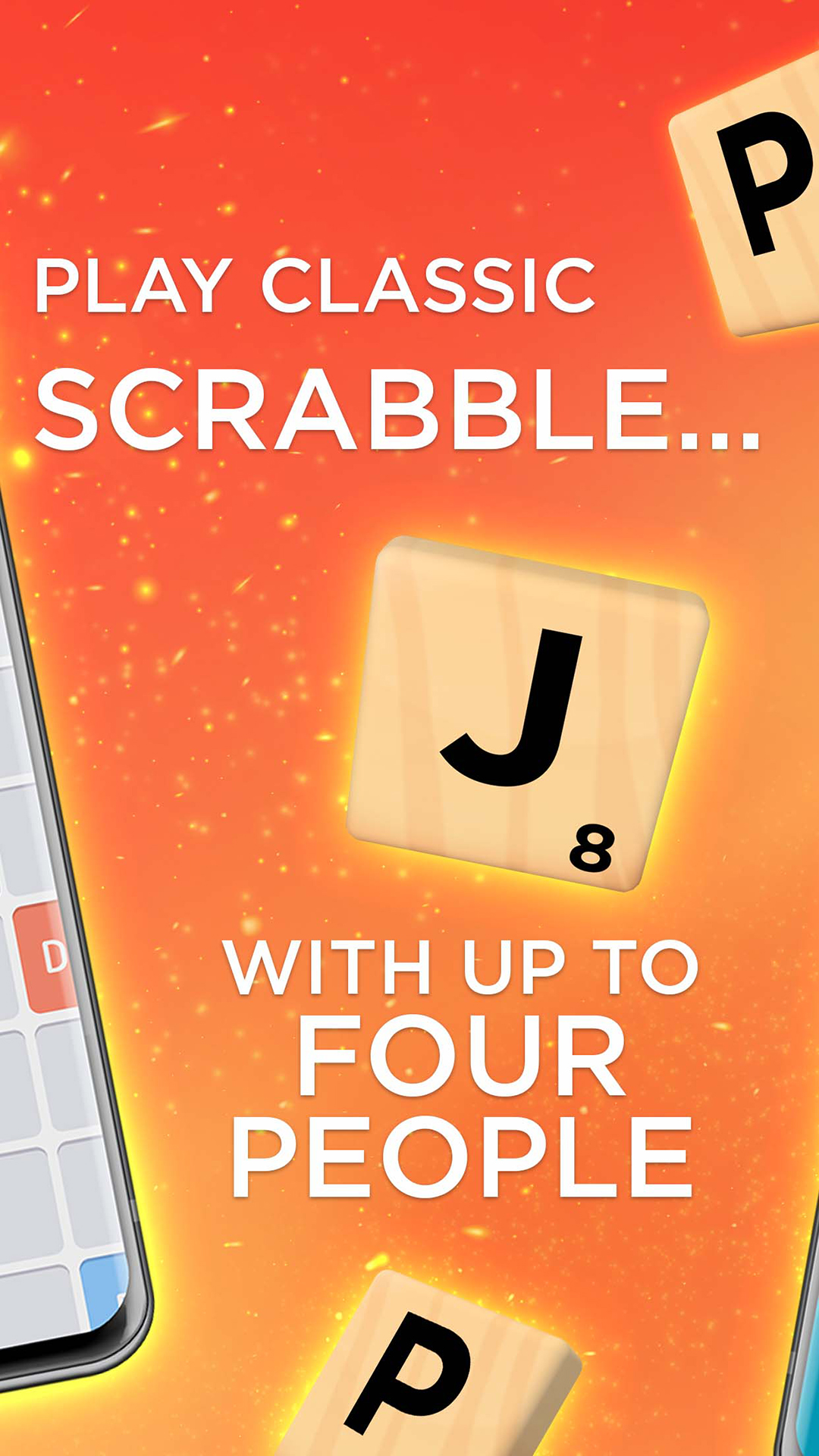
CLASSIC SCRABBLE
Play the classic Scrabble game you know and love! With the official board, tiles, and Scrabble word dictionaries, only Scrabble GO delivers the authentic crossword game experience.
SCRABBLE CLUB
Enjoy a wealth of benefits with a Scrabble Club subscription!
- Ads-free experience
- Access exclusive content and rewards for Weekly Challenges
- Unlimited use of the new Scrabble Scholar boost
- Full Access to the new Word Power Meter boost
- An additional Arena Ticket delivered daily to your inbox
The Scrabble Club subscription is available for a monthly cost charged to your iTunes account at the end of each 30-day subscription period, at the price displayed to you at the time of purchase, unless auto-renew is turned off 24 hours prior to the renewal date.
A Scrabble Club one-week Free Trial will convert to a Paid subscription unless auto-renew is turned off 24 hours prior to the end of the trial. Unused portions of free trials will be forfeited upon purchase of a subscription. You can manage subscriptions and turn off auto-renewals in your device account settings, as described in our FAQ on ""How to Cancel a Subscription.""
Play Scrabble GO today - your winning word awaits!
Like us on Facebook: https://www.facebook.com/ScrabbleGO/
Follow us on X: https://twitter.com/ScrabbleGO
Follow us on Instagram: https://www.instagram.com/ScrabbleGO/
Follow us on Twitch: https://www.twitch.tv/scrabble
Privacy Policy: http://scopely.com/privacy/
Terms of Service: http://scopely.com/tos/
By installing this game you agree to the terms of the license agreements.
Additional Information, Rights, and Choices Available to California Players: https://scopely.com/privacy/#additionalinfo-california.