

Sea Force: Auto Chess is a Adventure application developed by Happy Play Group, but with the best Android emulator-LDPlayer, you can download and play Sea Force: Auto Chess on your computer.
Running Sea Force: Auto Chess on your computer allows you to browse clearly on a large screen, and controlling the application with a mouse and keyboard is much faster than using touchscreen, all while never having to worry about device battery issues.
With multi-instance and synchronization features, you can even run multiple applications and accounts on your PC.
And file sharing makes sharing images, videos, and files incredibly easy.
Download Sea Force: Auto Chess and run it on your PC. Enjoy the large screen and high-definition quality on your PC!
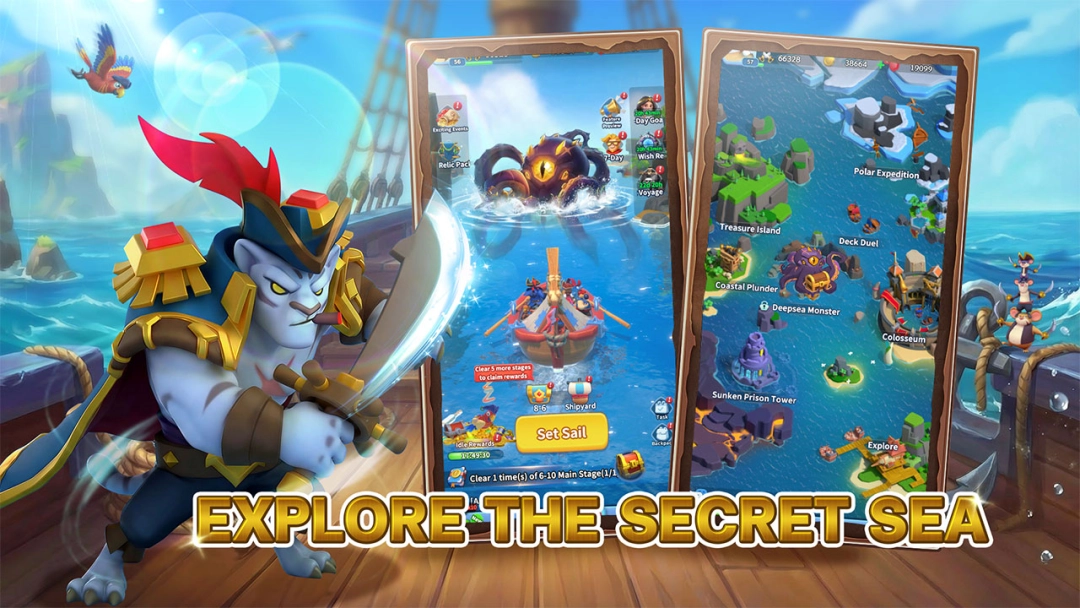
Welcome to the Age of Pirates! The journey of the starry sea sets sail today! Here, you will recruit legendary sailors with unique characteristics, and explore vast and unknown seas.
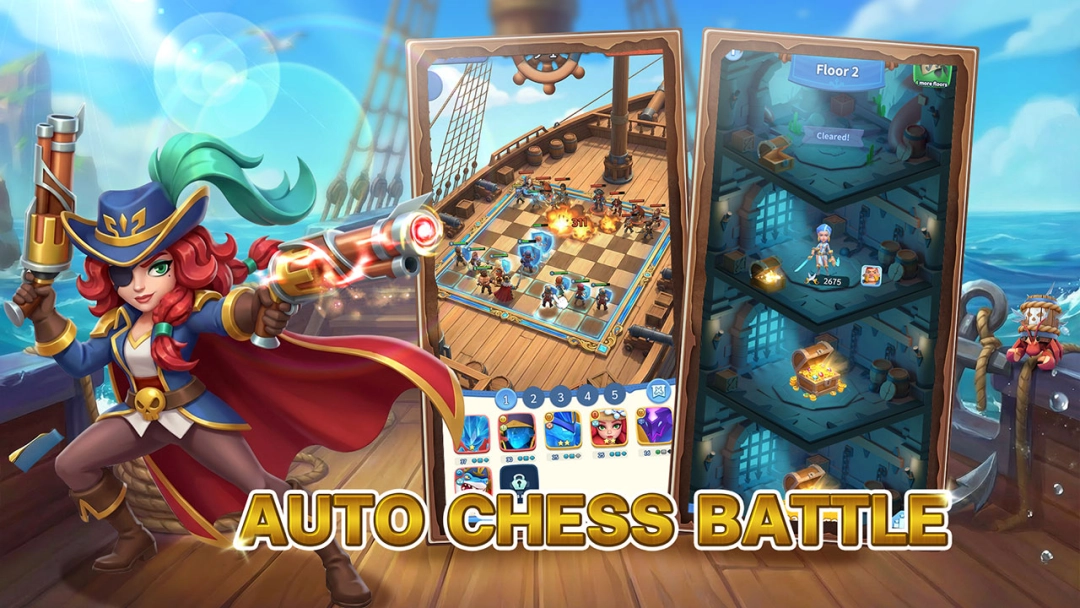
The game integrates the strategy gameplay of "Auto Chess", with ever-changing battle situations, each step testing strategy, and every voyage being a new journey.
Over 100 unique navigators are at your disposal, and you can freely combine 20+professional characteristics. Recruit and gather powerful partners, build an invincible fleet, battle dungeons, win PVP, and create your own maritime legend.
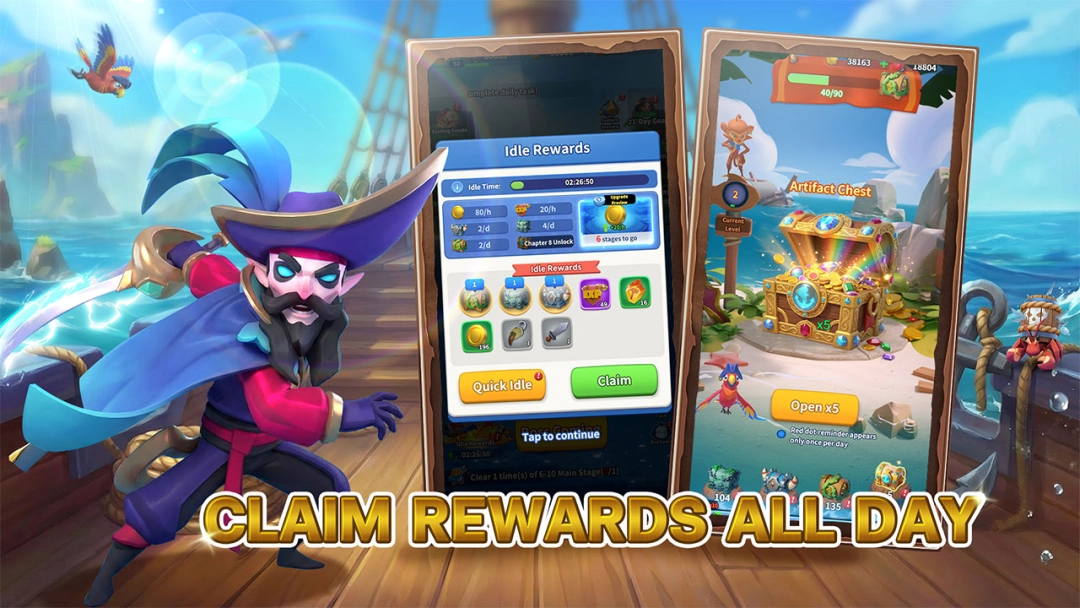
Offline can also earn rich rewards. With just one click to claim resources, you can easily enhance your combat power, allowing you to fully immerse yourself in this sailing world full of opportunities and adventures.
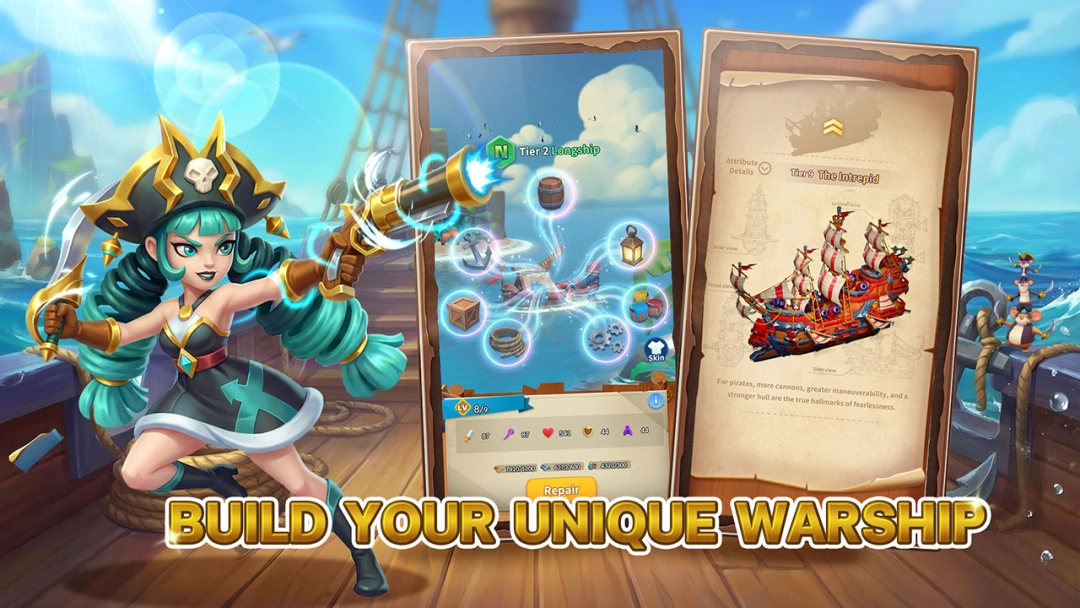
Build your own personalized boat! Show off your brand new skin and embark on your journey of sailing.
The game integrates the strategy gameplay of "Auto Chess", with ever-changing battle situations, each step testing strategy, and every voyage being a new journey.
Over 100 unique navigators are at your disposal, and you can freely combine 20+professional characteristics. Recruit and gather powerful partners, build an invincible fleet, battle dungeons, win PVP, and create your own maritime legend.
Offline can also earn rich rewards. With just one click to claim resources, you can easily enhance your combat power, allowing you to fully immerse yourself in this sailing world full of opportunities and adventures.
Build your own personalized boat! Show off your brand new skin and embark on your journey of sailing.