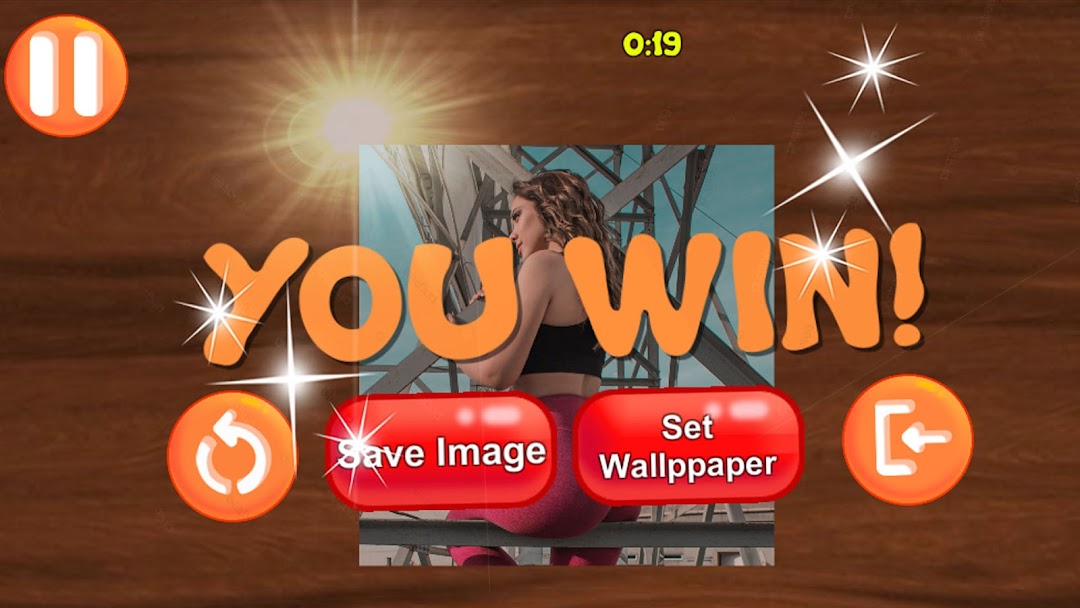
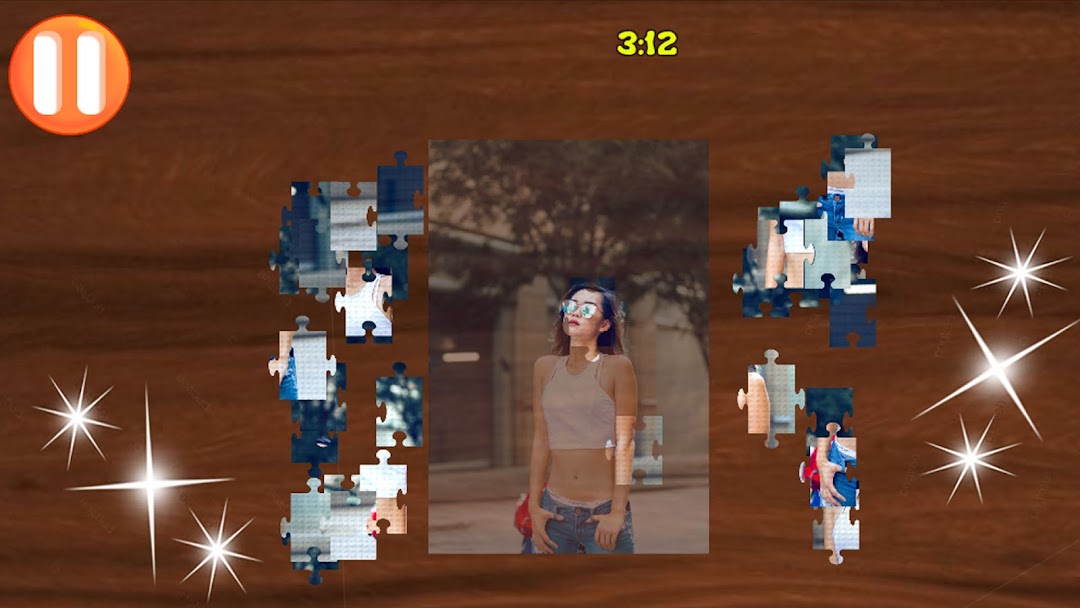
Sexy Jigsaw Girls is a Puzzle application developed by APC GAMES, but with the best Android emulator-LDPlayer, you can download and play Sexy Jigsaw Girls on your computer.
Running Sexy Jigsaw Girls on your computer allows you to browse clearly on a large screen, and controlling the application with a mouse and keyboard is much faster than using touchscreen, all while never having to worry about device battery issues.
With multi-instance and synchronization features, you can even run multiple applications and accounts on your PC.
And file sharing makes sharing images, videos, and files incredibly easy.
Download Sexy Jigsaw Girls and run it on your PC. Enjoy the large screen and high-definition quality on your PC!
Puzzle game with beautiful women.If you like beautiful women this game is for you.
Assemble the puzzles with the photos of the most beautiful and sexy women on earth.
Complete the levels before the time runs out.
Contains many puzzle levels that increase in difficulty as you progress.
"Sexy Jigsaw Girls" is a fun and challenging game. With images of beautiful and elegant women, this game offers hours of entertainment and fun as players try to put the pieces of the puzzle together.
The game features different difficulty levels from easy to hard, making it suitable for both beginners and experienced players. Also, the app includes a wide variety of beautiful images, so players will never get bored of playing the game.
The user interface is intuitive and easy to use, meaning players can start playing right away. It also has the functionality to save images or change the wallpaper of your device. Unlock the images of the most sexy and beautiful women.
Sexy Jigsaw Girls is a fun and challenging game that offers hours of entertainment and fun. With different difficulty levels, a wide variety of beautiful visuals, and an intuitive user interface, this game is a great choice for those who are looking for an exciting and challenging puzzle game.
Features:
* HD images
*Save the wallpaper with a single click.
*Change your wallpaper easily.
*Many levels.