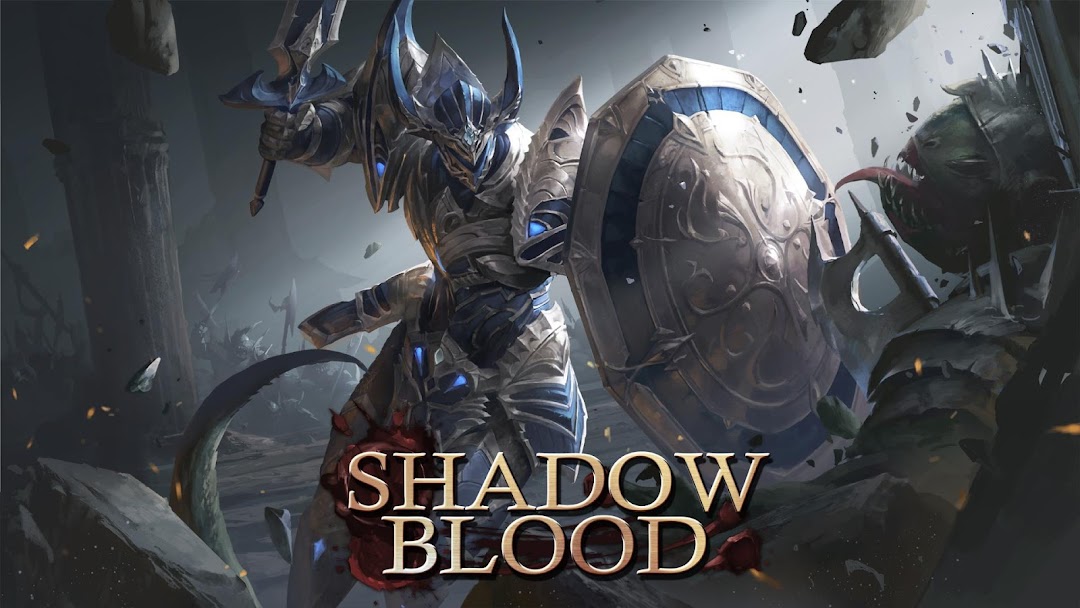


Shadowblood is a Role Playing game developed by UTPlus Interactive Inc., and LDPlayer is the best platform for playing Shadowblood on Windows PC, offering powerful features for an immersive experience.
When playing Shadowblood on PC, as a new player looking to start with a fresh account, the multi-instance and sync features are extremely useful for rerolls. You can use them to run multiple instances and begin the synchronization process. Bind your account until you draw the desired heroes.
In addition, operation recorder is great for games that require you to level up and complete tasks! Run the sync and record your actions, then repeat the main instance's actions in real-time. By doing so, you can run 2 or more accounts simultaneously. You can always get the heroes you want before others by faster rerolls and more efficient summoning! Start downloading and playing Shadowblood on your computer now!
Enjoy a limitless Action RPG with ample speed, cool skills, andsophisticated, beautifully rendered graphics
Game Characteristics
◆ Splendid and lively action
Feel the joy of triumph with continuous action
Enjoy the Action RPG with 6 attractive & unique characters
◆ Diverse Combat Features in Real-time
Be the winner in 1vs1 real-time bloody battles
Conquer the raid bosses with strategic teamplay
Enjoy a variety of rewards by attacking enemies with your elite parties
◆ Various Skills and Extensive Weapons
Experience overwhelming power by combining various skills in your own style
Become the ultimate warrior by collecting more than 3,000 types of armor and Soul stones to defeat legendary monsters
◆ Engaging Storyline within a Vast World
Save the land of Narr from Arcand, the corrupted resident dragon
Become the Shadowblood, the legendary hero, and bring peace back to the land
** This game requires the following permissions for optimal gameplay.
- Permission to save necessary game data externally
[READ_EXTERNAL_STORAGE]
** Like us on Facebook for up-to-date information and events.
Official fanpage: https://www.facebook.com/ShadowbloodGame
** Customer Support
Please contact: help@utplus.co.kr