Sheep N Sheep: match 3 tiles is a Board application developed by Chris Renner, but with the best Android emulator-LDPlayer, you can download and play Sheep N Sheep: match 3 tiles on your computer.
Running Sheep N Sheep: match 3 tiles on your computer allows you to browse clearly on a large screen, and controlling the application with a mouse and keyboard is much faster than using touchscreen, all while never having to worry about device battery issues.
With multi-instance and synchronization features, you can even run multiple applications and accounts on your PC.
And file sharing makes sharing images, videos, and files incredibly easy.
Download Sheep N Sheep: match 3 tiles and run it on your PC. Enjoy the large screen and high-definition quality on your PC!
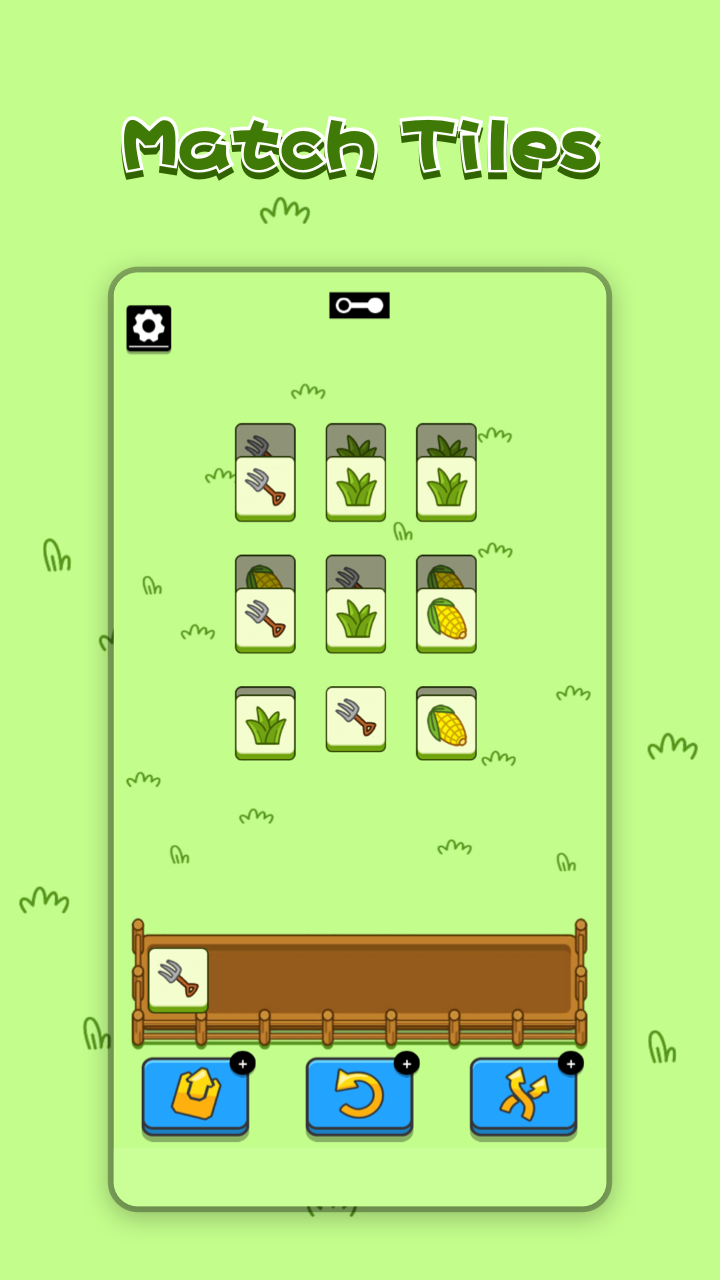
🔥Sheep N Sheep is one of the newest tile matching games. Most tile games are suitable for casual entertaining, but also help to relax after stressful studying and working hours. The rules are simple and easy to pick up. All you need is to match 3 tiles with the same vivid picture, for instance, 3 bells or 3 grass. Clear the board from all the tiles to go to the next level.Matching games can be tricky, but normally they have some common tile connect mechanics. After all, you still need to connect the tiles with pictures, right? Most free tile games have quite similar rules. And here’s ours.
👉🏻HOW TO PLAY OUR TILES GAME
You should match 3 tiles with the same image. Just tap to put them into the stack. Three same tiles will be matched and removed from the stack.
When you clear the board, you win. Keep practicing to become a real tile master one day.
You fail, if you don't get at least one merge for seven tiles in your stack. Remember: you have a maximum of seven moves to make one combination of three tiles. Each tile link move matters.
✨Sheep N Sheep FEATURES
► Match Tiles - Challenge your brain through thousands of mahjong puzzles. Puzzles start with low difficulty and become challenging fast!
► Super difficult puzzle - only 0.1% of players can solve the puzzle. Are you one of them? Come and challenge yourself!
► One new stage a day - a brand new stage will be published every day, challenge global users, and compete with the speed of clearance!
► Compete with global users - the leaderboard will display the number of players who pass the level in each region, try to pass the level to occupy the top of the leaderboard!
► Create a Calm Experience - Solve addictive yet always evolving tile-matching mahjong puzzles in a unique and calm experience.
► Relax and Have Fun - Take your time to solve the puzzles and clear the board. They are simply for your entertainment and will relax your brain.
Enjoy this tile-matching mahjong game, have a moment of peace throughout your day to calm your mind and boost your brain. Sharpen your mind with a series of tile matching levels that gradually increase puzzle difficulty.
Come back to it every day, as there is always a new daily tile matching mahjong puzzle!
Increase mindfulness, exercise your brain, challenge yourself and compete with global players. Start matching sheep tiles!
Join us on Discord: https://discord.gg/5RRdunVuqY
Join us on Facebook: https://www.facebook.com/sheepnsheep7/