Shiny Monster Evolution is a Card application developed by Quset M, but with the best Android emulator-LDPlayer, you can download and play Shiny Monster Evolution on your computer.
Running Shiny Monster Evolution on your computer allows you to browse clearly on a large screen, and controlling the application with a mouse and keyboard is much faster than using touchscreen, all while never having to worry about device battery issues.
With multi-instance and synchronization features, you can even run multiple applications and accounts on your PC.
And file sharing makes sharing images, videos, and files incredibly easy.
Download Shiny Monster Evolution and run it on your PC. Enjoy the large screen and high-definition quality on your PC!
Summon and train the monsters of your dreams in a Pokeket battle! Choose from many different types like fire, water, and plant elements. Select the attributes you want for your monster team then start battling in gyms or against other trainers to climb the leaderboards!You have to have a strategy when catching 1000+ monsters. They come in all shapes and sizes, so knowing which ones to go after is key to successfully completing your expedition! Watch this quick video tutorial to learn how to form a winning team in no time.
In the world of Pokebattle, you'll be able to battle your monster friends and foes alike in duels and serious battles. You can also participate in competitions to see who can collect more monsters before anyone else does. Monsters come in all sorts of shapes, sizes, and forms - from cute little kittens to cool dragons!
Have a good time with amazing Features below:
-Experience Pokepets from a whole new perspective
-Explore the vast and immersive monster universe
-Classic stories of memorable characters and conquer the Grand Champion!
-Battling and trading with other players
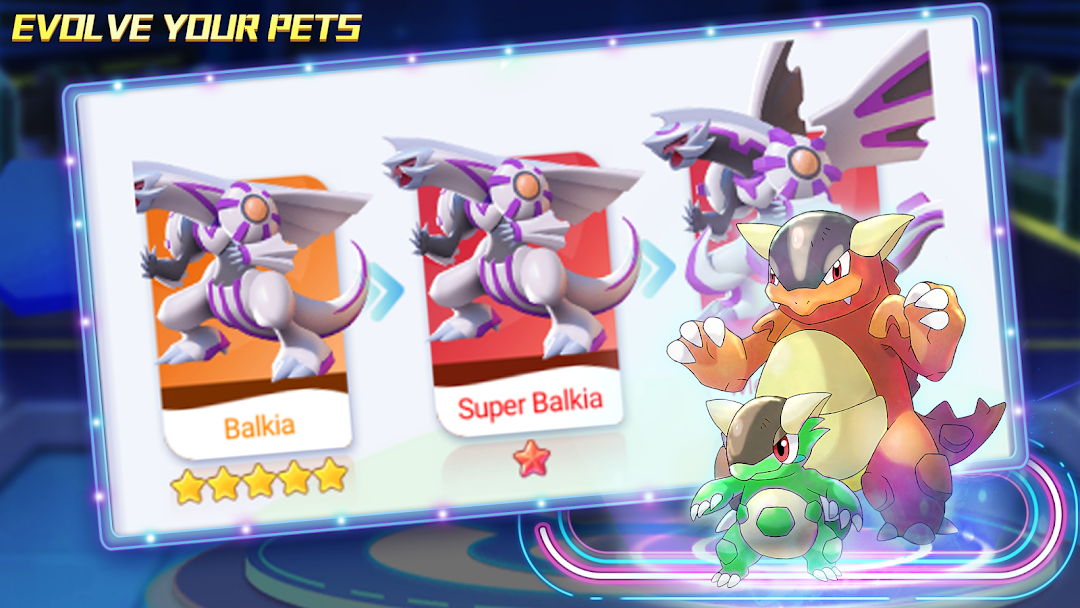
-Train your Pokepets to become powerful and evolve it into something better
-There are hundreds of monsters to conquer and collect by battling friends or completing quests.
-Battle, catch, train and trade with 1000+ Pokepets in an ACTUAL monster collection adventure game
-Battle online with fellow champions looking for recognition and fame
-Enter the new Online PvP Battle Arena
-Explore a new kingdom as you battle new enemies and catch rare pets
-RPG story game packed with battles, monsters, secrets and fun!
-This is a new RPG game that offers pure fun