

Sichuan Survival is a Board application developed by 株式会社アットパズル, but with the best Android emulator-LDPlayer, you can download and play Sichuan Survival on your computer.
Running Sichuan Survival on your computer allows you to browse clearly on a large screen, and controlling the application with a mouse and keyboard is much faster than using touchscreen, all while never having to worry about device battery issues.
With multi-instance and synchronization features, you can even run multiple applications and accounts on your PC.
And file sharing makes sharing images, videos, and files incredibly easy.
Download Sichuan Survival and run it on your PC. Enjoy the large screen and high-definition quality on your PC!
This is a kind of game called Sichuan, Four Rivers Mahjong, Shisen Sho, Mahjong Solitaire etc.Sichuan Survival is completely free of charge.
Players play to clear each level and make consecutive wins rather than to beat the clock. There are more than 11000 different puzzles in all, and all can be cleared.
Mahjong tiles are used in puzzles that start out relatively simple and easy to clear, and gradually get more difficult and have lower rates of success. All of the more than 11000 puzzles can be successfully completed.
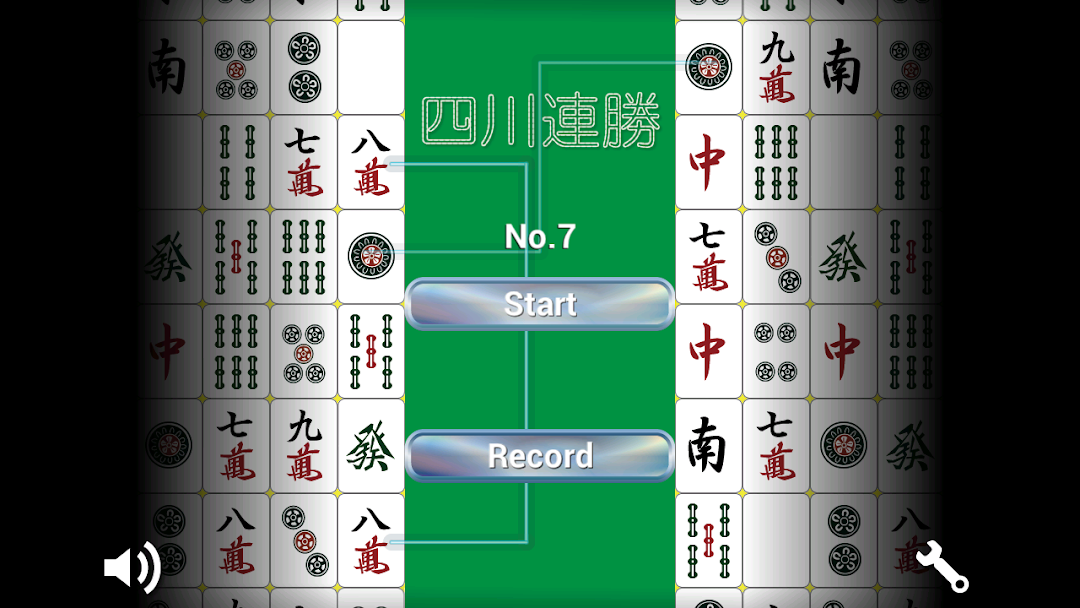
Sichuan has a tutorial and 5 courses: 50 easy, 100 regular, 1000regular, 10000 regular, and 150 difficult tasks.
Players familiar with how to play Sichuan may decide to skip the tutorial.
Players can start with any course and even change courses partway. The opening stages of each course have a small number of puzzles that are not too difficult. Level 6 is where it gets more difficult and consecutive wins are counted.
Every move is saved, so you can play for as long or as little as you like and go back to finish it up later.
There is no time limit, but you can only “undo” a move once per game, so
feel free to take your time and think carefully.
If you make a mistake, you can check an example of how the puzzle can be solved, and then try again with the knowledge that there is a solution. Along with your accumulative record for all stages and levels, you will also have records for each course and stage, and be able to check your national rankings in real time.
※Game rules
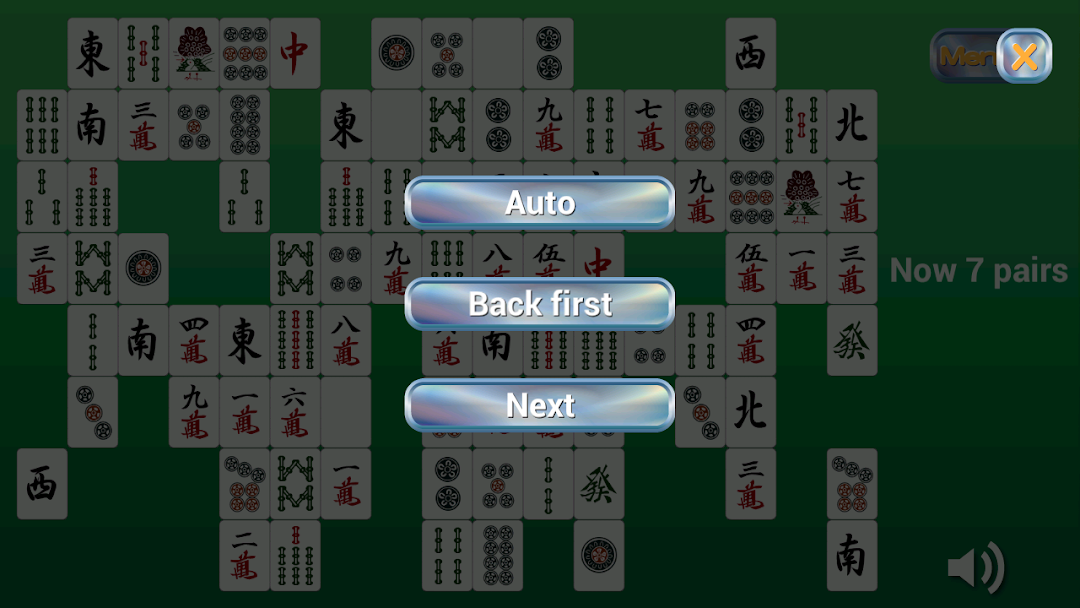
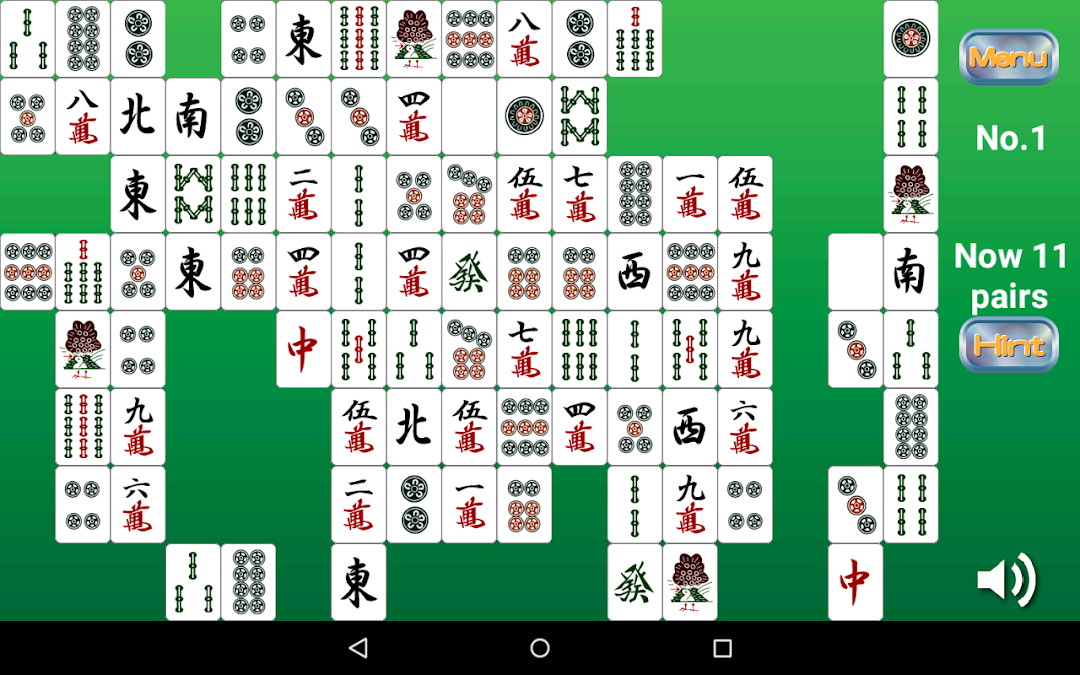
This is a standard type of puzzle game often known as Mahjong Solitaire. Two of the same tile can be linked by a straight line, uninterrupted by any tiles on the board, by making no more than two right-angle turns. The player finds the pair and clicks on both tiles. If the match is a good one, the tiles are removed from the game, making way for other pairs. The player wins when all the tiles are matched and removed. The player loses when no more pairs are possible and tiles are left on the board.
※Request
We want to continue to make improvements. Please report any bugs or other problems, and let us know your opinions of and requests for the game.
Special Thanks:
- 来夢来人 http://www.civillink.net/
- 魔王魂 http://maoudamashii.jokersounds.com/music_rule.html