Sikhville Kids Games is a Educational application developed by Vismaad INC, but with the best Android emulator-LDPlayer, you can download and play Sikhville Kids Games on your computer.
Running Sikhville Kids Games on your computer allows you to browse clearly on a large screen, and controlling the application with a mouse and keyboard is much faster than using touchscreen, all while never having to worry about device battery issues.
With multi-instance and synchronization features, you can even run multiple applications and accounts on your PC.
And file sharing makes sharing images, videos, and files incredibly easy.
Download Sikhville Kids Games and run it on your PC. Enjoy the large screen and high-definition quality on your PC!
Introducing Sikhville Kids Games – a vibrant and engaging application tailored specifically for children aged 3 to 8 years old. Bursting with multiple categories of fun and educational games, Sikhville Kids Games offers a diverse and interactive experience that captivates young minds.Embark on a colorful journey through Sikhville, where learning meets playtime in the most delightful ways. Here's what awaits your child within this captivating app:
Interactive Learning Adventures: Dive into a world of interactive learning adventures where kids can explore various aspects of Sikh culture, traditions, and values through games designed to educate and entertain.
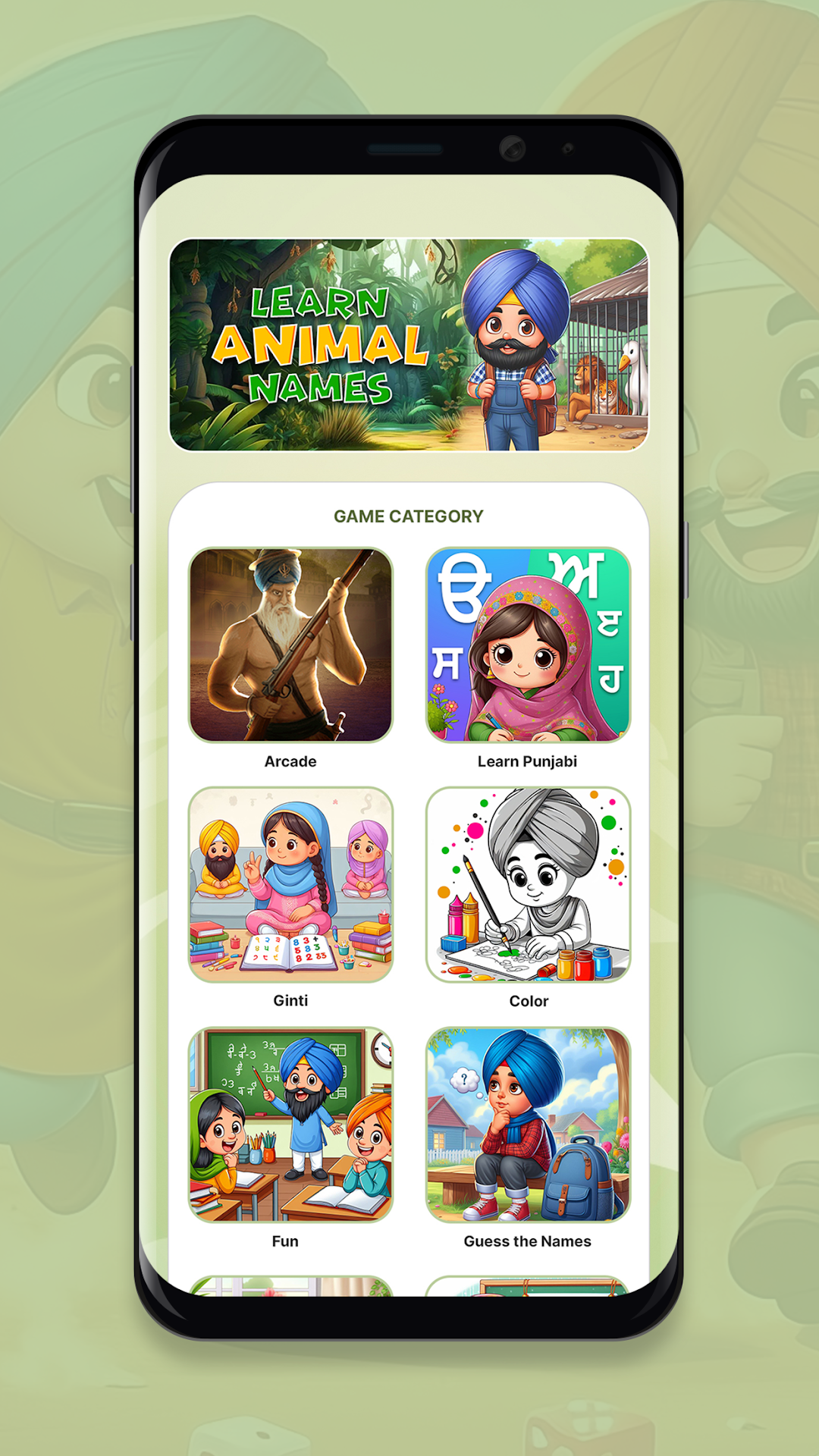
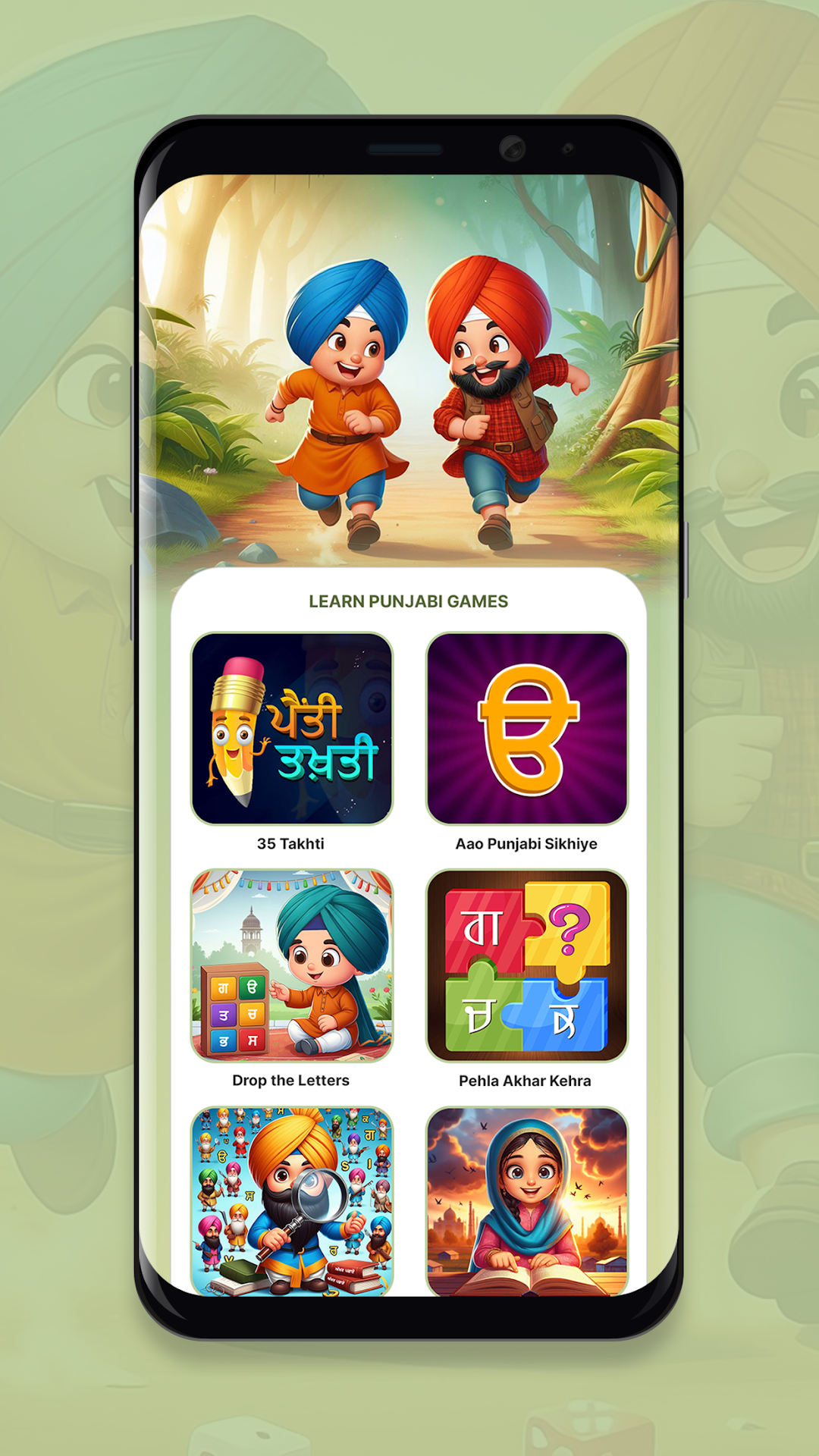
Multiple Game Categories: With a wide range of game categories to choose from, there's something for every interest and skill level. Whether your child loves puzzles, matching games, or creative activities, Sikhville Kids Games has it all.
Engaging Gameplay: Each game is thoughtfully crafted to offer engaging gameplay that stimulates creativity, problem-solving skills, and cognitive development. From solving puzzles to coloring activities, every game is designed to keep children entertained while they learn.
Kid-Friendly Interface: The intuitive and kid-friendly interface makes navigation a breeze, allowing children to independently explore the app with ease. Bright colors, charming characters, and interactive elements create an immersive experience that keeps kids coming back for more.
Educational Content: Beyond just entertainment, Sikhville Kids Games aims to provide educational content that reinforces important concepts such as numeracy, literacy, and cultural awareness. Through gameplay, children can learn about Sikh history, traditions, and values in a fun and accessible way.
Parental Controls: For peace of mind, the app includes parental controls that allow caregivers to monitor their child's progress, set time limits, and customize the experience to suit their individual needs.
With Sikhville Kids Games, learning and fun go hand in hand, empowering young learners to explore, discover, and grow in a safe and enriching environment. Join us on this exciting adventure and let the journey begin!