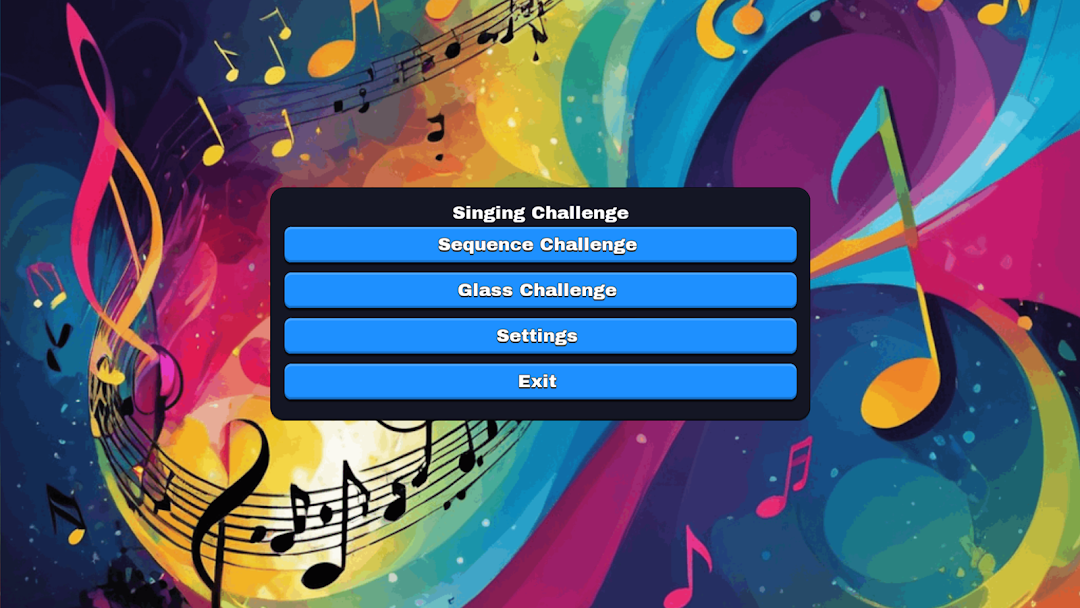
Singing Challenge is a Music application developed by gleblebedev.com, but with the best Android emulator-LDPlayer, you can download and play Singing Challenge on your computer.
Running Singing Challenge on your computer allows you to browse clearly on a large screen, and controlling the application with a mouse and keyboard is much faster than using touchscreen, all while never having to worry about device battery issues.
With multi-instance and synchronization features, you can even run multiple applications and accounts on your PC.
And file sharing makes sharing images, videos, and files incredibly easy.
Download Singing Challenge and run it on your PC. Enjoy the large screen and high-definition quality on your PC!
Unleash your inner vocalist with "Singing Challenge," the premier pitch challenge game designed for aspiring singers of all ages.Key Features:
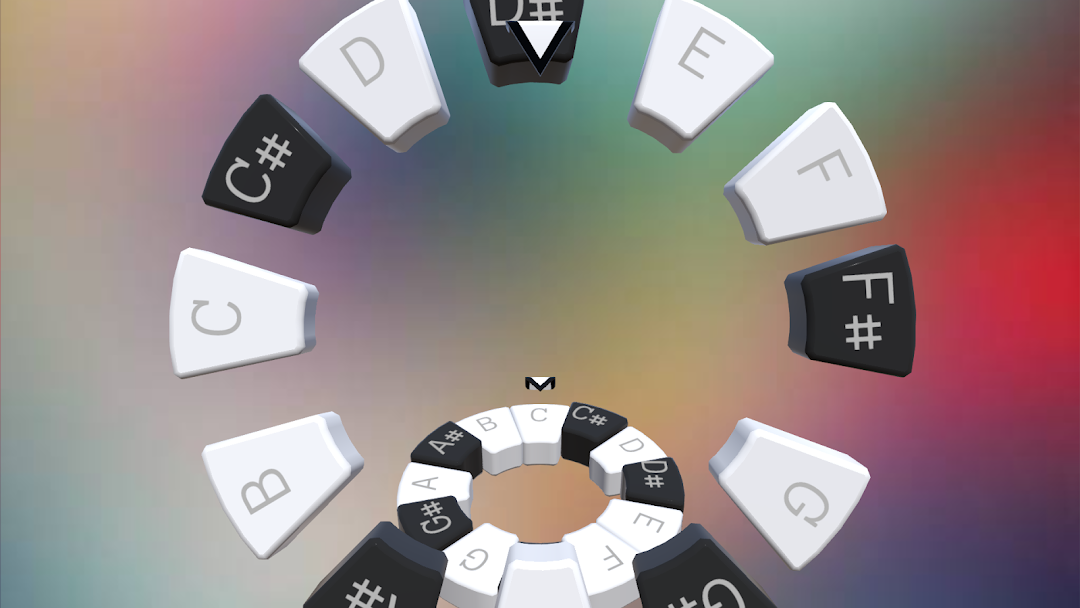
Pitch Challenge Mode: Listen to sequences of notes and sing them back accurately to advance.
Real-Time Feedback: Receive instant evaluations of your pitch accuracy to help you improve.
Progressive Levels: Start with simple melodies and progress to complex sequences as your skills develop.
Practice Mode: Hone your skills without the pressure of scoring, perfect for warm-ups and practice sessions.
User-Friendly Interface: Intuitive design ensures a seamless experience for users of all ages.
Whether you're a beginner looking to practice your singing skills or an experienced vocalist seeking a fun pitch challenge, "Singing Challenge" offers an engaging platform to test and enhance your abilities.
Join the community of singers who have taken on the "Singing Challenge" and watch your pitch accuracy soar!
Download now and start your journey to perfect pitch!