Sky Parkour 3d - Jump N Climb is a Adventure application developed by gamebiz studios, but with the best Android emulator-LDPlayer, you can download and play Sky Parkour 3d - Jump N Climb on your computer.
Running Sky Parkour 3d - Jump N Climb on your computer allows you to browse clearly on a large screen, and controlling the application with a mouse and keyboard is much faster than using touchscreen, all while never having to worry about device battery issues.
With multi-instance and synchronization features, you can even run multiple applications and accounts on your PC.
And file sharing makes sharing images, videos, and files incredibly easy.
Download Sky Parkour 3d - Jump N Climb and run it on your PC. Enjoy the large screen and high-definition quality on your PC!
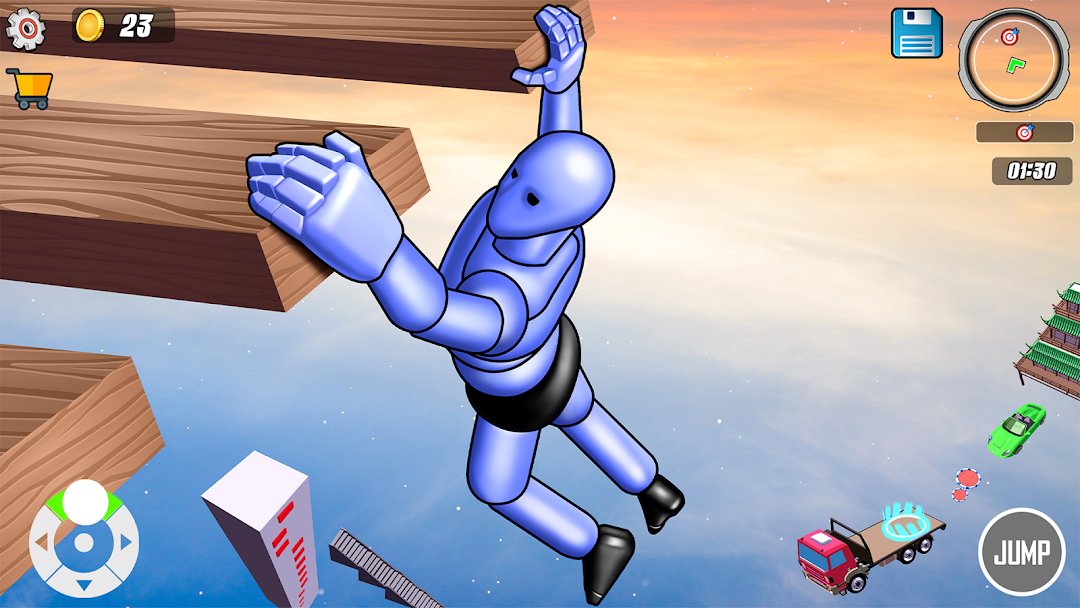
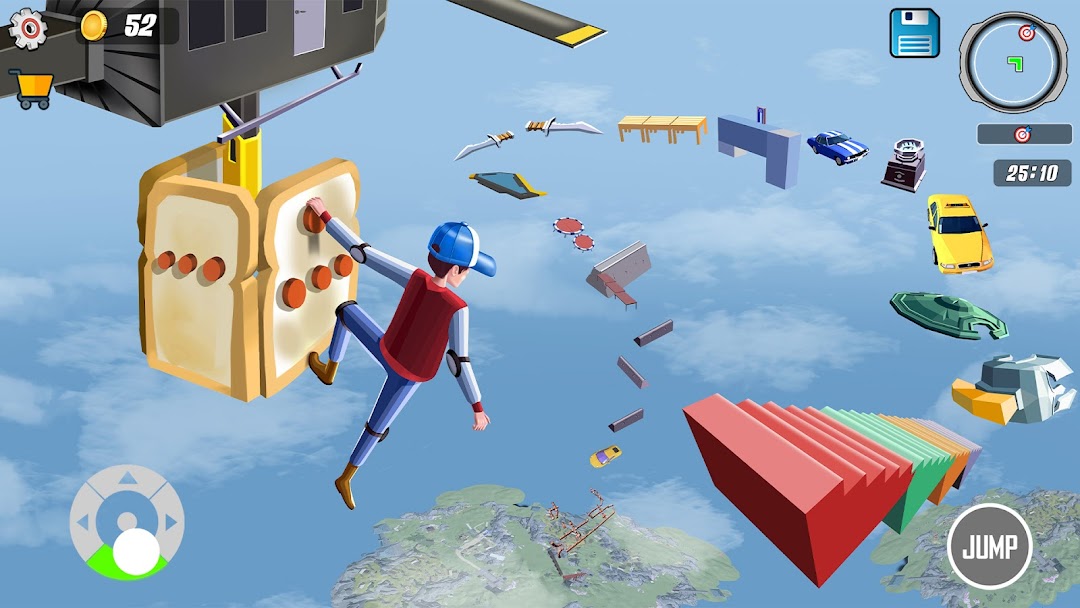
Sky Parkour 3d is the thrilling sequel to the original parkour simulation game, offering players an even more immersive and adrenaline-pumping experience. In this game, players will once again navigate through dynamic urban environments, using their agility and parkour skills to overcome obstacles, scale buildings, and perform jaw-dropping stunts. With enhanced graphics, smoother controls, and a variety of new challenges, Sky Parkour 3d takes the parkour experience to new heights.Key Features:
1. Dynamic Parkour Mechanics: Experience fluid and realistic parkour movements, including jumps, flips, wall-runs, and slides, all seamlessly integrated for smooth gameplay.
2.Customization Options: Customize your character with a variety of outfits, allowing you to personalize your parkour runner to suit your style.
3.Challenging Levels: Test your skills with progressively challenging levels, each designed to push your parkour abilities to the limit. From narrow alleyways to towering skyscrapers, every level offers a new and exciting challenge.
4. Intuitive Controls: Simple touch and swipe controls make it easy to perform complex parkour maneuvers, allowing players of all skill levels to enjoy the thrill of the chase.
5. Stunning Graphics: Immerse yourself in stunning 3D graphics and immersive sound effects that bring the city to life as you leap, vault, and soar through its streets.
Sky Parkour 3d - Jump N Climb, delivers an exhilarating parkour experience that pushes the boundaries of what's possible in a virtual urban playground. Whether you're a seasoned parkour practitioner or a newcomer to the sport, get ready to leap, climb, and soar like never before.