Slime Island: Cute games is a Adventure application developed by Hot dogs, but with the best Android emulator-LDPlayer, you can download and play Slime Island: Cute games on your computer.
Running Slime Island: Cute games on your computer allows you to browse clearly on a large screen, and controlling the application with a mouse and keyboard is much faster than using touchscreen, all while never having to worry about device battery issues.
With multi-instance and synchronization features, you can even run multiple applications and accounts on your PC.
And file sharing makes sharing images, videos, and files incredibly easy.
Download Slime Island: Cute games and run it on your PC. Enjoy the large screen and high-definition quality on your PC!
Welcome to Slime Island!Set foot on a mysterious alien world where your adventure begins among colorful creatures and glittering crystals. Slime Island invites you into a captivating simulation game where you build, explore, and collect adorable — and sometimes dangerous — slimes.
Take on the role of a brave slime farmer as you uncover hidden treasures, gather glowing gems, and construct your personal slime habitat. Explore vibrant biomes, each filled with unique challenges and kawaii-style slimes waiting to be discovered. Watch out for wild, aggressive variants that can turn your peaceful farm life into a thrilling escape mission!
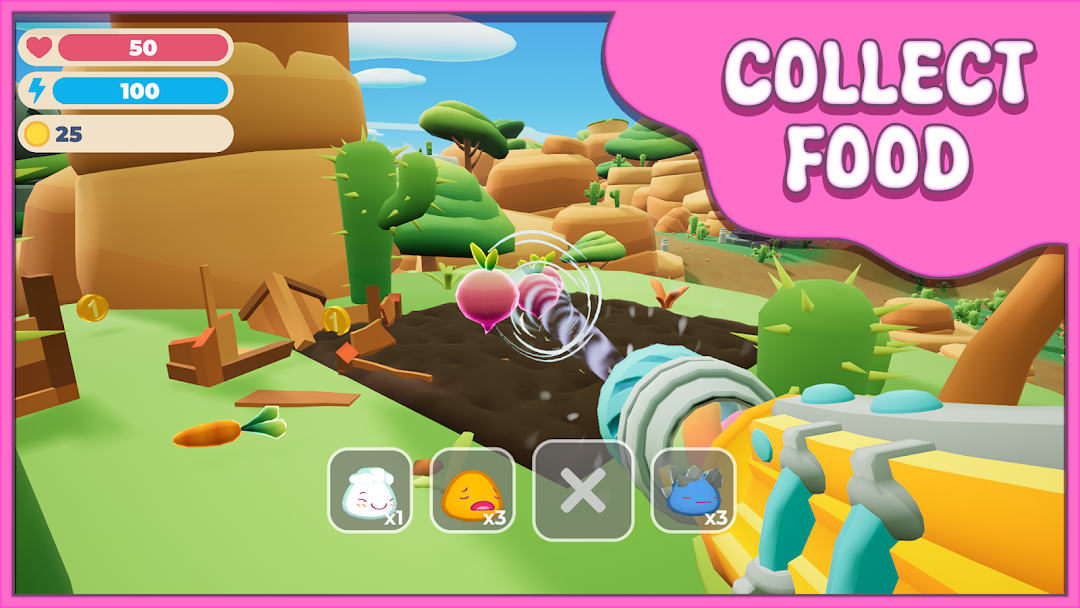
Use your jetpack to fly over the vast terrain and spot rare resources. Collect vegetables and special treats to feed your slimes and keep them happy. Build pens, upgrade your slime enclosures, and manage your growing collection to harvest valuable crystals. Trade them at the slime exchange center to expand your base and unlock new gear.
From peaceful farming to exciting exploration, Slime Island offers a rich gameplay experience full of surprises. Nurture your bouncy companions, evolve your equipment, and uncover the secrets hidden deep within the island.
Whether you’re a fan of slime games, tycoon-style simulators, or just love cute and colorful creatures, Slime Island is your next obsession. Download now and start your journey in the ultimate kawaii slime farm adventure!