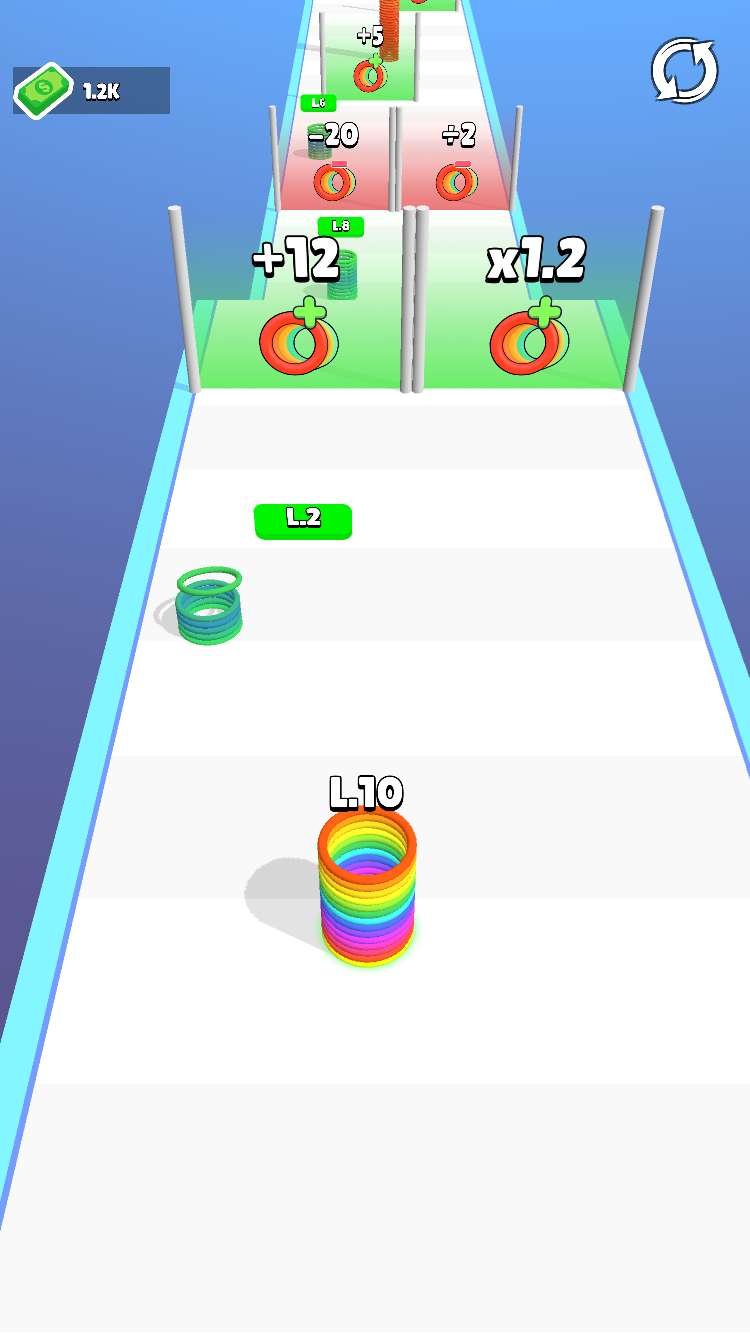
Slinky Hop is a Simulation application developed by Gameloops, but with the best Android emulator-LDPlayer, you can download and play Slinky Hop on your computer.
Running Slinky Hop on your computer allows you to browse clearly on a large screen, and controlling the application with a mouse and keyboard is much faster than using touchscreen, all while never having to worry about device battery issues.
With multi-instance and synchronization features, you can even run multiple applications and accounts on your PC.
And file sharing makes sharing images, videos, and files incredibly easy.
Download Slinky Hop and run it on your PC. Enjoy the large screen and high-definition quality on your PC!
🎮 Dive into a mesmerizing and vibrant world where you are in control of a slinky. Yes, you read that correct! Our magnificent game takes the humble slinky - the toy from your childhood - and weaves an engaging 🏅, fun-filled, and addictive game around it. Imagine a slinky springing forward with a simple tap, swerving sideways with a drag, and bolstering its size by absorbing smaller slinkies! 📈 All this while hustling its way towards the finish line 🎯 where it awaits to be flicked towards the end for maximum scores.This isn’t your regular, run-of-the-mill game; it’s a riveting mix of classic toy charm and progressive game dynamics that is certain to leave an impact. 🎰
Your task as a player is simple yet intriguing: 🎖️ have command over a slinky. The rules dictate that only the bigger, tougher, and faster slinky can navigate through this twisted track. How do you achieve that? By eating smaller slinkies, of course! 🍽️
You need to be nimble and quick, you must control the taps to carefully tread forward without losing your rhythm. 💃 Directing your slinky's movement not only adds layers to the gameplay, but also increases the emotional investment.
Steering through all the chaos, if you reach the end, you need to flick your slinky for the final score. 🏁 The farther and higher you reach, the more points you rack.
In terms of the game’s aesthetic appeal, 🎨 it’s beautifully designed. The slinky, your avatar, is brilliantly detailed and simply watching it in motion is a joy. The world that we've created is richly animated, with a beautifully designed landscape teeming with delightful colors and details. 🎇
Download it now and enjoy the beauty of nostalgia blended perfectly with the thrill of contemporary strategy gaming. 🎉