

Snake and Ladder Game-Sap Sidi is a Board application developed by Snake & Ladder Game by KeenPro, but with the best Android emulator-LDPlayer, you can download and play Snake and Ladder Game-Sap Sidi on your computer.
Running Snake and Ladder Game-Sap Sidi on your computer allows you to browse clearly on a large screen, and controlling the application with a mouse and keyboard is much faster than using touchscreen, all while never having to worry about device battery issues.
With multi-instance and synchronization features, you can even run multiple applications and accounts on your PC.
And file sharing makes sharing images, videos, and files incredibly easy.
Download Snake and Ladder Game-Sap Sidi and run it on your PC. Enjoy the large screen and high-definition quality on your PC!
I have played a lot this sap sidi game…. have you ever ?Most popular game of your childhood is here for you to play. Recollect your early days by playing Snake and Ladder game with your friends and relatives. You do not need anything for it just open the app and start playing at any place. It is a Multiplayer game to play and refresh your mood.
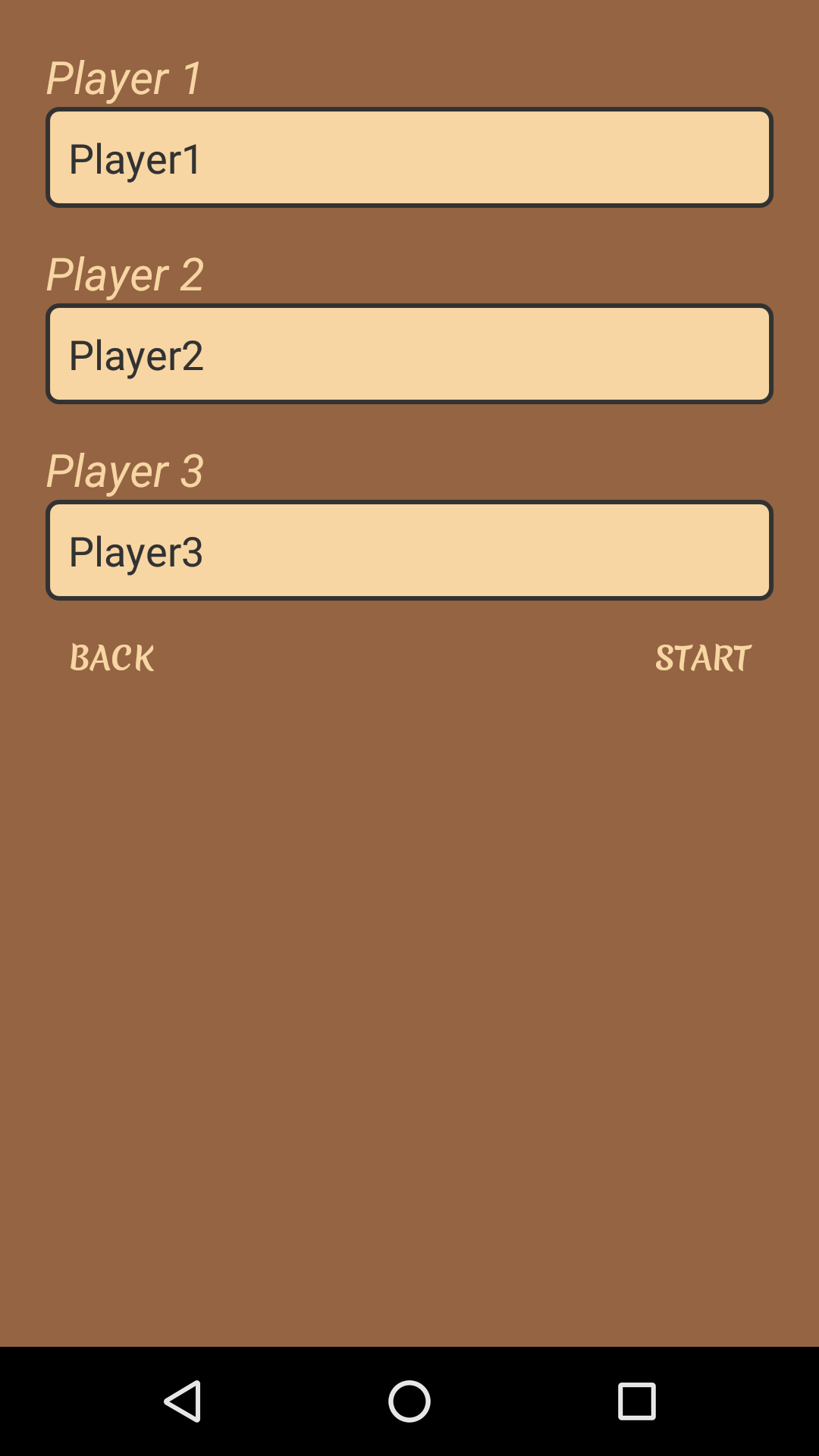
Maximum 4 players can play this Snake & Ladder Game together. There are game piece of 4 colors so the users can select their favorite one. One by one turn comes of all players to play. The player to reach first on 100th number will be the winner in the game and it’s a finish box.
Simple & Easy Steps to Play Snakes & Ladders Game
- 1st your game piece is on Start Box.
- 2nd click on the dice & play your turn.
- Than dice will show the numbers, count it and move your game kukari ahead.
- If your dice come on the ladder then directly climb up the ladder to move upwards.
- If your dice come on the snake then you will come down on downward position.
- If on dice there is six numbers then you get second turn also to roll the dice.
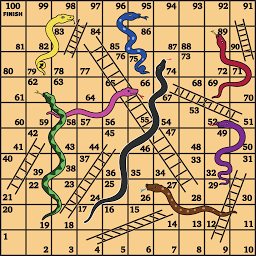
- Game starts from number 1 and ends on 100 number of the square board game.
In Snake & Ladder Game, its very exciting to go Up and Down, if the Seedi comes then player will go up and have more chances to win than other players or if Saanp comes than player will go down in position & have possibility of losing the game.
There are different types of name of this game according to place or region but rules of playing are same only. Small kids and their parents can play to spend time well on weekends or vacations. In this modern digital world play your favorite game and have fun.
So just download this “SAP SIDI Game” and start playing with your nearest and dearest.