Solitaire - Farm is a Card application developed by Connect Word Games, but with the best Android emulator-LDPlayer, you can download and play Solitaire - Farm on your computer.
Running Solitaire - Farm on your computer allows you to browse clearly on a large screen, and controlling the application with a mouse and keyboard is much faster than using touchscreen, all while never having to worry about device battery issues.
With multi-instance and synchronization features, you can even run multiple applications and accounts on your PC.
And file sharing makes sharing images, videos, and files incredibly easy.
Download Solitaire - Farm and run it on your PC. Enjoy the large screen and high-definition quality on your PC!
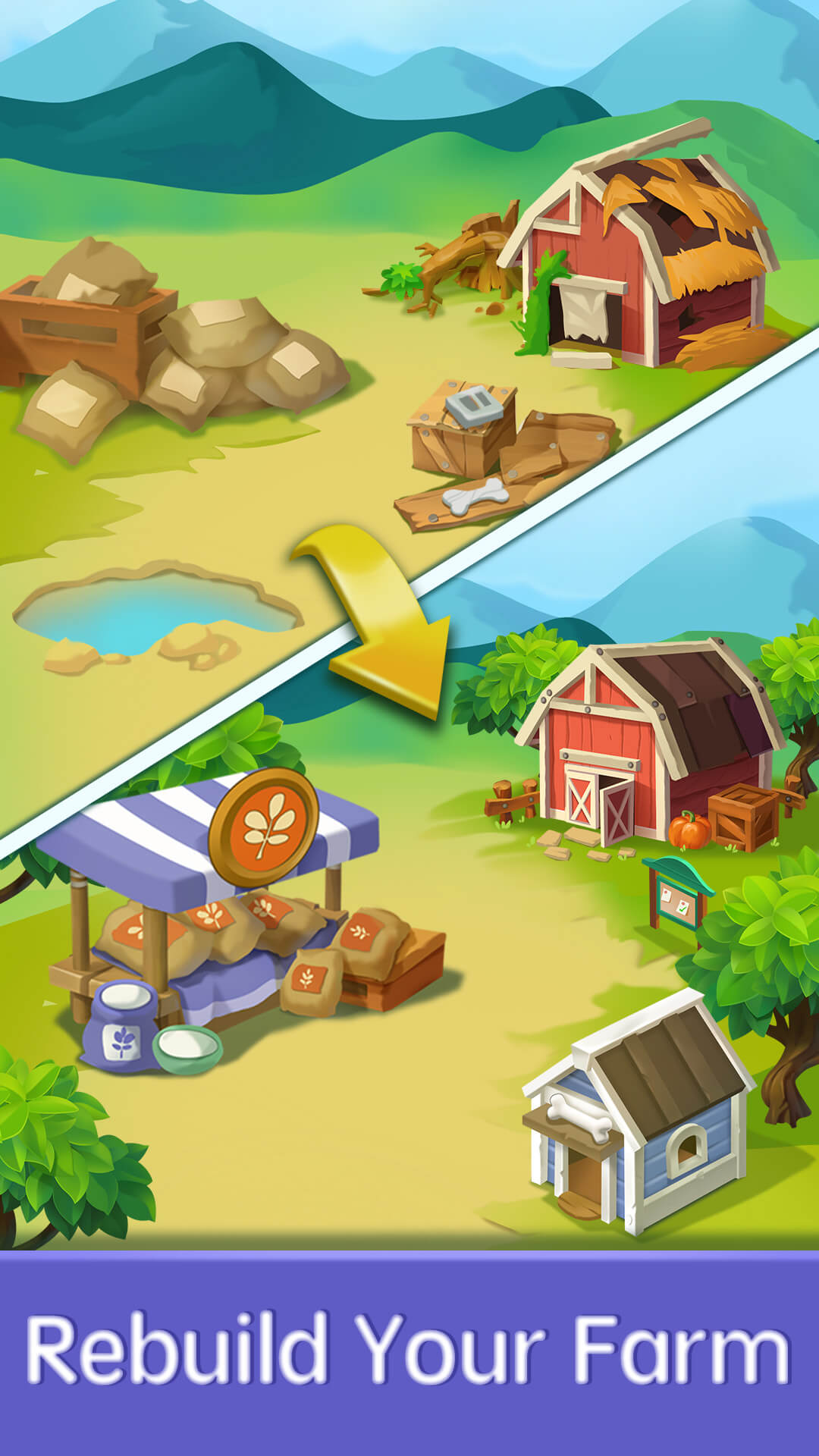
Time to rest for a while! Let’s play Solitaire Farm for endless fun!Solitaire Farm is a classic card game with surprised farm theme. Immerse yourself in idyllic solitaire world by collecting dozens of cute animals and rebuilding your farm. Train your brain, enjoy yourself in this solitaire world and forget other worries.
♠Play real solitaire free in idyllic solitaire world
♠More than twenty animals to unlock
♠Up to 6 farms of varying scenery
♠Choose 1-card mode or 3-card mode at will
♠Unlimited free undo and hint help with your problems during solitaire game
♠No network required! Play anytime, anywhere
♠Auto complete to help free your hands
You can collect dozens of different animal to fill up your farm. Cute animals will live happily on your farm. In the meanwhile, You can rebuild your farm step by step in up to 6 scenarios and experience a different farm scenery. More animal and scenes will be added to the game in subsequent updates. So just download the game and enjoy it.
Whether you are a veteran of card games or not, you can have a lot of fun in this game. Many cute animals and a variety of scenes are waiting for you here, let's join the world idyllic solitaire world and build your own farm.
We will keep the game continuously maintained and updated, and your valuable feedback is very important for us to follow up. If you have any suggestions for our game, please send us an email at tsanglouis58@gmail.com.