Solitaire Fish is a Card application developed by LinkDesks - Jewel Games Star, but with the best Android emulator-LDPlayer, you can download and play Solitaire Fish on your computer.
Running Solitaire Fish on your computer allows you to browse clearly on a large screen, and controlling the application with a mouse and keyboard is much faster than using touchscreen, all while never having to worry about device battery issues.
With multi-instance and synchronization features, you can even run multiple applications and accounts on your PC.
And file sharing makes sharing images, videos, and files incredibly easy.
Download Solitaire Fish and run it on your PC. Enjoy the large screen and high-definition quality on your PC!
🐟 The fish need your help! It’s up to you to stage a rescue!🐠 New way to Solitaire card game in an underwater world!
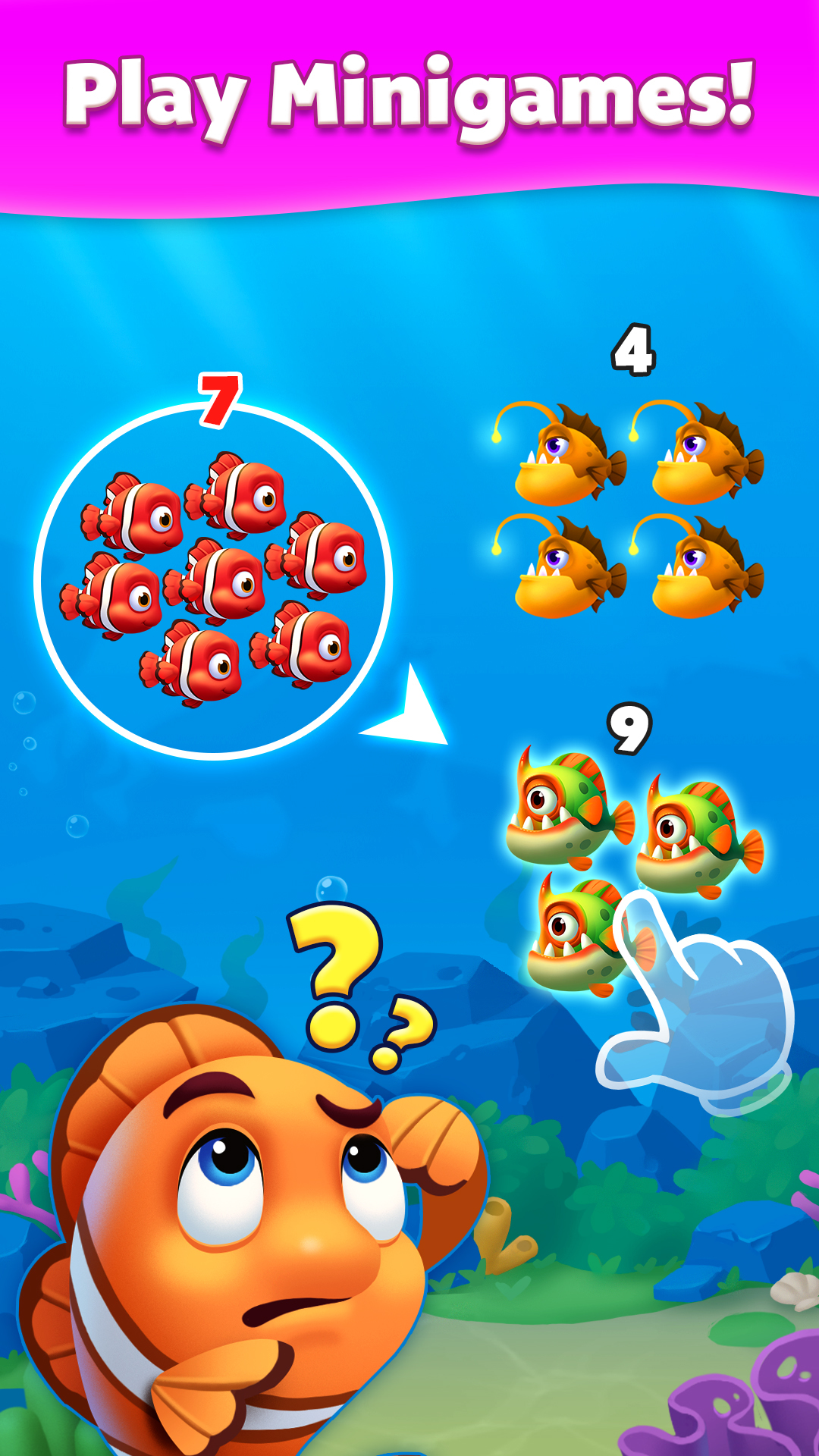
Solitaire Fish is not just a solitaire card game! Shuffle the cards and save your fish from exciting puzzle mini-games! Play cards and build a comfy aquarium for your lovely fish!
Remain the classic solitaire but with creative all-in-one free gameplay!
⭐️ Popular Solitaire card game
⭐️ Diverse fun fish rescue mini-games
⭐️ Home design for your lovely fish
⭐️ Aquarium simulator to feed your fish
⭐️ Make your underwater dreams come true
GAME FEATURES
♥ Classic Solitaire card games
♥ Fun puzzle minigames
♥ Playable Offline & Free
♥ Unlimited free undo
♥ Unlimited free hints
♥ Autocomplete feature
♥ Left-Hand mode
♥ 100% Winnable Solitaire
♥ 1 card mode or 3 cards mode
♥ Crisp and easy-to-read cards
♥ Customizable card theme
♥ Lucky card for free coins
♥ Collection of lovely fish
♥ Decoration of own aquariums
♥ Beautiful graphic design
Enjoy your favorite gameplay! Solitaire card game to create your dream aquarium with dozens of adorable fish! Train your brain and eliminate all boredom with the relaxing ocean theme!
💡 We want to hear from you! Any feedback on Solitaire Fish free game, please contact us at: SolitaireOcean@linkdesks.com
🌈 A big THANK YOU goes out to our beloved players!