Solitaire Story is a Card application developed by Solitaire Card Games Classic, but with the best Android emulator-LDPlayer, you can download and play Solitaire Story on your computer.
Running Solitaire Story on your computer allows you to browse clearly on a large screen, and controlling the application with a mouse and keyboard is much faster than using touchscreen, all while never having to worry about device battery issues.
With multi-instance and synchronization features, you can even run multiple applications and accounts on your PC.
And file sharing makes sharing images, videos, and files incredibly easy.
Download Solitaire Story and run it on your PC. Enjoy the large screen and high-definition quality on your PC!
🚀 Solitaire Game x Rescue Story Episode 💥All-new Classic Solitaire card game, enriched with thrilling story episodes! 👻
HURRY UP! 😱 The fate of the rescue mission lies in your hands! Your friends in Solitaire Story are counting on your aid! 🏃♂️
🆘✅ Your Rescue Mission is Clear:
① Train your brain and conquer Solitaire card game.
② Win card deals to help your friends in the storyline.
③ Fix problems, mend broken story situations.
④ Let your warm-heartedness shine as you restore harmony!
🔮 Follow the storyline and get ready to face a series of intriguing stories:
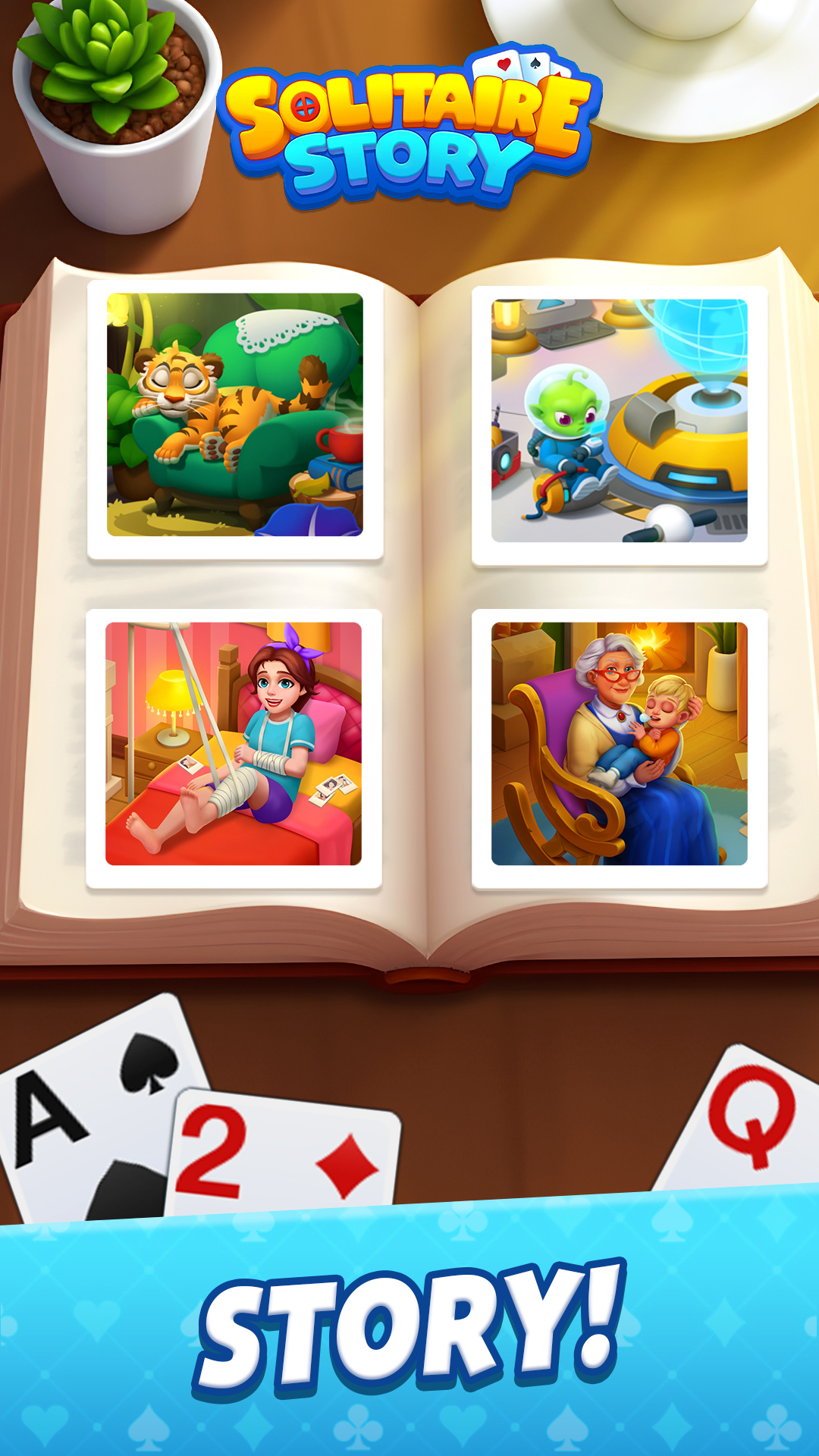
From a struggling family 😭 and heartbroken lady 💔 to a lonely tiger 🐯, thirsty fish 🐟, and endangered animals 🐼... and so on 👽
They're all desperately counting on YOUR HELP! 💡
🧩 Game's Highlights
♣ Classic Solitaire card game
♣ Follow the fun stories
♣ Easy but addictive game
♣ Unlock new story episodes
♣ 100% free to play game
♣ Sharpen your brain and find joy.
♣ Perfect time killer and IQ boost.
♣ Exciting challenge & events
♣ Customizable card themes
♣ Customizable backgrounds
♣ Unlimited free undo
♣ Crisp and easy-to-read cards
♣ 1-card or 3-card flip mode
♣ Playable online and offline
♣ No internet, no wifi required
♣ Both online and offline playable.
📬 Contact Solitaire Story support team at: SolitaireStory@linkdesks.com
Wait no more! 🔥 Roll up your sleeves and start the Solitaire Story rescue mission! 🤸♀️