Sort Ball Garden is a Casual game developed by ENP Games. LDPlayer is the best platform for playing Sort Ball Garden on Windows PC, offering powerful features to enhance your immersive experience in Sort Ball Garden.
When playing Sort Ball Garden on your computer, if you find repetitive actions or tasks tedious and time-consuming, fret not! Macro can alleviate your concerns. Simply record your actions with a click of the screen recording feature and let macros take care of the rest. Macros automate your operations, allowing you to effortlessly conquer the game with minimal effort! Start downloading and playing Sort Ball Garden on your computer now!
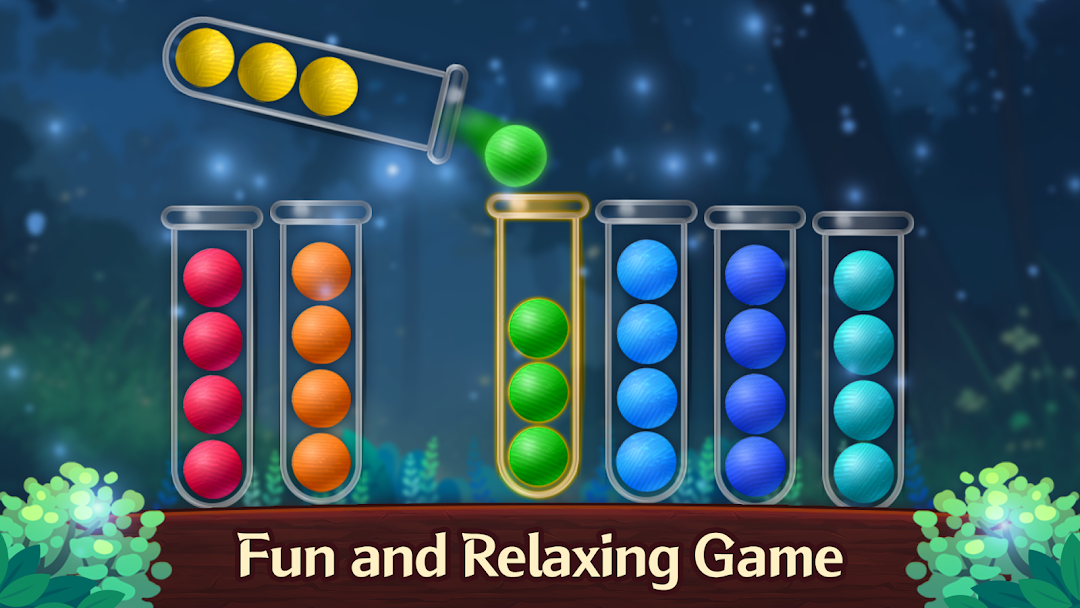
Enjoy the game Sort Ball GardenAre you tired of ordinary sorting games? Sort Ball Garden is here for you!
In this fun and relaxing game, a flowerpot collection is prepared just for you.🪴
Play the game and collect your very own special flowerpot.✨
Don't worry! Of course, there are thousands of sorting ball levels prepared just for you as well😎
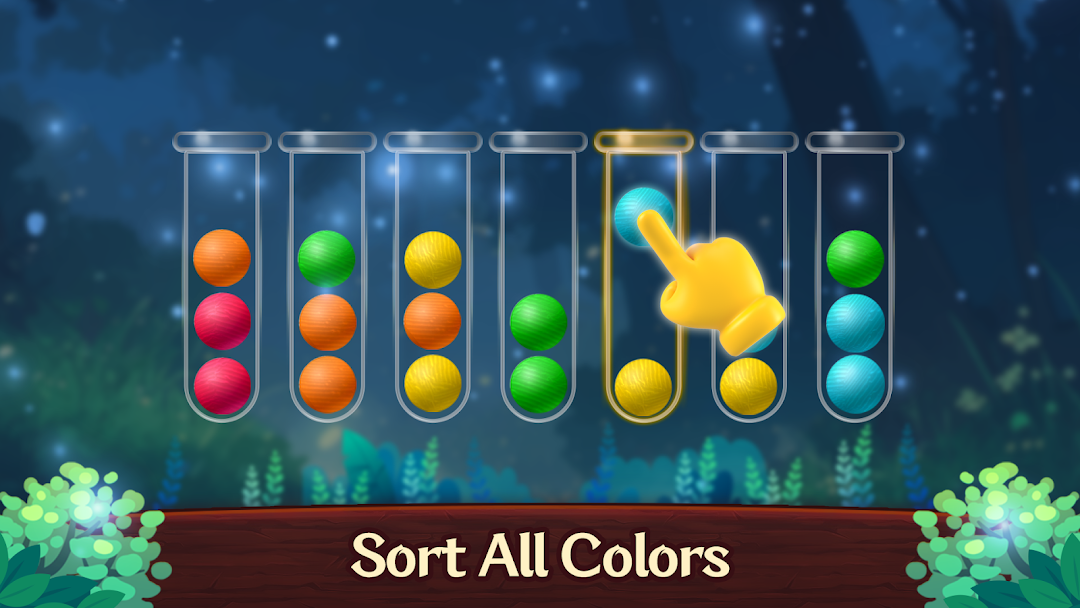
🟡 Tap any bottle to pick up the top ball, then tap another bottle to move the ball into it.
🟢 You can only stack the ball into a bottle with the same color ball on top and enough space.
🟤 Add an extra bottle if you get stuck.
⚫ Try using various items like Revert, Hint, Shuffle, and Automatic Movement to clear the game.
🔴 When balls of the same color are sorted into a single bottle, you win!
🪴The flowerpot collection just for you
🆓 Absolutely FREE color sorting game
🤩 One-finger control, just tap to sort the ball
🥳 Thousands of levels to challenge, varying difficulty & infinite joy
⏳ NO TIMER, enjoy Sort Ball Garden at your own pace
▶️ NO penalties, you can restart your current level at any time
🧠 Train your brain in relaxing games
🎮 Simple but Addictive gameplay
📶 OFFLINE game, no need for network connection
☕ Family Game, suitable for all ages
It's a free app, but it includes in-game currency, items, and paid products such as removing advertisements.
Front, banner, and visual advertising.
✉ Customer Service: enp_cs@enpgames.co.kr