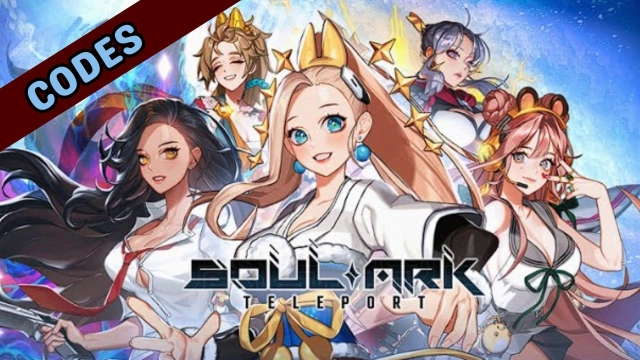
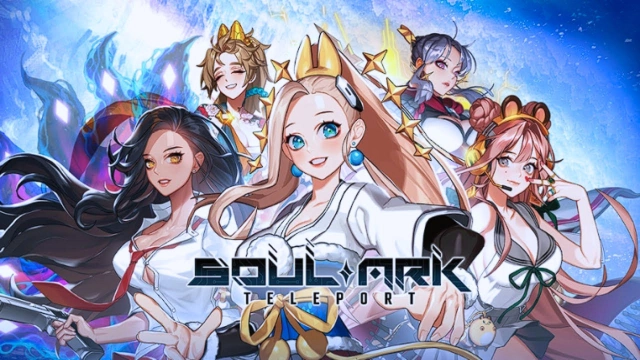
SoulArk : Teleport is a Role Playing game developed by Supermagic, and LDPlayer is the best platform for playing SoulArk : Teleport on Windows PC, offering powerful features for an immersive experience.
When playing SoulArk : Teleport on PC, as a new player looking to start with a fresh account, the multi-instance and sync features are extremely useful for rerolls. You can use them to run multiple instances and begin the synchronization process. Bind your account until you draw the desired heroes.
In addition, operation recorder is great for games that require you to level up and complete tasks! Run the sync and record your actions, then repeat the main instance's actions in real-time. By doing so, you can run 2 or more accounts simultaneously. You can always get the heroes you want before others by faster rerolls and more efficient summoning! Start downloading and playing SoulArk : Teleport on your computer now!
The one to seize the Soul Ark shall seize the World!Join the grand journey of finding the SOUL ARK!
The brand new genre of RPG, full of exciting battles!
Experience the random matching battles with Soul Ark!
■ Unpredictable Teleport! Unpredictable Battles!
- Experience the random battles and events!
- Engage in battles with your strategic team formation!
- Enjoy the exciting battles full of unexpected events!
■ Epic Characters! Collect & Grow!
- Meet the 50+ breathtaking characters from the Soul Ark!
- Feel the liveliness of the characters' stories!
- Build the team with your favorite characters!
- Dive into the attractive RPG stories that will unfold!
■ Prove Your Skills in the Brutal PvP & PvE!
Story Mode: Go on the Journey searching for the Soul Ark!
Adventure Mode: Grow your Team and challenge each Stage!
Arena: Outsmart the others and seize the glory!
Soul Ark! All about exciting events and strategies!
■ Endless Contents! The Fun Never Ends!
- Push your team to the limit! Infinity Train!
- Be the first to defeat the enemies! Net Sphere: Siege!
- Overcome the powerful Bosses! Boss Expedition!
- Bonus Rewards from the Gift PomPom!
Teleport Now with your Favorite Characters!
Next-level Random Matching RPG! [Soul Ark: Teleport]
■ Android 7.0 or above recommended.
■ Customer Center Reception: help@supermagic.io
■ Operating Policy
- Terms of Service: https://www.supermagic.io/10062/prod/terms-of-service/en/index.html
- Privacy Policy: https://www.supermagic.io/10062/prod/privacy-policy/en/index.html