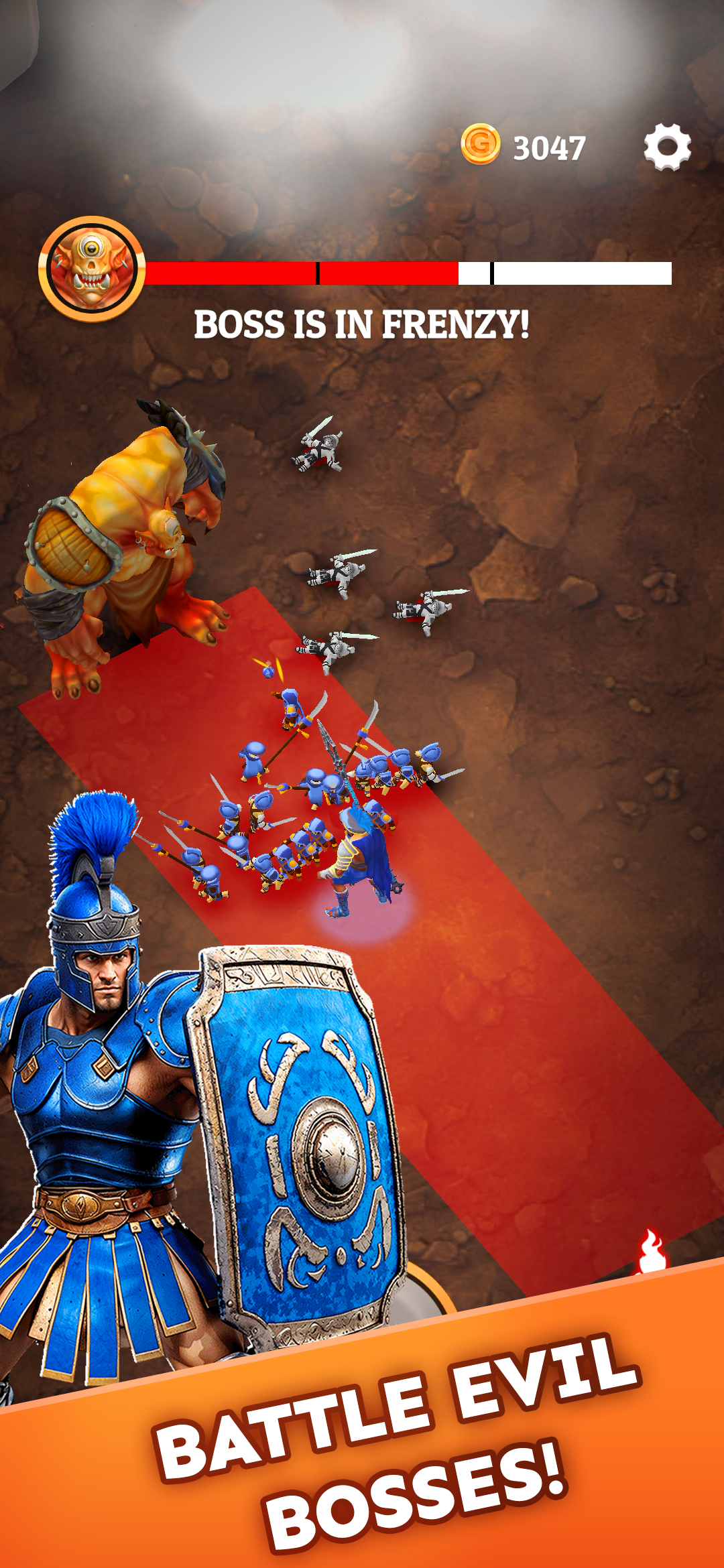
Soulbound Legions: Battle RPG is a Action game developed by Geewa, and LDPlayer is the best platform for playing Soulbound Legions: Battle RPG on PC, offering powerful features to immerse you in the game.
When playing Soulbound Legions: Battle RPG on computer, you can adjust frame rate settings for smooth gameplay and stunning visuals.
LDPlayer also provides pre-configured keyboard mapping for convenient control of the entire game. Continuous optimization of keyboard mapping enhances key sensitivity and skill accuracy. Additionally, LDPlayer offers special buttons like shoot, hide mouse, and continuous key press for an enhanced gaming experience.
If you prefer using a gamepad, the automatic gamepad detection allows you to customize controls with just a few clicks, enabling you to freely maneuver your hero. Start downloading and playing Soulbound Legions: Battle RPG on your computer now!
Embark on an Epic Journey with Historical Heroes in Soulbound Legions!Lead Spartacus and other legendary heroes through a world ravaged by war and monstrous threats. Soulbound Legions combines strategy, survival, and epic battles where every soul you collect and hero you summon strengthens your quest for dominance.
Key Features:
👻 Harvest Souls & Revive Legendary Warriors
Gather souls from fallen enemies to summon and upgrade units from three distinct civilizations: Romans, Japanese, Atlantians and Norse. Build a diverse and unstoppable force with heroes and soldiers from history and myth!
🌀 Summon Through the Portal
Use portal stones to summon new heroes and soldiers through the mystical summoning portal. Collect faction tokens to level up your units and bring out their full potential.
🎖️ Choose Powerful Perks & Abilities
Strategize during battles by selecting from a variety of skills and perks. Empower your heroes and soldiers, and shift the tide in your favor.
⚔️ Epic Real-Time Battles Against Hordes and Bosses
Face relentless waves of enemies, culminating in challenging boss fights. Deploy your units strategically, adapting your approach to each enemy and encounter.
🎮 Collect, Upgrade, and Customize
Unlock a vast array of units and heroes, then upgrade and customize them to suit your playstyle. Experiment with different setups for unique, ever-evolving gameplay.