Space Rage: Spaceship Shooter is a Arcade application developed by Runelorde Games Studios, but with the best Android emulator-LDPlayer, you can download and play Space Rage: Spaceship Shooter on your computer.
Running Space Rage: Spaceship Shooter on your computer allows you to browse clearly on a large screen, and controlling the application with a mouse and keyboard is much faster than using touchscreen, all while never having to worry about device battery issues.
With multi-instance and synchronization features, you can even run multiple applications and accounts on your PC.
And file sharing makes sharing images, videos, and files incredibly easy.
Download Space Rage: Spaceship Shooter and run it on your PC. Enjoy the large screen and high-definition quality on your PC!
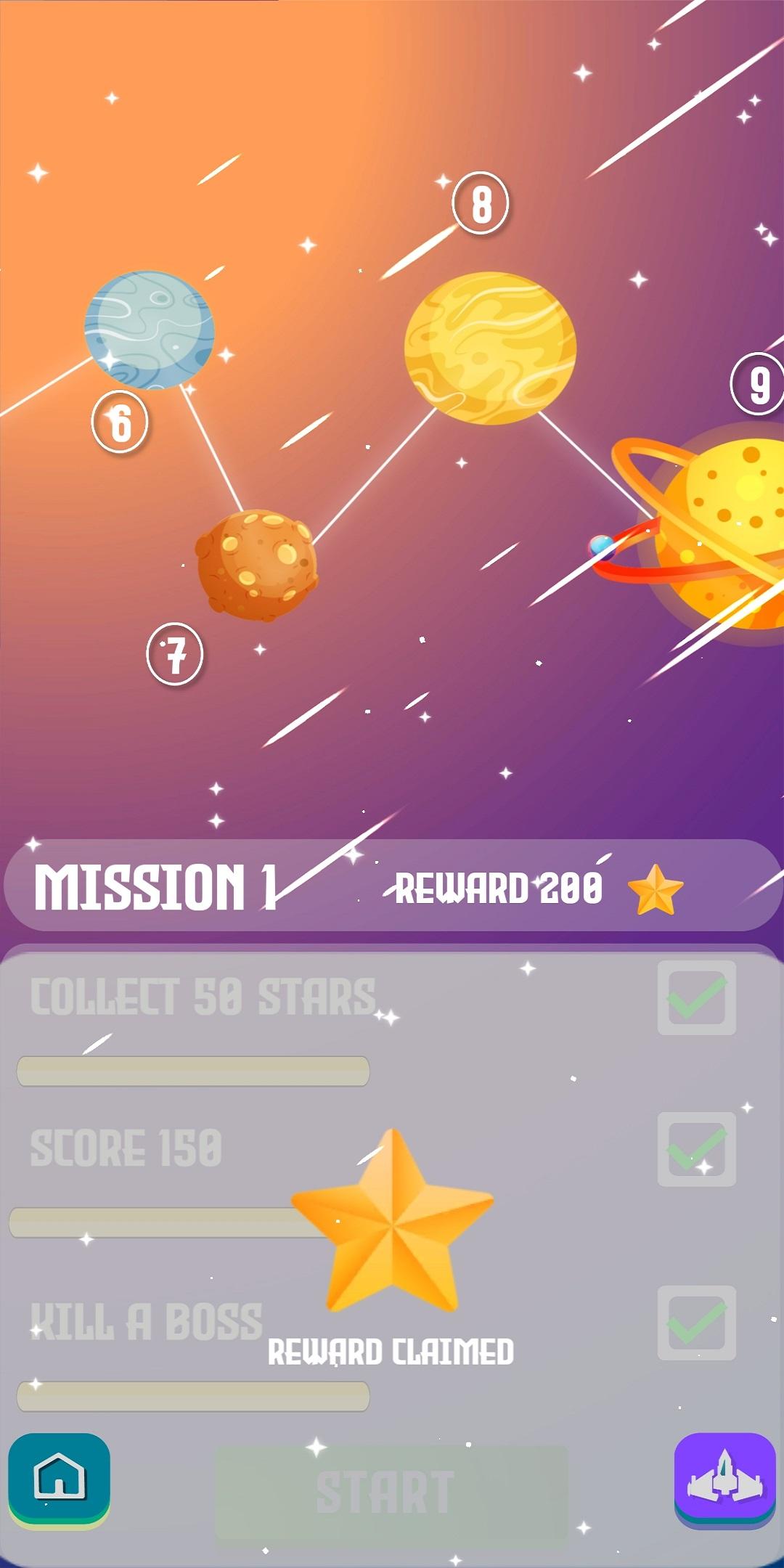
Alert, space soldier! The galaxy is under attack and you must do everything in your power to drive off and kill the invader. So, what are you waiting for? Take your spaceship out for a breathtaking space shooting adventure with the brand new space war game. Save the universe from an impending war by putting your shooting skills to use. Lock your target on enemy’s spaceships and kill them all by tapping on screen and shooting each one of them. Try the game today!Spaceship shooting game
Do you love spaceships which can kill? Are you good at shooting? Exhibit your shooting skills and impress your friends and family members by playing and winning different levels on this galaxy shooting game. Choose a spaceship and tap on the screen to aim and shoot your targets.
Prevent space invasion
The new game offers lifelike spaceship simulator graphics. With a thrilling background and appealing graphics, this game is designed to offer you a breathtaking space war experience. Feel the adrenaline rush in your bones as you progress from killing one enemy to the next one in one go!
Fight space overlords
Think you can take down a super villain on your own? The new space war game has terrifying space super villains and you must kill them all to save the galaxy from the impending war. Shoot and kill space overlords in steamy one-offs!
Unlock new game boosts
Our challenging galaxy war can easily become too much to handle. Afraid that you might miss a shot and lose the game? Don’t worry! Keep a track of your life meter and collect coins to refill your life and continue fighting without getting yourself killed in the war. Swipe right and left on the screen to escape comets.
How to play Space Rage: Spaceship Shooter 2020 Games
• Download and launch the space invasion game
• Hit the play button and enter spaceship simulator
• Swipe left or right on screen to control your space ship
• Tap on the screen to kill galaxy war enemies
• Collect space coins and use them to unlock new spaceships
• View life from life meter and fight space attack
• Fight and kill spaceship shooting overlords
• Become a winner!
Features of Space Rage: Spaceship Shooter 2020 Games:
• Simple and easy spaceship shooting UI/UX
• Hassle-free space attack gaming controls and clean layout
• Lifelike spaceship simulator game featuring stunning graphics
• Stunning galaxy war attacks and challenging levels
• Fight spaceship invasion overlords to become the ultimate winner
• Quick and easy screen swiping controls to control your space ship
• View your life from the heart meter available on screen
• Challenging space invaders and comets to fight with
• View the space overlord life meter and kill them by shooting them
• Single tap pause/play and volume controls
• Play game at anytime from anywhere
Would you like to become a space superhero by preventing space attack and fighting the enemy? Gear up to enter a challenging space invasion and fight off the enemy to save the galaxy. Download and play Space Rage: Spaceship Shooter 2020 Games today!