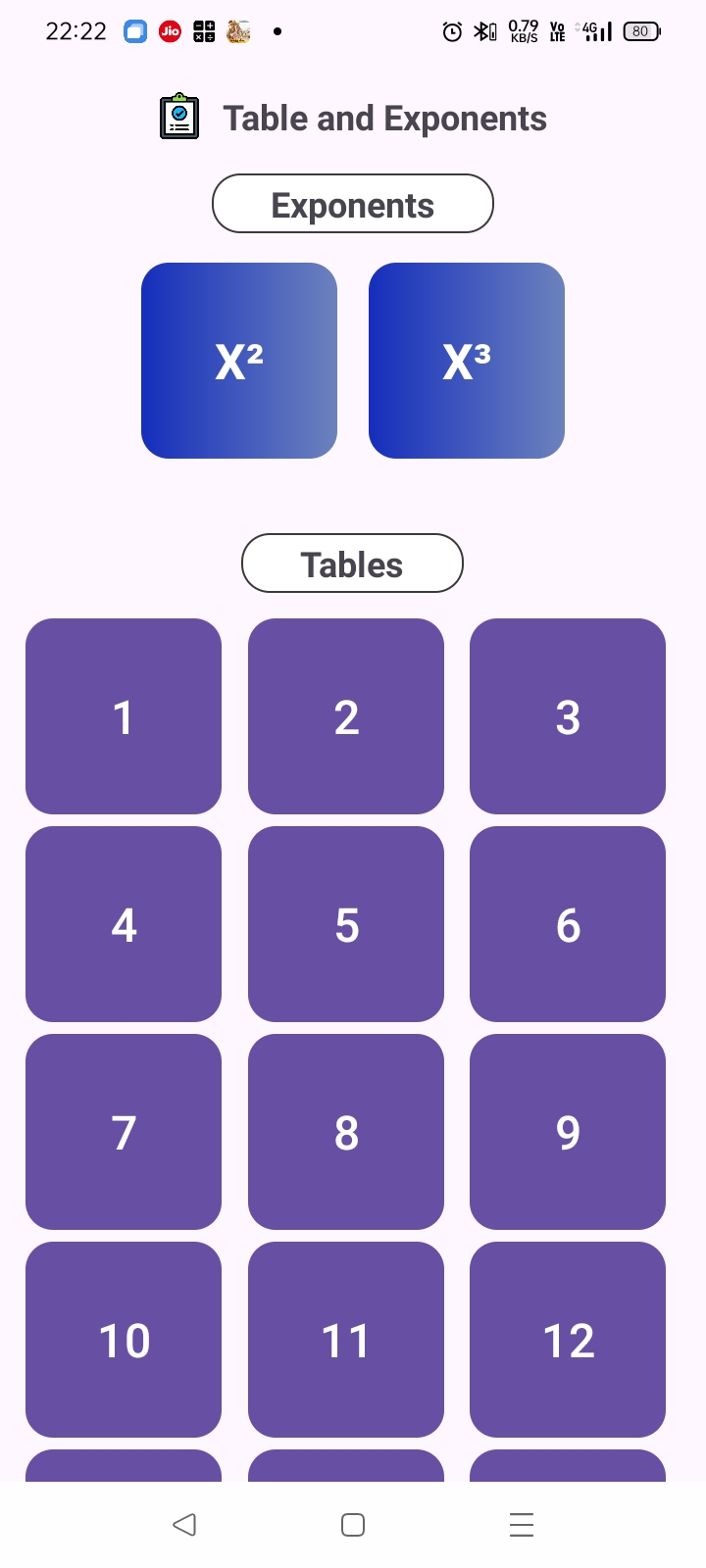
Speed Math for SSC is a Puzzle application developed by Brijesh GeetAshok, but with the best Android emulator-LDPlayer, you can download and play Speed Math for SSC on your computer.
Running Speed Math for SSC on your computer allows you to browse clearly on a large screen, and controlling the application with a mouse and keyboard is much faster than using touchscreen, all while never having to worry about device battery issues.
With multi-instance and synchronization features, you can even run multiple applications and accounts on your PC.
And file sharing makes sharing images, videos, and files incredibly easy.
Download Speed Math for SSC and run it on your PC. Enjoy the large screen and high-definition quality on your PC!
Speed Math SSC is your ultimate tool to sharpen your math skills and boost your calculation speed, specifically designed to help you excel in competitive exams like SSC, banking, and other government tests. Whether you're preparing for an upcoming exam or just want to improve your mental math abilities, this app is perfect for anyone looking to enhance their mathematical prowess in a fun and engaging way.Key Features:
Challenging Math Questions: Practice with a variety of elementary math questions covering key concepts like squares, cubes, BODMAS, averages, percentages, and more. Each set of questions is designed to test your skills and help you learn how to solve problems more quickly and accurately.
Time-Bound Challenges: Hone your ability to perform under pressure with timed challenges. Solve math problems within a limited time frame to improve your speed and accuracy, essential skills for competitive exams.
Level Up with Rewards: As you solve problems and improve your skills, earn rewards that you can bury to level up. This unique feature adds a layer of gamification to your learning experience, keeping you motivated to continue practicing and progressing.
Progress Tracking: Keep track of your progress with detailed statistics that show your improvement over time. Identify areas where you excel and areas that need more practice, so you can focus your efforts where they matter most.
User-Friendly Interface: Enjoy a clean, intuitive interface that makes it easy to navigate through the app and access all its features. Whether you're a beginner or an experienced math enthusiast, Speed Math SSC offers a seamless experience for everyone.
Why Speed Math SSC?
Speed Math SSC is more than just a learning tool; it's a comprehensive platform that transforms the way you approach mathematics. With its blend of challenging questions, timed exercises, and reward-based progression, this app makes learning math enjoyable and effective. Perfect for students preparing for exams, professionals looking to brush up on their skills, or anyone who wants to improve their mental math abilities.
Download Speed Math SSC today and start your journey to becoming a math whiz!