Spiral Craft 3D is a Adventure application developed by Dual Cat, but with the best Android emulator-LDPlayer, you can download and play Spiral Craft 3D on your computer.
Running Spiral Craft 3D on your computer allows you to browse clearly on a large screen, and controlling the application with a mouse and keyboard is much faster than using touchscreen, all while never having to worry about device battery issues.
With multi-instance and synchronization features, you can even run multiple applications and accounts on your PC.
And file sharing makes sharing images, videos, and files incredibly easy.
Download Spiral Craft 3D and run it on your PC. Enjoy the large screen and high-definition quality on your PC!
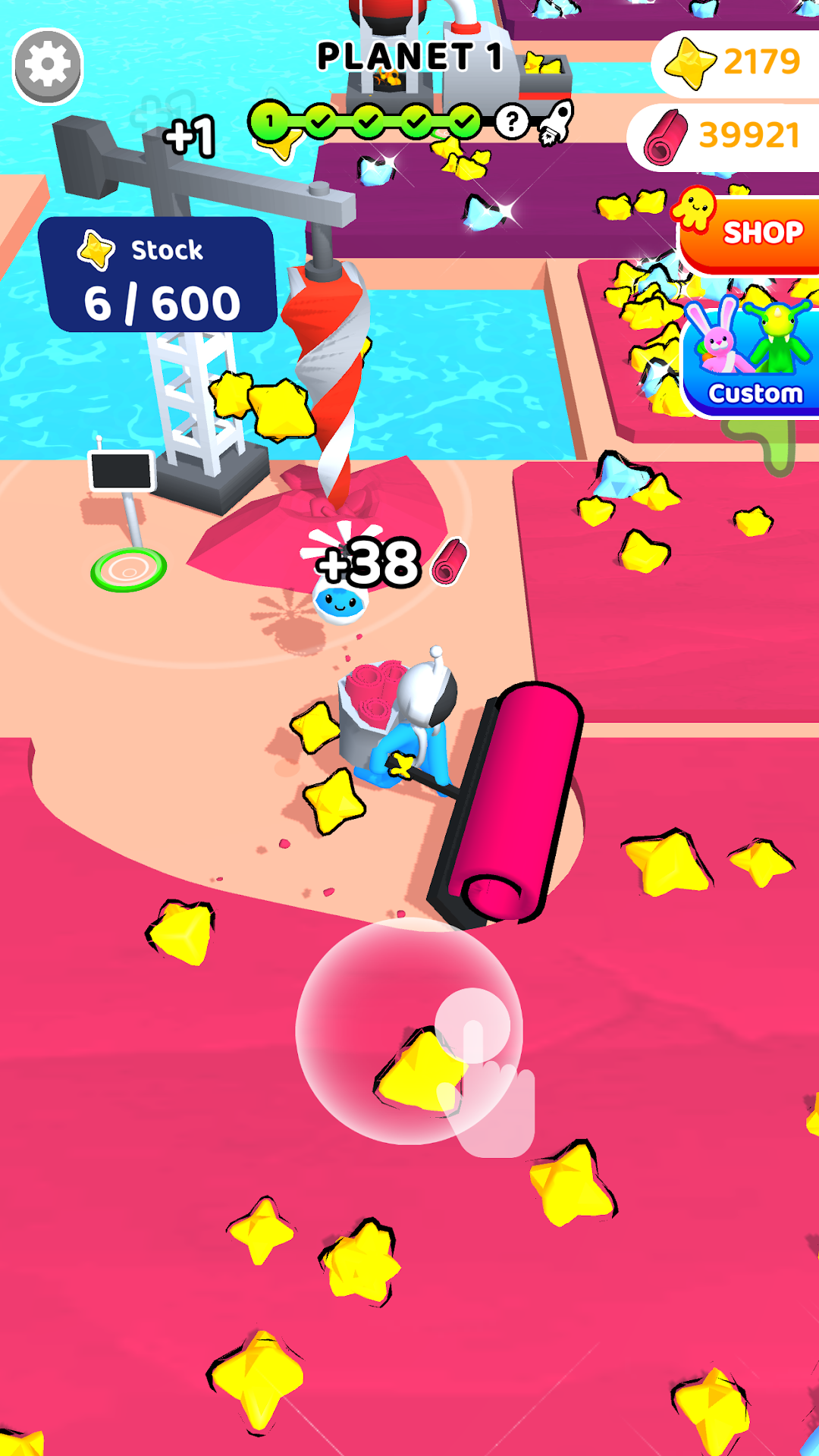
Want adventure, space exploration, going to the edge of the galaxy? Spiral Craft and its colorful universe is made for you. Go through each planet and overcome many challenges as you explore each nook and crany in the universe.Every new planet has its share of novelties. New resources to be collected, new universes to be explored, people to be met and challenges to succeed. It will be up to you, the greatest explorer, to make this galactic adventure. Whether you’re at home, in the office or commuting, a new world is at your fingertips.
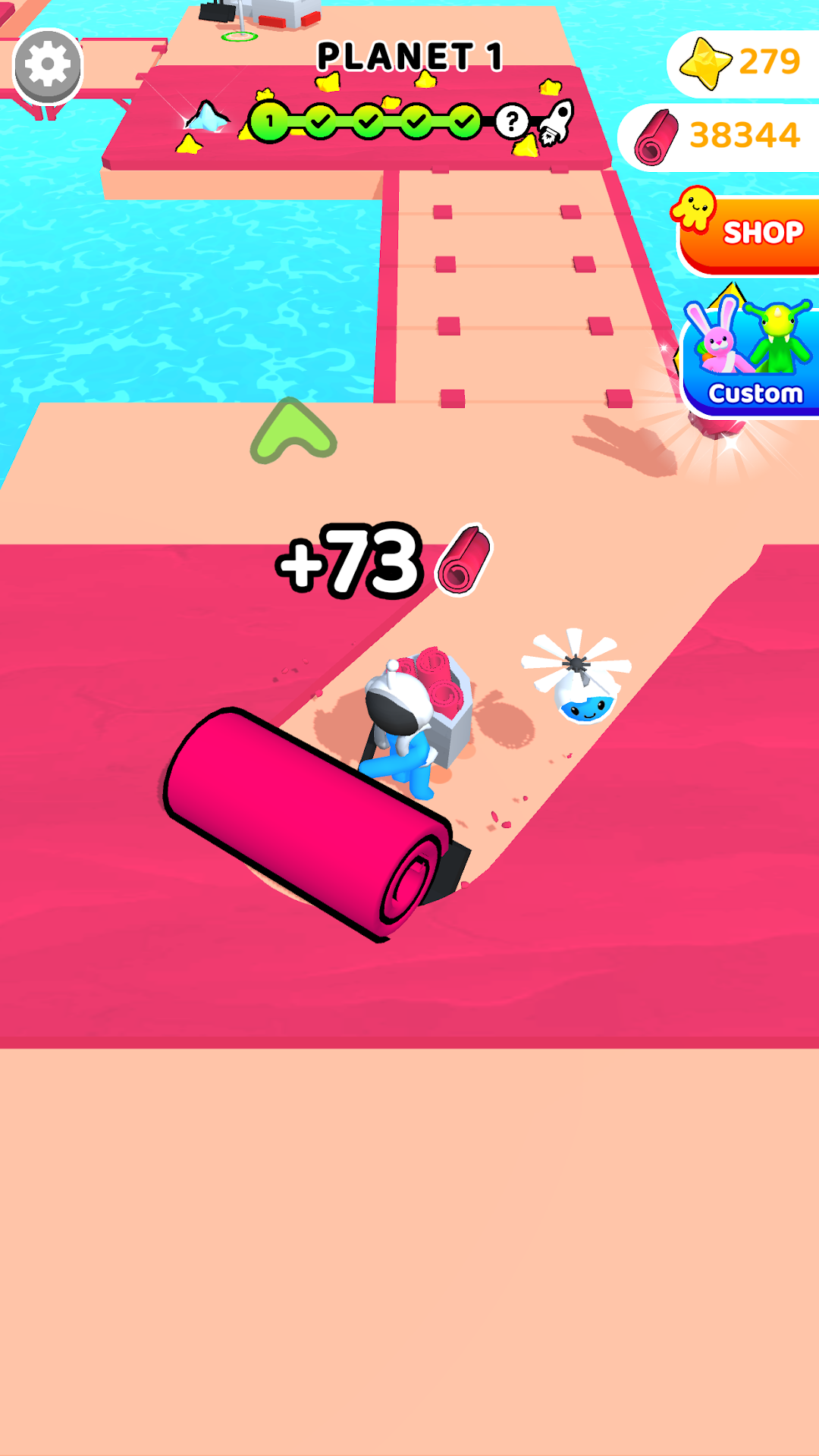
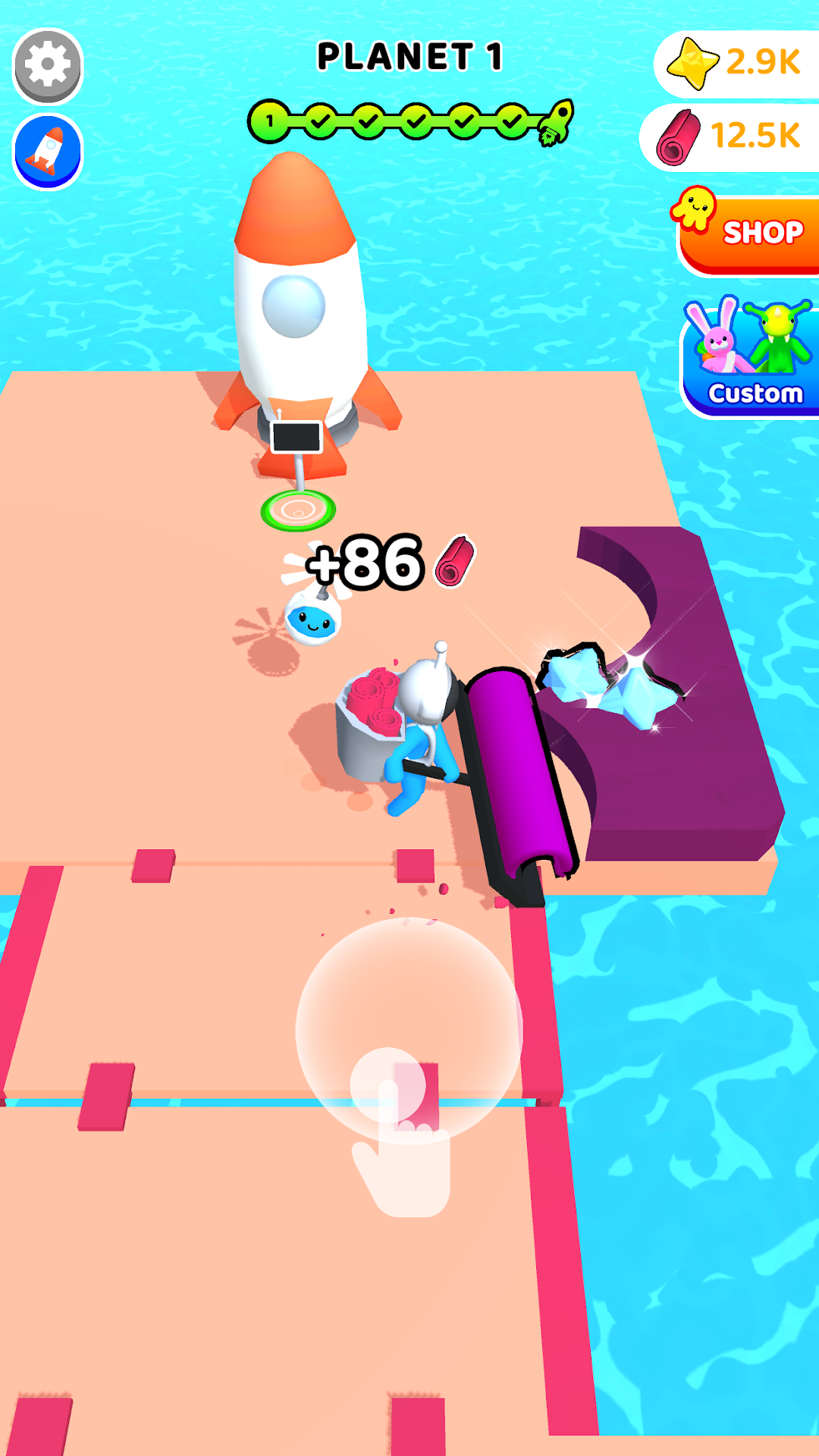
Spiral Craft 3D is an adventure-simulation game that seduces by its colors, its gameplay accessible to all and the satisfaction it provides. Each level offers challenges. Collect the resources needed to unlock new areas by building bridges, rockets or futuristic machines. During your adventure, you will be led to meet the inhabitants of these distant galaxies. For some, they will invite you to challenges of speed and agility, for others they will become your adventure companions. Will you be strong enough for them?
It's easy to control your character. Place your finger on your screen and you will see a joystick. All right, you're ready for adventure.
During the game you will get collect many objects that will serve you in the game such as star dust. That will help your progress in the game and maybe you will find star crystals falling from the sky. Crystals that will unlock new content or machines.
Many skins are available for you and your companions through the Custom section. Nevertheless, all are unlockable by playing and exploring the planets except for two (1 skin character and one skin companion) which are available on the shop.
Our game exists thanks to advertisements. They pace your progress in the game and for some increase your rewards. However, we offer a paid version without advertisements and a "Super Pack" which contains: the No Ads version and premium skins (mentioned above).