SportX (Beta) is a Sports game developed by Lakeside Exchanges. LDPlayer is the best platform for playing SportX (Beta) on Windows PC, offering powerful features to enhance your immersive experience in SportX (Beta).
When playing SportX (Beta) on your computer, the larger screen and more powerful graphics performance enable you to enjoy clearer and smoother game visuals, enhancing the visual experience of the game.
The operation of peripherals such as gamepads is emulated to better mimic the feel of real sports, providing more precise control and richer operation options.
Furthermore, if you wish to execute a series of continuous key combinations, the one-click macro feature will be the functionality you've been dreaming of, allowing you to effortlessly stay one step ahead with one-touch operation. Start downloading and playing SportX (Beta) on your computer now!
Ever felt that your friends just don't quite get the sport as well as you do?SportX is the ultimate live social prediction market! Play for free with your friends and move up the leaderboard! Post to your friends' Facebook wall and show them who’s the expert.
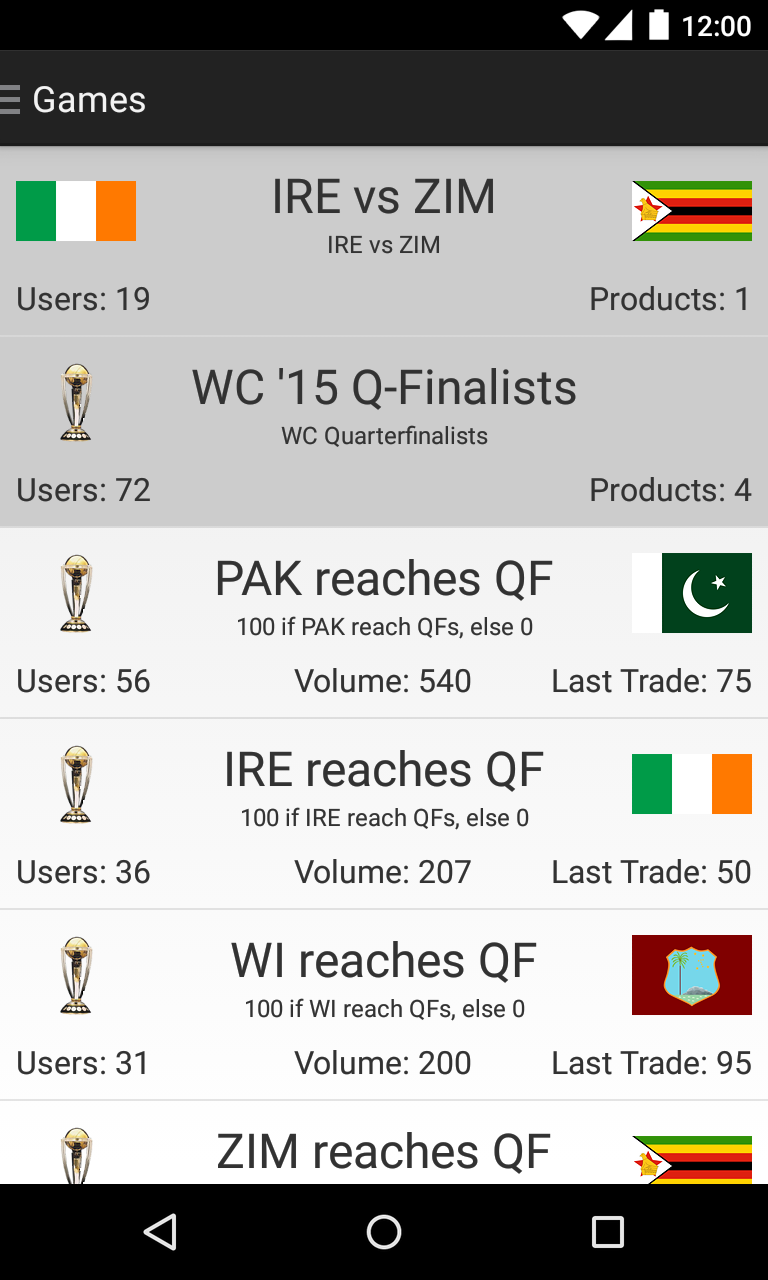
Designed on the lines of a stock market, SportX is your real-time & lightning-fast mobile accompaniment to watching sports.
SportX brings to you various products – win/loss, margin of victory, runs scored and many more for each of the IPL games. The price on the products can change at any point in the game depending on the state of the game. This increases the excitement and opportunities to make profit. As your team does better, the price of the product rises. The aim is simple - you want to buy at a low price and sell higher.
If you think that India is very likely to defeat West Indies, all you need to do is Buy the product. Anyone who thinks that India are not as certain to win, will sell – its that simple! The exchange matches you against other players who have a different view on how the game will turn out.
You can even buy at a lower price and sell your holdings at a higher price later – for profit :-D The SportX exchange also facilitates shorting during the game (sell more units than you own) so that you can buy it back at a lower price ;-)
Gain more points by accurately predicting the outcome of games.
Disclaimer: Points won carry no value outside SportX