Spy - Board Party Game is a Board application developed by appsdevgames, but with the best Android emulator-LDPlayer, you can download and play Spy - Board Party Game on your computer.
Running Spy - Board Party Game on your computer allows you to browse clearly on a large screen, and controlling the application with a mouse and keyboard is much faster than using touchscreen, all while never having to worry about device battery issues.
With multi-instance and synchronization features, you can even run multiple applications and accounts on your PC.
And file sharing makes sharing images, videos, and files incredibly easy.
Download Spy - Board Party Game and run it on your PC. Enjoy the large screen and high-definition quality on your PC!
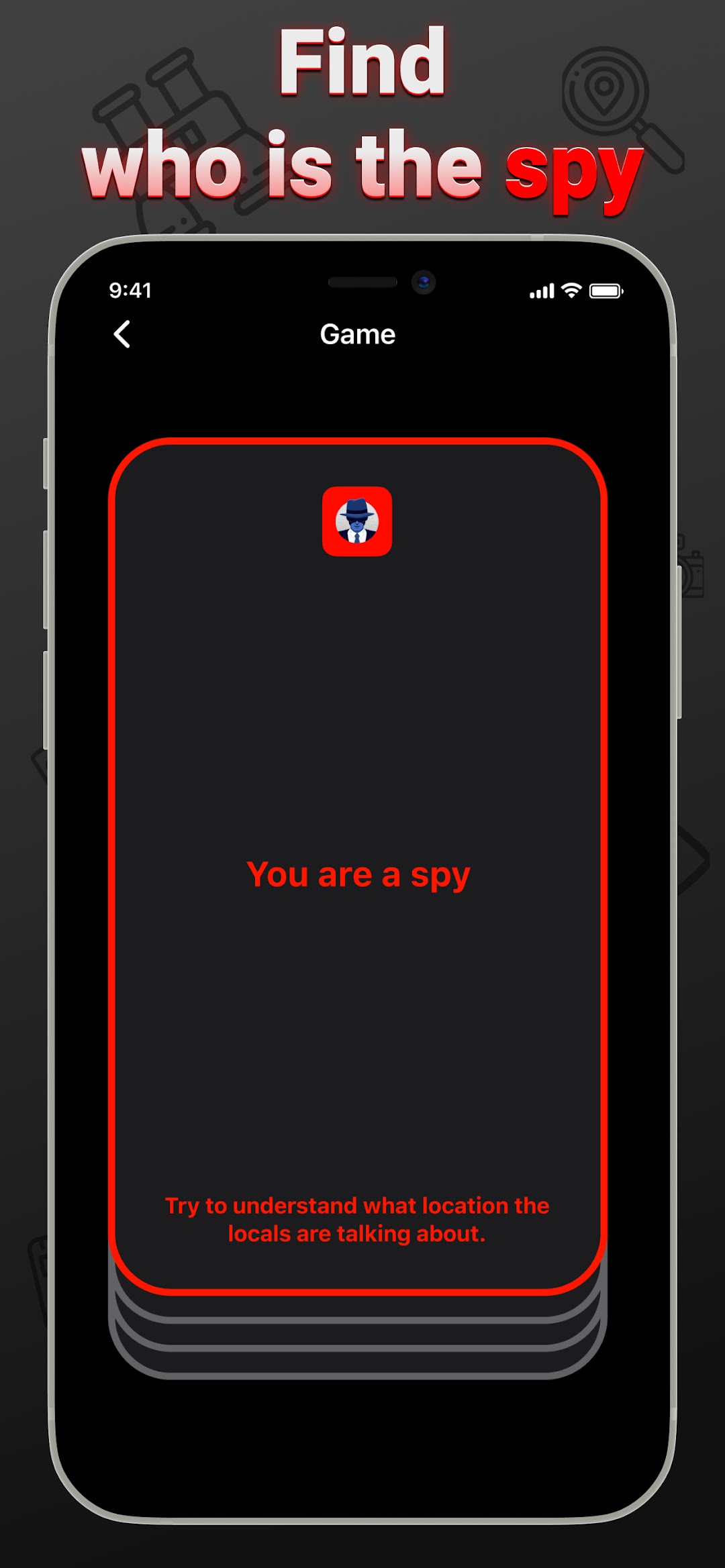
Card board party game Spy - a role-playing game in which players get random roles: local residents or a spy.The point of the game is for the locals to talk to each other by asking questions while the spy tries to reveal their whereabouts.
Players need to use logic and guesswork to identify the spy without revealing too much information.
Each round starts with the players getting their roles and location and the dialogue begins.
Players take turns asking each other questions about the place without revealing it.
The spy should try to hide his role by answering questions as naturally as possible, or guess the word.
The locals must work together to uncover the spy's machinations.
If a player is suspicious of someone, they can declare it and all players point to the potential spy.
If all players choose one player as a spy, he must reveal his role. If he really is a spy, the locals win - if not, the spy wins.
A key part of the game is for the spy to maintain secrecy and reveal his whereabouts without revealing his role. Players are also helped by the developmental aspect of the game, where they use their logic and language skills to successfully guess and solve mysteries.
Spy offline game is a great way to spend time with friends or strangers (not the classic Mafia, or Spyfall or Undercover or or Wherewolf orthinking games) during a party.
—————————
Rules of the game
1. Local residents and a spy play the game. Pass the phone to find out what your role is. All players except the Spy will know the location.
2. Your task is to exchange questions about this place. The questions and answers don't have to be ambiguous because a spy who doesn't know the location can guess it and win. If the players find the spy, they win. Listen to other players' answers.
3. If you suspect someone, say - I know who the spy is. The rest of the players must indicate who they think is the spy.
4. If all players choose one person - the player must reveal his role. If it's a spy, the locals have won. If local, the spy won. If you have specified different people, continue playing.
5. If the spy guessed where he is, he can name it. If he guessed correctly, he wins. If the spy was wrong, the local residents won. Good luck