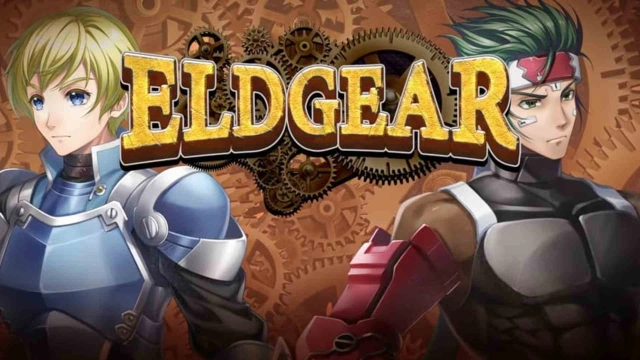
SRPG Eldgear is a Simulation application developed by KEMCO, but with the best Android emulator-LDPlayer, you can download and play SRPG Eldgear on your computer.
Running SRPG Eldgear on your computer allows you to browse clearly on a large screen, and controlling the application with a mouse and keyboard is much faster than using touchscreen, all while never having to worry about device battery issues.
With multi-instance and synchronization features, you can even run multiple applications and accounts on your PC.
And file sharing makes sharing images, videos, and files incredibly easy.
Download SRPG Eldgear and run it on your PC. Enjoy the large screen and high-definition quality on your PC!
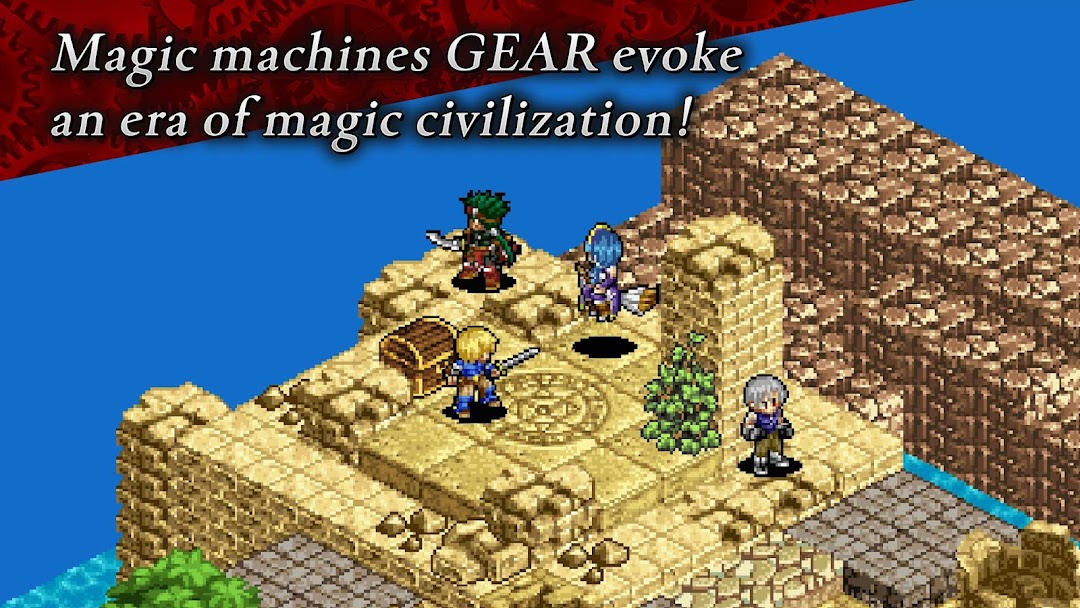
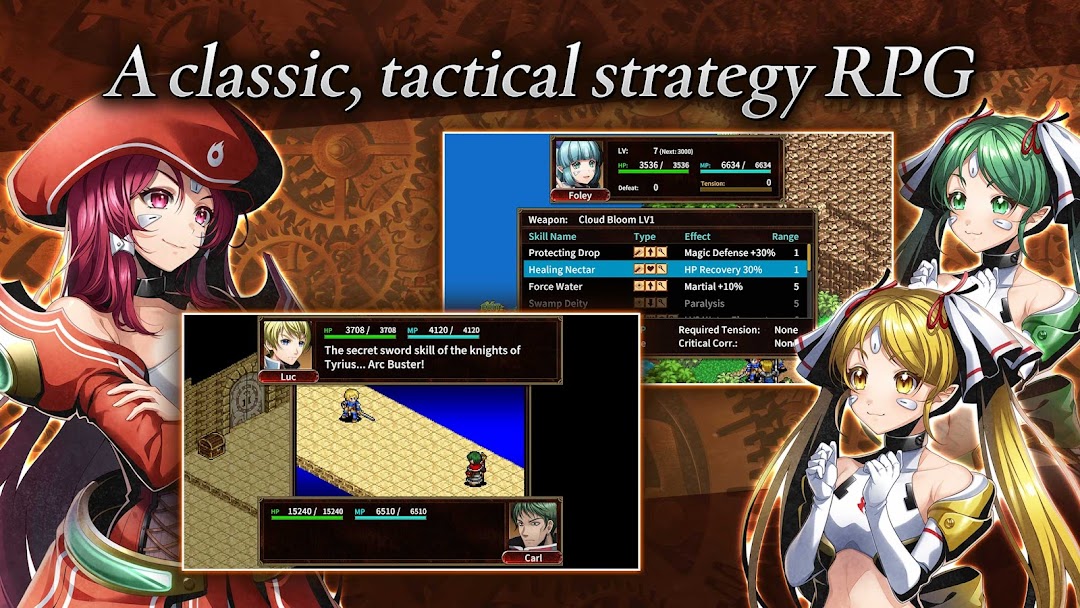
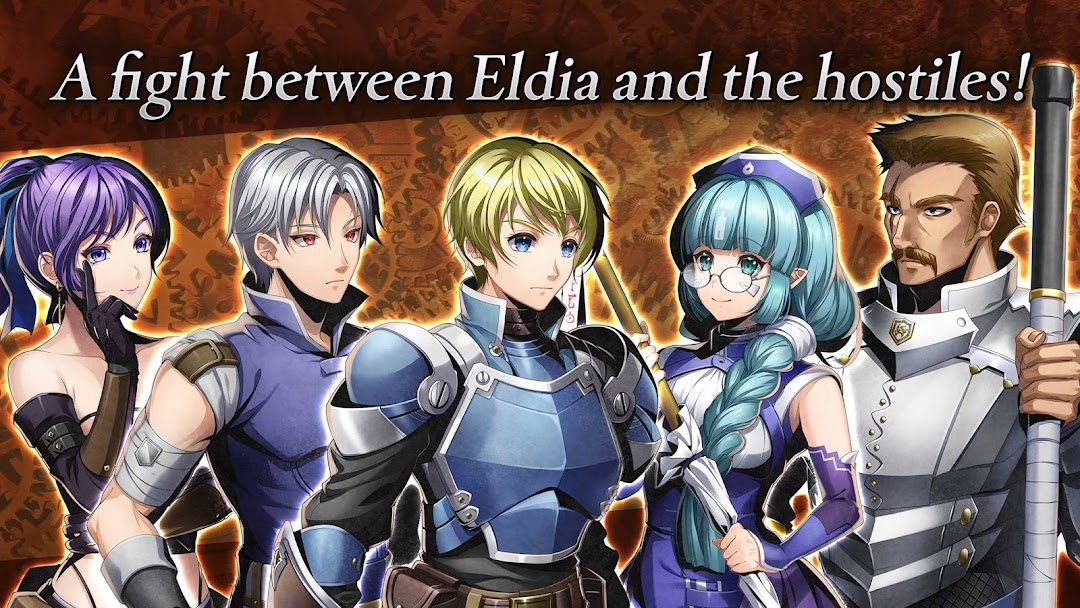
Eldgear is a tactical strategy RPG set in a fantasy world.In the vast unexplored land of Argenia where hundreds of nations are crowded together, a new era is about to begin, leaving behind the medieval era and entering the era of magical civilization.
In turn-based battles, you can choose your own strategy, whether you dash alone like lightning, advance steadily like the earth. Immersive and enjoyable pixel animations take place to enhance the battle experience.
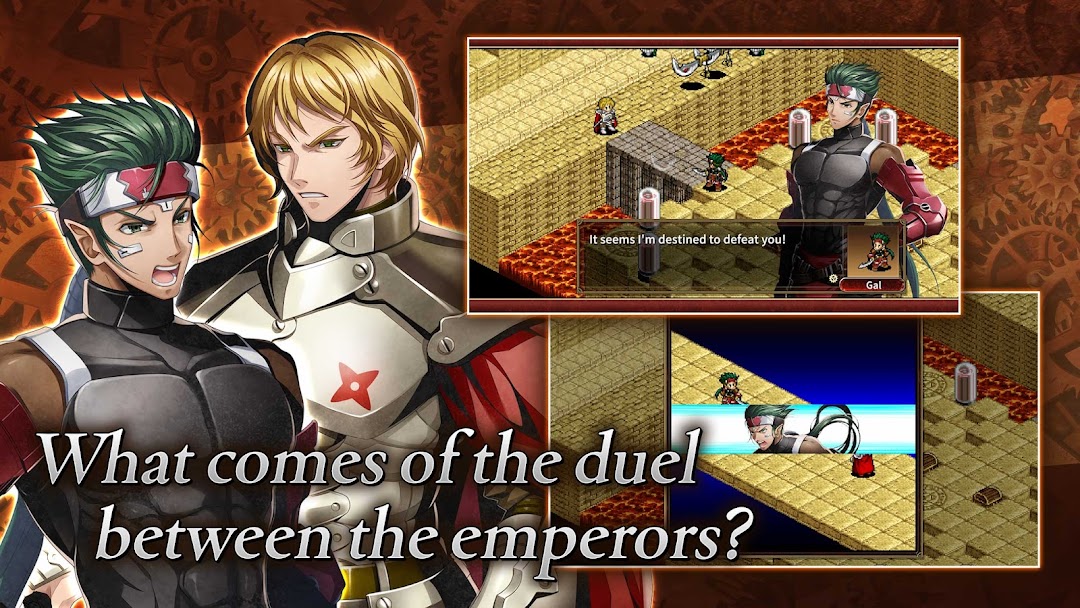
Master area attacks that blow away enemies in a group, combined attacks unleashed by well-coordinated tags, and use EMA (Embedding Abilities) and EXA (Expanding Abilities)! Powerful strikes will power up into super special moves.
[IMPORTANT NOTICE]
Your use of the application requires your agreement to the following EULA and 'Privacy Policy and Notice'. If you do not agree, please do not download our application.
End User License Agreement: http://kemco.jp/eula/index.html
Privacy Policy and Notice: http://www.kemco.jp/app_pp/privacy.html
[Languages]
- English, Japanese
[Game Controller]
Not supported
[Non-Supported Devices]
This app has generally been tested to work on any mobile device released in Japan. We cannot guarantee full support on other devices. If you have the Developer Options enabled in your device, please turn off the "Don't keep activities" option in case of any issue. On the title screen, a banner showing latest KEMCO games may be displayed but the game doesn't have any ads from 3rd parties.
Get the latest information!
[Newsletter]
http://kemcogame.com/c8QM
[Facebook page]
https://www.facebook.com/kemco.global
* The actual price might differ depending on the region.
© 2006-2024 KEMCO
© 2023-2024 MCF Co.,Ltd.
© 2006-2024 Akira Kojima