Star Stable Online is a Adventure application developed by Star Stable Entertainment AB, but with the best Android emulator-LDPlayer, you can download and play Star Stable Online on your computer.
Running Star Stable Online on your computer allows you to browse clearly on a large screen, and controlling the application with a mouse and keyboard is much faster than using touchscreen, all while never having to worry about device battery issues.
With multi-instance and synchronization features, you can even run multiple applications and accounts on your PC.
And file sharing makes sharing images, videos, and files incredibly easy.
Download Star Stable Online and run it on your PC. Enjoy the large screen and high-definition quality on your PC!
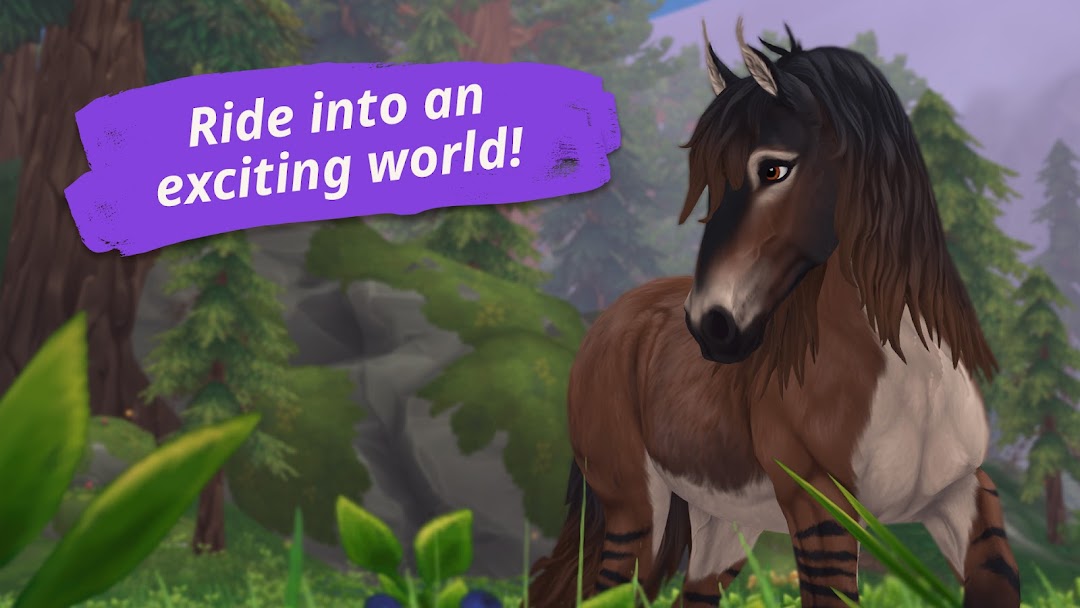
Ride into an enchanting worldWelcome to Jorvik, a beautiful island full of endless adventure! Together with your very own horse, you become part of a magical story and can explore a fabulous open world from the saddle.
Go on exciting quests
There are loads of intriguing characters and thrilling mysteries waiting for you in the magical online world of Jorvik. Solve the quests while you experience the immersive stories alone or together with the Soul Riders!
Care for and train your horses
Ride, train and care for your very own horse. As you become a more experienced rider, you can buy more horses and choose from a variety of breeds. In Jorvik, you can have as many four-legged friends as you like!
Hang out with your friends
There are always new things to discover in Star Stable Online. Meet up with your friends and ride together, chat or challenge each other in one of the island's many competitions. Or why not start your own riding club?
Be a Hero
The sisterhood of Soul Riders needs you! Team up with our four heroes Anne, Lisa, Linda and Alex as they fight dark forces on the magical island of Jorvik. Alone, you are strong. Together, you are unstoppable!
Customize, customize, customize
Have it your way! In Star Stable Online you can have fun endless fun styling your player avatar and of course all of your horses. Clothes, accessories, bridles, leg wraps, blankets, saddlebags, bows… It’s up to you!
A world of horses
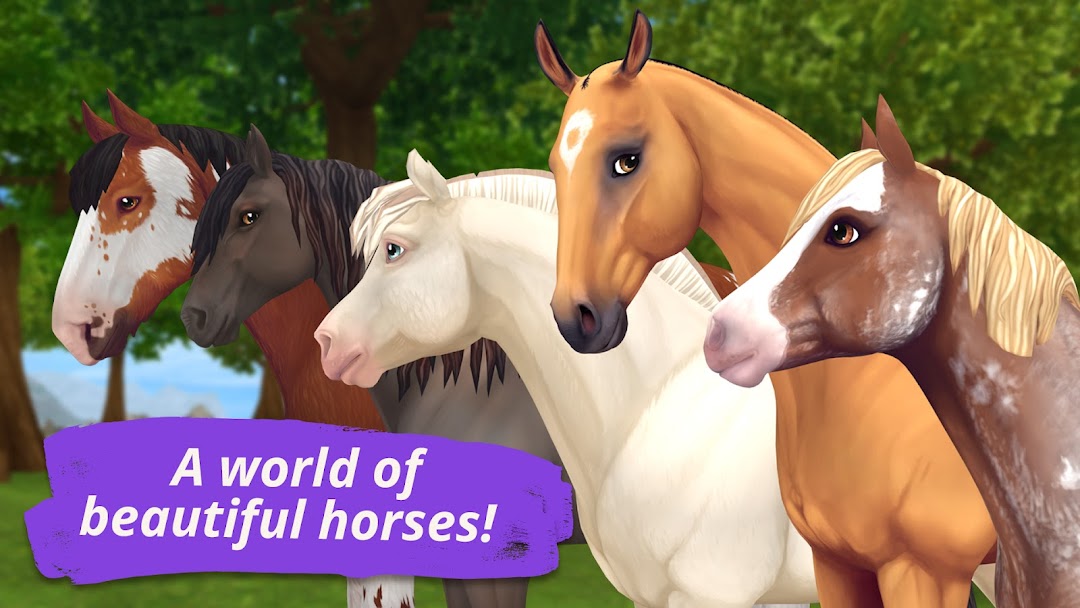
The island of Jorvik is home to all kinds of beautiful horses. From super-realistic Knabstruppers, Irish Cobs and American Quarter Horses to spectacular magical steeds, there are over 50 breeds to choose from, with more to come!
Cross-platform
Whether you play on Android or desktop, Star Stable Online keeps up with you, automatically picking up where you left off when you switch devices. It’s easy!
Become a Star Rider
To experience all of Jorvik and access all the game’s features, you can become a Star Rider with a one-off payment. Star Riders can access thousands of member-only quests, choose from multiple unique breeds, hang out with old and new friends and join the community. They also enjoy all of our game updates!
Saddle up for the adventure of a lifetime - play Star Stable Online now!
Find out more on our socials:
instagram.com/StarStableOnline
facebook.com/StarStable
twitter.com/StarStable
Get in touch!
We’d love to hear what you think – why not write a review so we can work towards an even better game together!
Questions?
Our customer support team is happy to help out.
https://www.starstable.com/support
You can find more information about the game here http://www.starstable.com/parents.
Privacy Policy: https://www.starstable.com/privacy
App Support: https://www.starstable.com/en/support
Copyright Star Stable Entertainment