Star Trek Lower Decks Game is a Simulation application developed by East Side Games Studio, but with the best Android emulator-LDPlayer, you can download and play Star Trek Lower Decks Game on your computer.
Running Star Trek Lower Decks Game on your computer allows you to browse clearly on a large screen, and controlling the application with a mouse and keyboard is much faster than using touchscreen, all while never having to worry about device battery issues.
With multi-instance and synchronization features, you can even run multiple applications and accounts on your PC.
And file sharing makes sharing images, videos, and files incredibly easy.
Download Star Trek Lower Decks Game and run it on your PC. Enjoy the large screen and high-definition quality on your PC!
The Official Star Trek: Lower Decks Idle Game!Finally, after yet another tedious duty roster, the Lower Decks crew of the U.S.S. Cerritos is ready to party at a Zebulon Sisters concert! Tendi's even more excited, as this'll be her first Chu Chu Dance! But first, they need to get through routine training exercises on the holodeck, which Boimler has been entrusted to organize. Boimler? With power? When has that ever been good?
Impatient to get to the dance, the crew try to end the simulation only to find the Cerritos’ computer has been hijacked by rogue AI Badgey. He’s locked them in the holodeck and deactivated all safety protocols – so now Boimler, Tendi, Rutherford and Mariner must work through Star Trek stories, both familiar and new, so they can return to the real world. But be careful – if they don’t succeed, they’ll die for real. And even worse: they’ll miss the party!
THE ENTIRE STAR TREK UNIVERSE IN YOUR HANDS
Star Trek Lower Decks Mobile gives you the chance to tap through classic Star Trek stories in the humorous style of Lower Decks. Enjoy your favorite storylines with a fresh funny twist – and maybe even give them new endings!
DEFEAT MAJOR STAR TREK VILLAINS
Every holodeck simulation will see the Cerritos crew facing off with a big bad boss, who must be defeated to get to the exit. Level up your crew with training exercises and mini-games in Science, Engineering, Security and Command!
UNLOCK AND TRADE MORE CREW
It’s not just the Lower Decks crew of the Cerritos here to play – Badgey has a whole array of characters from the Star Trek universe for you to collect and trade! Complete regular events to unlock special characters to bolster your crew!
NEW SIMULATIONS ALWAYS AWAIT YOU
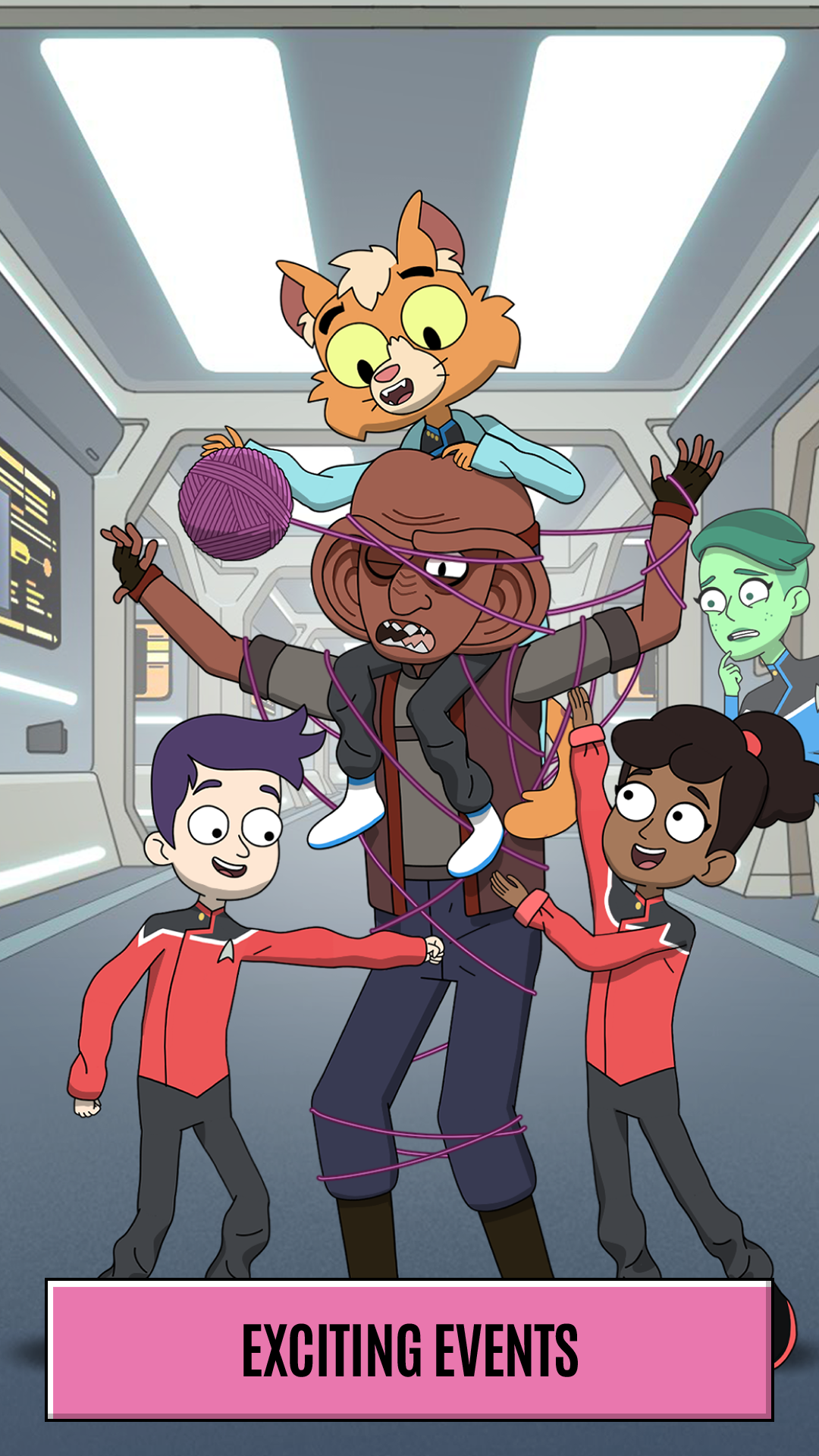
With mini-events landing twice a week and a main event each weekend, there’s always new simulations for you to explore! And you won’t miss out even if you’re busy – you can automate your crew to train while you’re away!
Contact us for support at: lowerdecks@mightykingdom.games
Like our page: https://www.facebook.com/StarTrekLowerDecksGame
Follow us on Instagram: https://www.instagram.com/StarTrekLowerDecksGame/
Talk to us on Twitter: https://twitter.com/LowerDecksGame
By downloading this app, you agree to our privacy policy and terms of use, available at:
Terms of Service - http://www.eastsidegames.com/terms
Privacy Policy - http://www.eastsidegames.com/privacy
Please note that this game is free to download and play, but some game items are available for purchase using real money. A network connection is required to play the game.