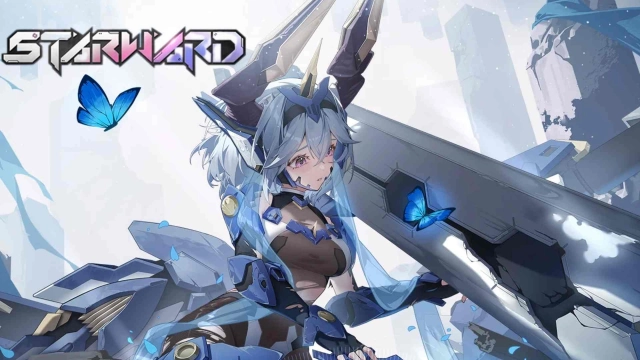
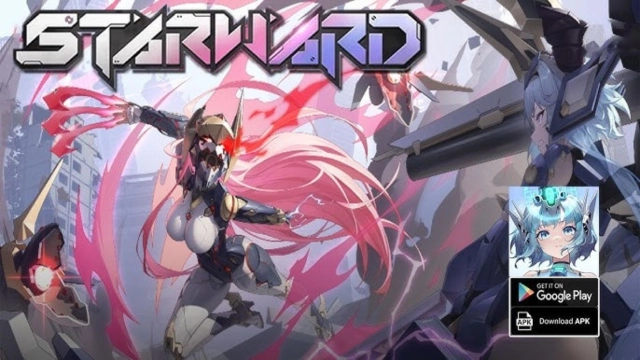
Starward-Mecha Girls is a Action game developed by CenturyNetwork, and LDPlayer is the best platform for playing Starward-Mecha Girls on PC, offering powerful features to immerse you in the game.
When playing Starward-Mecha Girls on computer, you can adjust frame rate settings for smooth gameplay and stunning visuals.
LDPlayer also provides pre-configured keyboard mapping for convenient control of the entire game. Continuous optimization of keyboard mapping enhances key sensitivity and skill accuracy. Additionally, LDPlayer offers special buttons like shoot, hide mouse, and continuous key press for an enhanced gaming experience.
If you prefer using a gamepad, the automatic gamepad detection allows you to customize controls with just a few clicks, enabling you to freely maneuver your hero. Start downloading and playing Starward-Mecha Girls on your computer now!
Starward 3.0 Update is Here! The epic collaboration between Starward × BLACK★ROCK SHOOTER is live! Introducing the brand-new original character Voidsaber, plus the exclusive Skysaber skin and the S13 Battle Pass skin Sharp-Resting Time — all ready for you to unlock! The new event【Commander, Let's Go Out and Play!】is now available. Come join the grand celebration!Starward is a 3D fighting game that integrates mecha girls and classic GVG combat gameplay, with 1V1 and 2V2 mode as the core gameplay. In Starward, players can control mecha girls with distinct personalities and different combat styles, and experience three-dimensional combat experiences beyond the ground.
Classic GVG-like Gameplay
Starward faithfully recreates the GVG gameplay that has been popular in Japanese arcade halls for over a decade. It includes actions such as Beam Rifle, Machine Gun, Charge Shoot, fighting, blocking, stepping, dashing, allowing you to quickly showcase your skill level.
The Starward experience spans across three distinct game modes featuring 2V2, 1V1 and Arcade gameplay. PvP is the main, featuring fast-paced battles lasting about 3 minutes per match.
Mecha Girls VERSUS
All characters are mecha girls, skilled in close-range fighting or long-range shooting. You can choose characters like Aliz, SkySaber, XiaoLing to play as vanguards; or characters like Elfin, Cavalry, Hikari to play as rearguards.
Each character has its unique design, such as Chinese style, elves, witches, fully armed mecha girls, and more.
The COST System
The character's combat power "COST" is divided into four categories: 3.0/2.5/2.0/1.5. You need to allocate the "COST" of the team to achieve the most reasonable configuration.
Customer Service Email:stgameshk@shengtian.com