Stress-Relief: Sensispark is a Simulation application developed by IDZ Digital Private Limited, but with the best Android emulator-LDPlayer, you can download and play Stress-Relief: Sensispark on your computer.
Running Stress-Relief: Sensispark on your computer allows you to browse clearly on a large screen, and controlling the application with a mouse and keyboard is much faster than using touchscreen, all while never having to worry about device battery issues.
With multi-instance and synchronization features, you can even run multiple applications and accounts on your PC.
And file sharing makes sharing images, videos, and files incredibly easy.
Download Stress-Relief: Sensispark and run it on your PC. Enjoy the large screen and high-definition quality on your PC!
Find calm, comfort, and joy in every touch with SensiSpark — your ultimate digital sanctuary for relaxation, peace, and sensory relief. Whether you’re feeling overwhelmed, anxious, or simply need to unwind, SensiSpark is thoughtfully designed to soothe your senses and help you reconnect with yourself using interactive fluid simulation, color therapy, and deeply satisfying tactile elements.Fluid Simulations That Relax and Restore
Step into SensiSpark’s mesmerizing fluid playground — a visual wonderland where vibrant liquid art flows under your fingertips. Watch as colors swirl, ripple, and dance with each gesture. These stunning visuals aren’t just beautiful — they’re scientifically designed to engage your sensory system, offering real-time anxiety relief and grounding during high-stress moments.
Whether you're navigating a panic attack or simply seeking a few moments of peace, the smooth motion of SensiSpark’s fluid simulations helps quiet the mind and ease distress.
Color Therapy & Magical Visuals
Discover calming color palettes handpicked to support emotional regulation and sensory balance. In SensiSpark, every swirl of color is more than visual art — it’s a form of emotional release and healing. These immersive visuals help calm overstimulated minds and offer a beautiful space for self-expression and inner stillness.
Digital Slime Kit for Sensory Satisfaction
No mess, just magic. SensiSpark’s slime kit delivers the joy of squish, stretch, and tactile play — all from your screen. Customize textures, tweak your slime activator, and dive into a sensory experience that’s perfect for fidgeters, kids, and adults alike. Whether distressed or needing focus, the slime toolkit offers immediate tactile relief.
Particle Magic for Inner Calm
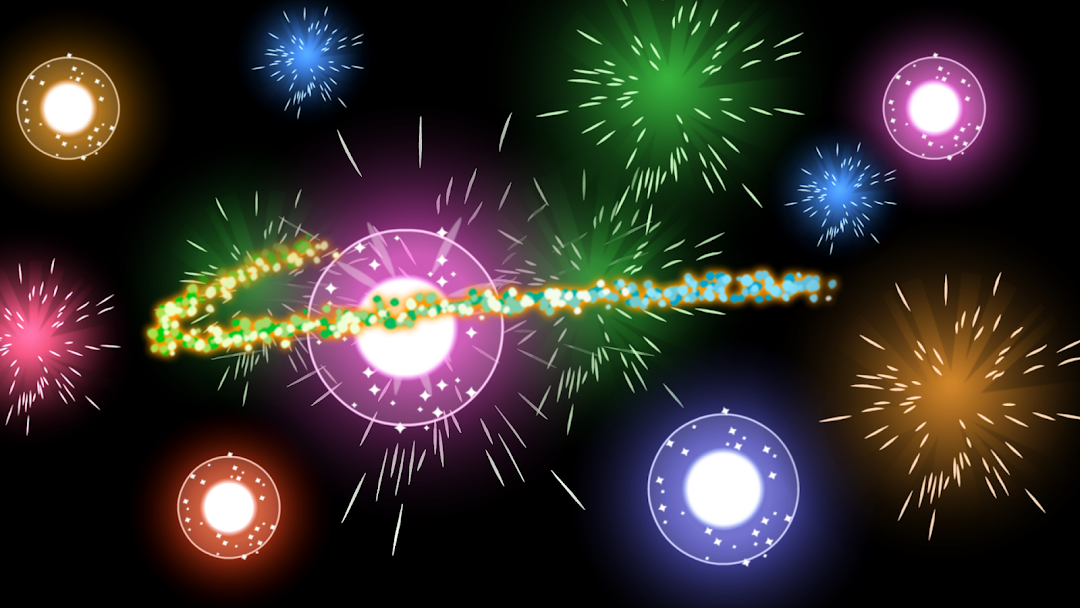
Explore calming interactions with SensiSpark’s particle systems — shimmering, responsive dots that follow your touch. These particles are more than eye candy; they’re sensory therapy in motion, designed to stimulate while soothing, offering a peaceful, responsive distraction from anxious thoughts.
Relief from Anxiety, Stress & Overstimulation
SensiSpark isn’t just a visual toy — it’s a true digital tool for mental well-being. Designed with neurodivergent users, highly sensitive individuals, and anyone facing sensory overload or anxiety, it offers gentle interactive experiences to help regulate emotions and reset your nervous system in moments of distress.
Soothing, Sensory-Friendly Fun for All Ages
From magical water to slime play and fluid art, SensiSpark turns every moment into a calming, fulfilling activity. Each interaction promotes sensory satisfaction, helping users of all ages de-stress and reconnect — whether you’re managing ADHD, daily overwhelm, or just want a mindful break.
Why You’ll Love SensiSpark:
Realistic fluid simulation designed to activate and soothe the sensory system
Color-rich, immersive environments that provide visual anxiety relief
Customizable slime play for satisfying, fidget-style engagement
Calming particles and textures for soothing interaction
Built with neurodivergent, anxious, and emotionally overwhelmed users in mind
Whether you're resetting your mood, supporting your sensory system, or just enjoying a peaceful escape, SensiSpark offers anxiety relief that feels like magic — right in the palm of your hand.
Download SensiSpark today and transform stress into serenity.