

Strike Stack: Ball Game is a Arcade application developed by idevXGame, but with the best Android emulator-LDPlayer, you can download and play Strike Stack: Ball Game on your computer.
Running Strike Stack: Ball Game on your computer allows you to browse clearly on a large screen, and controlling the application with a mouse and keyboard is much faster than using touchscreen, all while never having to worry about device battery issues.
With multi-instance and synchronization features, you can even run multiple applications and accounts on your PC.
And file sharing makes sharing images, videos, and files incredibly easy.
Download Strike Stack: Ball Game and run it on your PC. Enjoy the large screen and high-definition quality on your PC!
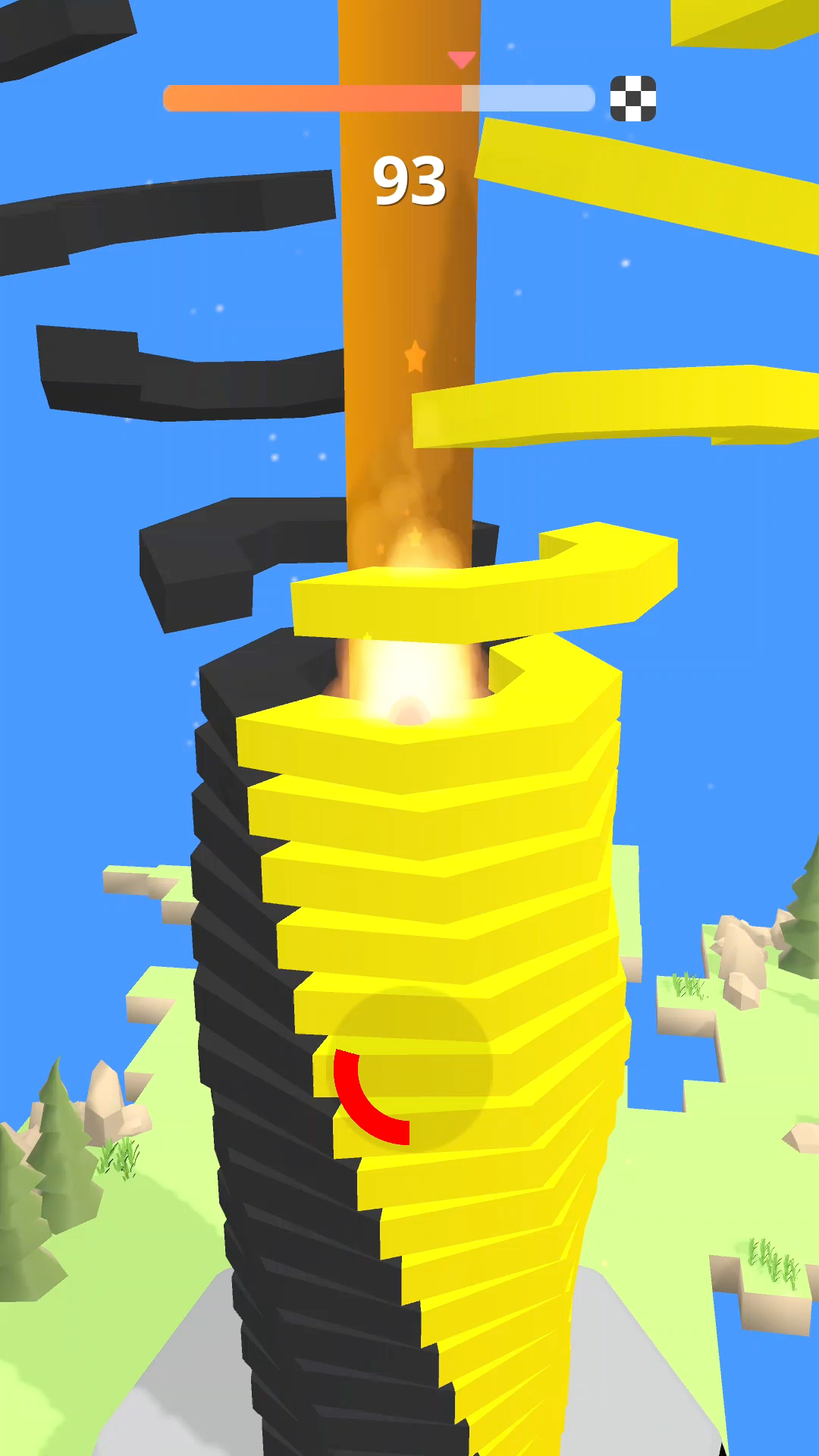
Strike Stack is a 3d arcade game where players smash, bounce and strike through revolving helix platforms to reach the end.Touch and hold on the screen and let the ball go down without touching the black block! Hold as long as possible, if you pickup speed enough the ball will be able to break black blocks.
Make your ball strike like a brick through colorful platforms that block its descent, but if you hit a black one, it's all over!
How to play Stack Ball Bump Bump game:
- Just Touch and hold your finger on your screen phone to increase rate of the ball strike fall.
- Do not break the black stacks.
- When Touching action continuously happen the ball will change to fire ball and it can break the black blocks, overcome the obstacles.
Fearture :
- One tap and easy to play.
- Simple and nice graphics.
- Game play is addictive and fun.
- Best time killer game.