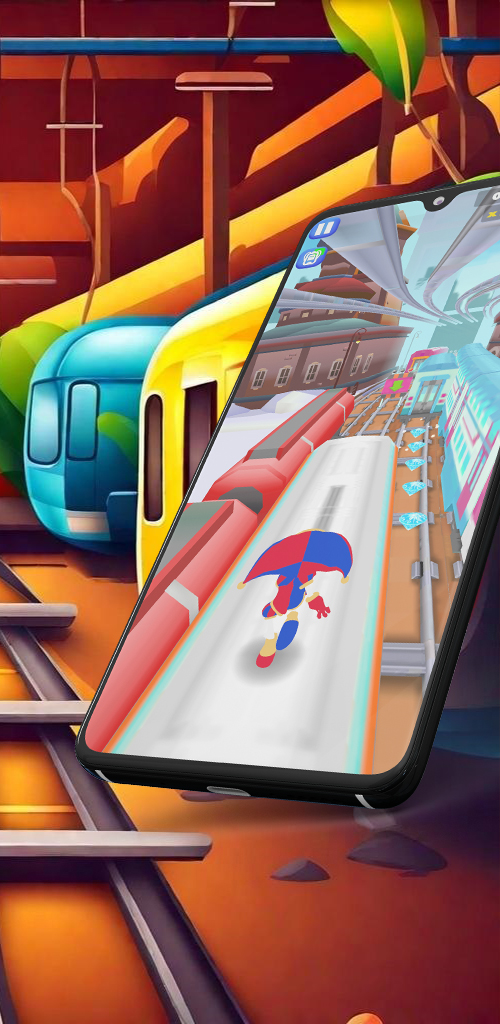
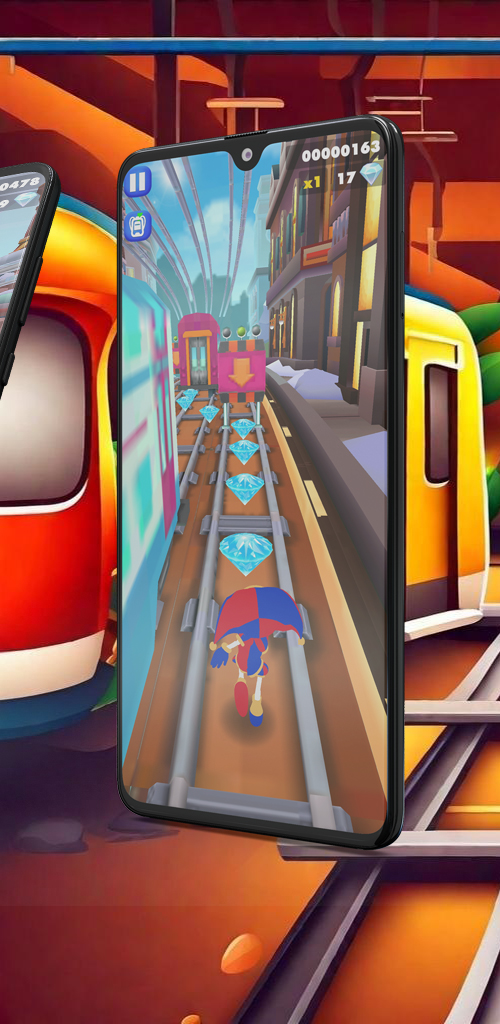
Subway Virtual Circus Runner is a Arcade application developed by KidsBox, but with the best Android emulator-LDPlayer, you can download and play Subway Virtual Circus Runner on your computer.
Running Subway Virtual Circus Runner on your computer allows you to browse clearly on a large screen, and controlling the application with a mouse and keyboard is much faster than using touchscreen, all while never having to worry about device battery issues.
With multi-instance and synchronization features, you can even run multiple applications and accounts on your PC.
And file sharing makes sharing images, videos, and files incredibly easy.
Download Subway Virtual Circus Runner and run it on your PC. Enjoy the large screen and high-definition quality on your PC!
The amazing digital circus runner is an exciting and magical circus-themed mobile game that combines the thrill of endless running with the enchantment of a circus. Embark on a captivating adventure with your favorite characters, Pomni and Caine, as you navigate through a splendid subway filled with challenges, obstacles, and treasures. Let the excitement unfold as you run, dodge, collect coins, and escape from the relentless pursuit of the policeman. Get ready for the ultimate endless runner gaming experience in this bus rush on the streets!In this endless street running game, the objective is simple: run as fast as you can! Your reflexes will be put to the test as you navigate through the subway, avoiding trains, buses, and various other obstacles. Quick thinking and lightning-fast reactions are essential to surviving the adrenaline-pumping challenges that lie ahead.
As you make your way through the subway, don’t forget to collect coins scattered along the tracks. These coins will enable you to unlock exciting power-ups, upgrades, and new characters. Additionally, keep an eye out for precious gems hidden within the subway’s nooks and crannies. Collect as many gems as you can to enhance your score and climb up the leaderboard.
Be wary of the relentless policeman hot on your heels! Use your circus skills to outmaneuver him and evade capture. The chase intensifies as you progress further, adding an extra layer of excitement and challenge to your gameplay. Stay one step ahead and prove your agility as you strive to become the ultimate circus runner.
Subway magic circus heroes offers a variety of special abilities and power-ups that can turn the tide in your favor. Discover unique skills for each character, such as temporary invincibility, super speed, or magnetism, which will aid you in overcoming obstacles and collecting coins more efficiently. Mastering these abilities is the key to achieving high scores and unlocking new levels of gameplay.
This endless street running adventure game will keep you entertained for hours on end. So, lace up your running shoes, step into the subway, and let the circus magic begin!