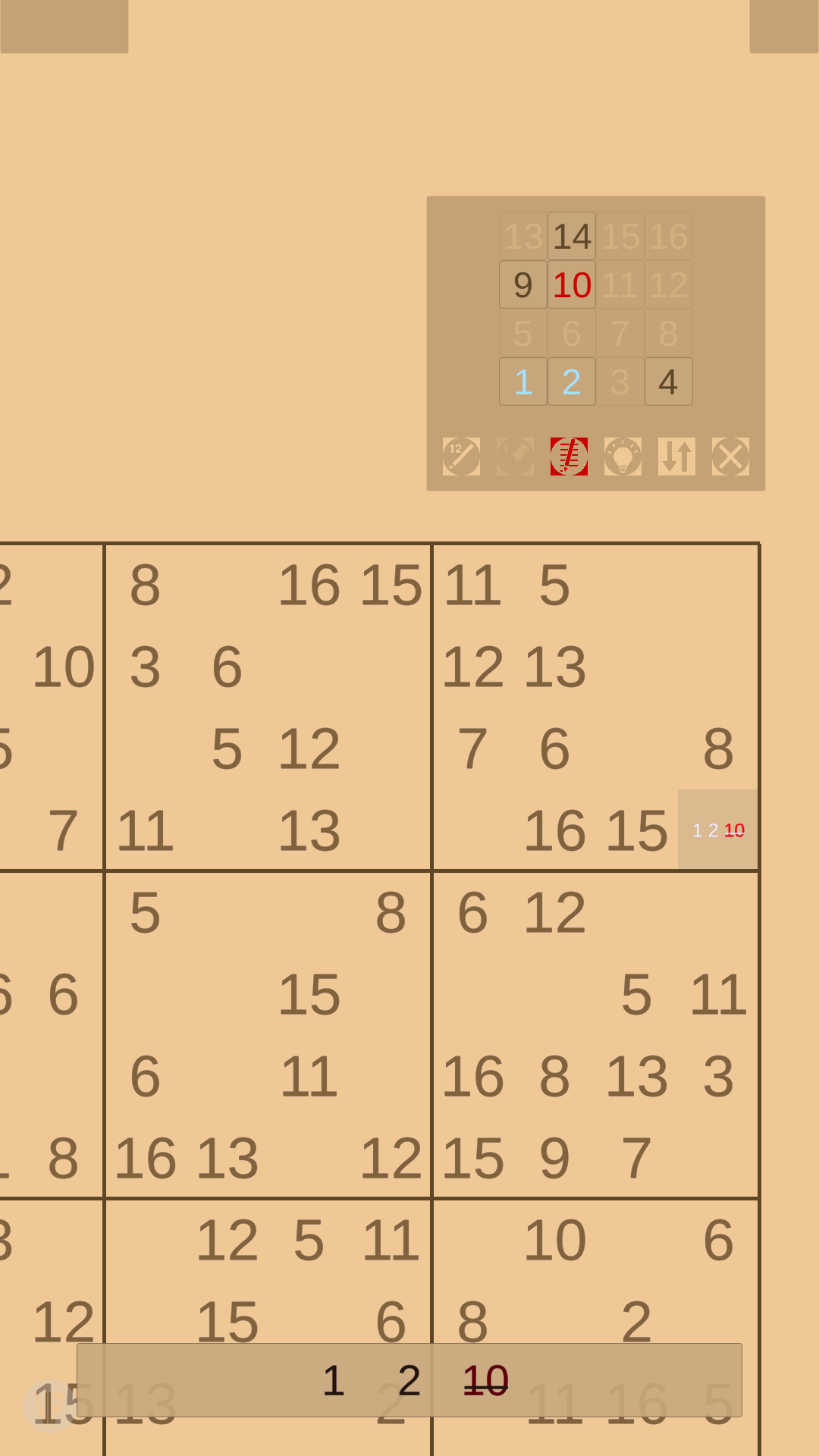
Sudoku 16 (AKA 16 x 16) is a Puzzle application developed by BELIMEDO, but with the best Android emulator-LDPlayer, you can download and play Sudoku 16 (AKA 16 x 16) on your computer.
Running Sudoku 16 (AKA 16 x 16) on your computer allows you to browse clearly on a large screen, and controlling the application with a mouse and keyboard is much faster than using touchscreen, all while never having to worry about device battery issues.
With multi-instance and synchronization features, you can even run multiple applications and accounts on your PC.
And file sharing makes sharing images, videos, and files incredibly easy.
Download Sudoku 16 (AKA 16 x 16) and run it on your PC. Enjoy the large screen and high-definition quality on your PC!
Are you a true sudoku fan? You are great with the classic 9, but how about an upgrade? Prove it by solving this 16 x 16 grid.Main notes:
- Unique puzzles in a 16 x 16 grid.
- Multiple in-built languages (CN, DE, EN, ES, FR, IT, JP, KO, PT).
- Puzzle engine that will serve you difficulty according to your personal performance.
- Default white on black and other colour palettes.
- A number of initially available hints in case you get stuck, which you could get more (e.g. watch ads, buy).
- Autoplay function (watch a puzzle being solved).
- Look for an ‘i’ icon to see what the buttons are for (these are automatically shown only the first few times you start up the game) in the top right controls panel.
- Many options like:
. Mark possible & impossible candidates.
. Influence text puzzle difficulty.
. Number pad auto-hide on/off.
. Number pad assistance on/off.
. Reposition the number pad (press + hold + drag).
. Adjust menu & number pad sizes.
. Pan & zoom.
. Centre grid.
. Lock rotation.
There are 256 fields that need to match, with a set of numbers from 1 to 16 in every column, every row, and every box. In each of those houses, each number from 1 to 16 appears only once.
Select your preferred language and proficiency level (it’s advisable to start as novice) upon installation and work your way to the top. Many achievements await you on the way. The number pad can assist you in showing only possible field numbers or you can turn that assistance off.
How to play? Briefly check the entire grid for a general impression of the given puzzle. Some fields will already contain clues. Check the concentration of the empty fields per columns, rows, or boxes, whichever preferred. Any column, row or box can also be referred to as a house. Easier puzzles will only have a few empty fields and offer lots of clues. The emptier the grid is, the less clues will be obvious, but they will still be there.
Start in the area with the least number of empty fields. If only one number is missing in any of the columns, the rows, or the boxes, then the missing item is simply that missing number. Fill that number in and continue with other empty fields in the same manner.
The easiest games (like in the beginning, if you start as novice) might only require filling-in some singlets, those are fields with only one possible candidate. Find out which number is missing and place it in. If the selected number is correctly chosen, and when all the occurrences of any item are set, the item will be highlighted and locked in.
Should you notice that something needs our attention, we’d love to hear from you.
Thank you for playing.