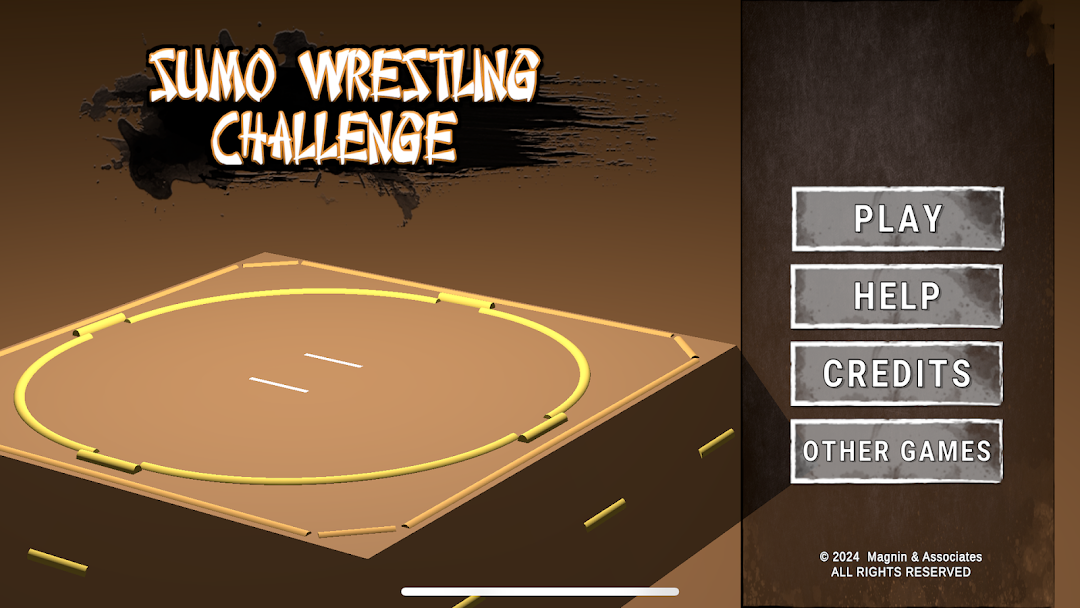
Sumo Wrestling Challenge is a Simulation application developed by Magnin & Associates, but with the best Android emulator-LDPlayer, you can download and play Sumo Wrestling Challenge on your computer.
Running Sumo Wrestling Challenge on your computer allows you to browse clearly on a large screen, and controlling the application with a mouse and keyboard is much faster than using touchscreen, all while never having to worry about device battery issues.
With multi-instance and synchronization features, you can even run multiple applications and accounts on your PC.
And file sharing makes sharing images, videos, and files incredibly easy.
Download Sumo Wrestling Challenge and run it on your PC. Enjoy the large screen and high-definition quality on your PC!
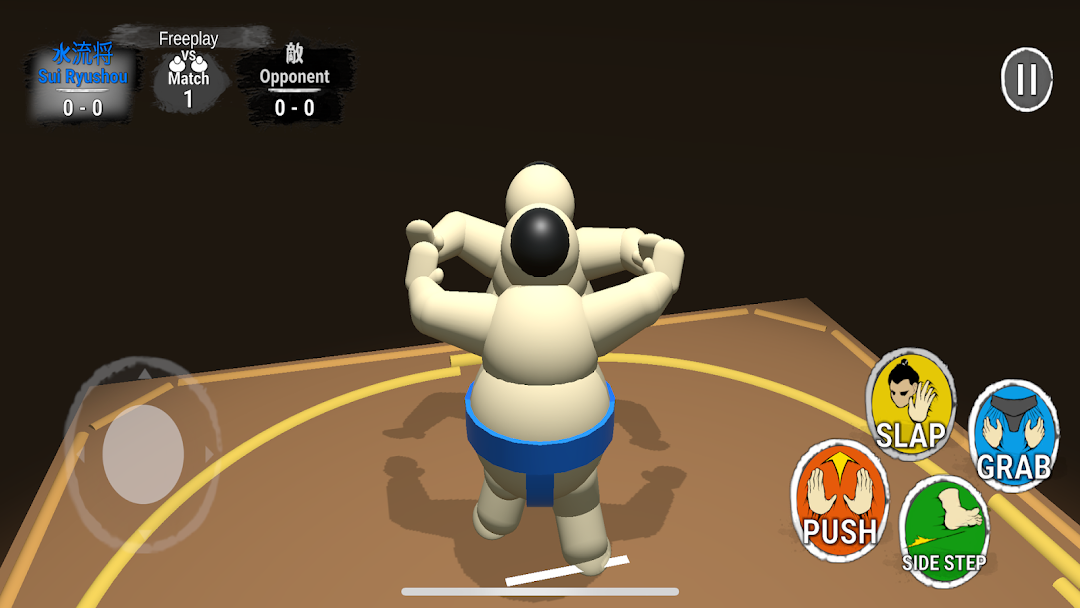
Experience the excitement of a Sumo match on your Android device.Win by knocking down your opponent or forcing him out of the ring.
Individual matches, or optional 5-day and 15-day tournaments. Play each of the opposing players on successive “days”. See competitive standings after 3rd day. Saves current progress so you can complete the tournament at your leisure.
Features:
-Choose your own Rikishi (Sumo fighter) from a list of 16.
-Save game and resume, or clear data to start over.
-After grabbing opponents Mawashi (belt), test your stamina against your opponent. The winner can choose a finishing move.
-In tournament play, you can skip to your next match or watch others fight it out.
Includes extensive on screen Help.
Optionally shares your accomplishments via email, or text messaging.
Runs on most popular Android phones and tablets.