SUNSETZ MidNight City is a Racing game developed by MidVNight Studios. LDPlayer is the best platform for playing SUNSETZ MidNight City on Windows PC, providing robust features to help you achieve an immersive experience in SUNSETZ MidNight City.
When playing SUNSETZ MidNight City on your computer, if you prefer using your own gamepad to control the game, LDPlayer's automatic gamepad detection can assist you in customizing controls with just a few simple clicks, allowing you to enjoy more realistic racing scenes and challenges.
With support for high frame rates, the game's diverse track designs and rich terrain and environmental changes become even more lifelike and detailed.
Additionally, the video recording feature makes it easy for you to capture all the exciting and amusing races and game content, making it convenient to share with friends or create videos. Start downloading and playing SUNSETZ MidNight City on your computer now!
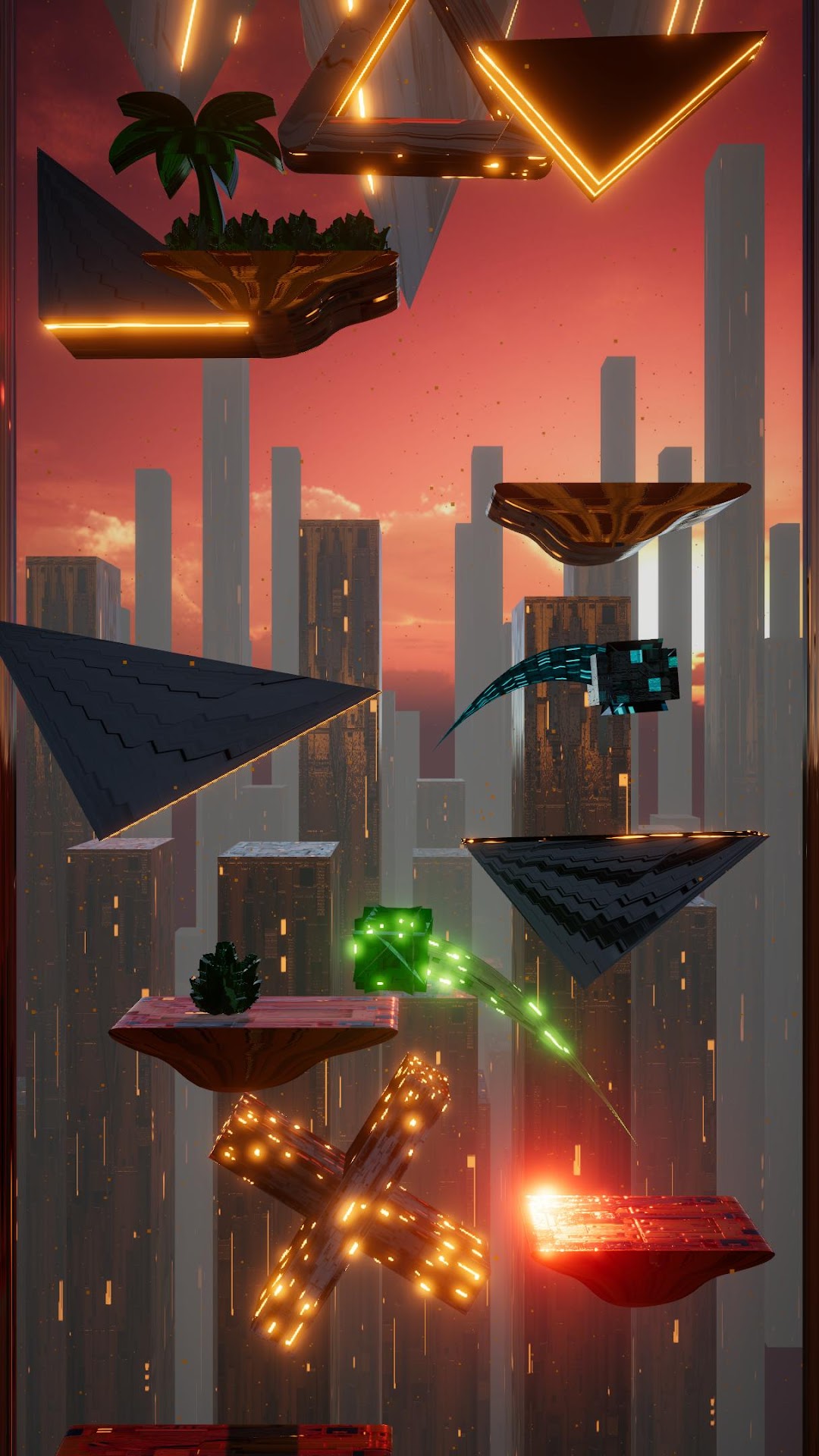
Dive into a breathtaking journey with 'SUNSETZ Midnight City,' where you guide a stunning 3D cube through a mesmerizing world of platforms reaching higher and higher. Experience the serene beauty of spring blooms, the vibrant warmth of summer rays, the rich colors of autumn foliage, and the magical tranquility of winter's snowy landscapes. In winter, witness the ethereal beauty of falling snow that transforms everything into an unforgettable wonderland.Challenge yourself in multiplayer mode, where you can race against an AI-controlled cube that jumps alongside you. Compete for the highest ascension and experience the thrill of racing through the seasons in this visually stunning and captivating adventure, 'SUNSETZ Midnight City.' Customize your experience with different cubes, each possessing unique abilities tailored to their characteristics. Additionally, discover powerful universal abilities available to all cubes:
Temporal Rewind: Rewind time by 5 seconds, allowing strategic corrections during gameplay.
Trinity Power: Break the nearest 3 traps, clearing obstacles in your path.
Jump-Link Power: Swap positions with other players or traps, strategically navigating challenges and enhancing gameplay dynamics.
These abilities ensure every session in 'SUNSETZ Midnight City' is not only visually striking but also filled with tactical depth and excitement.