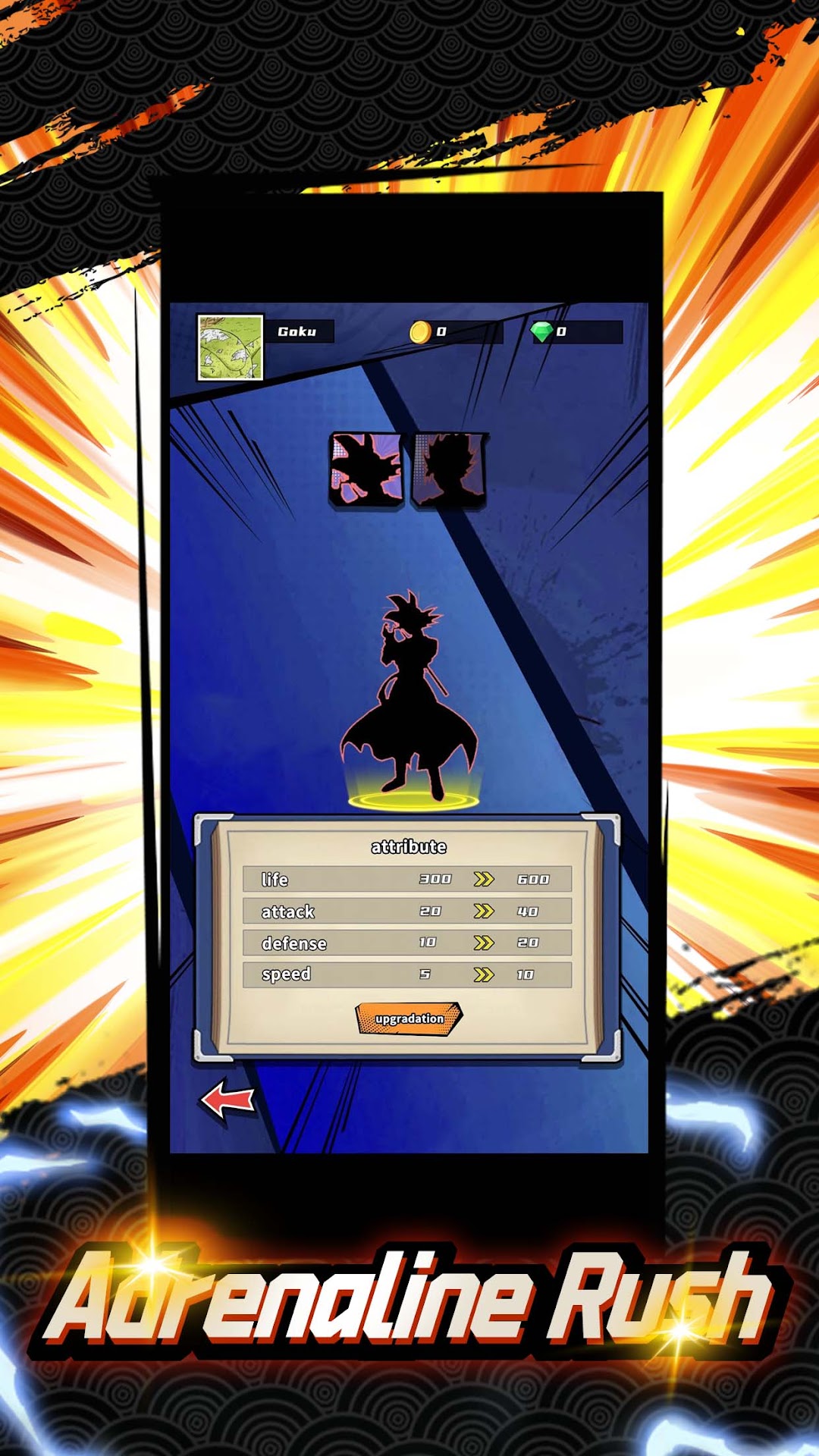
Dragon Warriors: Legends Unite is a Adventure application developed by Nine Palaces Game, but with the best Android emulator-LDPlayer, you can download and play Dragon Warriors: Legends Unite on your computer.
Running Dragon Warriors: Legends Unite on your computer allows you to browse clearly on a large screen, and controlling the application with a mouse and keyboard is much faster than using touchscreen, all while never having to worry about device battery issues.
With multi-instance and synchronization features, you can even run multiple applications and accounts on your PC.
And file sharing makes sharing images, videos, and files incredibly easy.
Download Dragon Warriors: Legends Unite and run it on your PC. Enjoy the large screen and high-definition quality on your PC!
Welcome to Dragon Warriors: Legends Unite, an exhilarating role-playing adventure where you’ll choose your hero and engage in epic battles against dark forces. Prepare for an immersive experience filled with strategic gameplay and thrilling challenges. Here are the key features of the game:Assemble Your Heroes
Explore a vast and vibrant world to collect a diverse array of heroes. Train and empower them to unlock their true strengths. Form a powerful team with unique skills and forge deep connections to unleash their full potential.
Tactical Combat
Engage in strategic battles that demand careful planning and skillful execution. Analyze your opponents' strengths and weaknesses, and deploy the right mix of heroes, abilities, and equipment to conquer challenging levels and formidable bosses.
Engaging Storylines and Quests
Dive into a rich universe filled with captivating narratives, quests, and missions. Embark on thrilling adventures, explore mysterious dungeons, and uncover the secrets of the Dragon Warriors. Collect hidden treasures and discover powerful artifacts that enhance your journey.
Dynamic Battles
Challenge your skills,participate in various competitive modes, including arena battles and tournaments. Ascend the ranks, earn prestigious rewards, and establish your dominance in the Dragon Warriors realm.
Get ready to embark on an extraordinary journey in Dragon Warriors: Legends Unite. Gather your heroes, refine your skills, and prepare for an epic showdown against darkness. Are you ready to become the ultimate champion? Join the battle today!