

Supermarket Simulator 3D Game is a Simulation application developed by Desert Game, but with the best Android emulator-LDPlayer, you can download and play Supermarket Simulator 3D Game on your computer.
Running Supermarket Simulator 3D Game on your computer allows you to browse clearly on a large screen, and controlling the application with a mouse and keyboard is much faster than using touchscreen, all while never having to worry about device battery issues.
With multi-instance and synchronization features, you can even run multiple applications and accounts on your PC.
And file sharing makes sharing images, videos, and files incredibly easy.
Download Supermarket Simulator 3D Game and run it on your PC. Enjoy the large screen and high-definition quality on your PC!
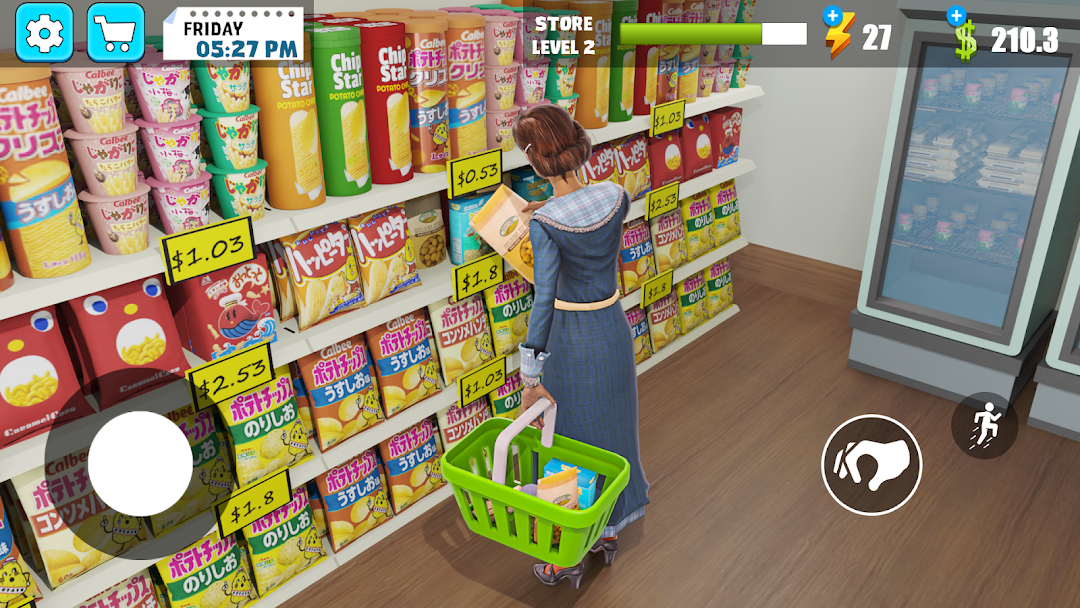
Welcome to Supermarket Manager 3D Simulator, the ultimate market simulator that puts you in the shoes of a bustling store manager! Dive into the exciting world of supermarket games where your strategic skills and quick thinking will determine the success of my supermarket.In this engaging marketing simulation game, you'll oversee every aspect of running a top-tier grocery store. From stocking shelves with fresh produce and managing the checkout lines to setting up promotional displays and expanding your aisles, every decision you make shapes the vibrant supermarket story that unfolds.
Explore the intricate dynamics of a hyper market, where the flow of customers and goods never stops. Balance your budget, handle customer requests, and tackle unexpected challenges to create the most efficient and profitable grocery store in town.
Grow Your Store: You may expand your business by opening up additional departments and making improvements to your facilities. In this grocery shop simulator game, expand the capacity of your business and provide a greater range of items to satisfy consumer expectations.
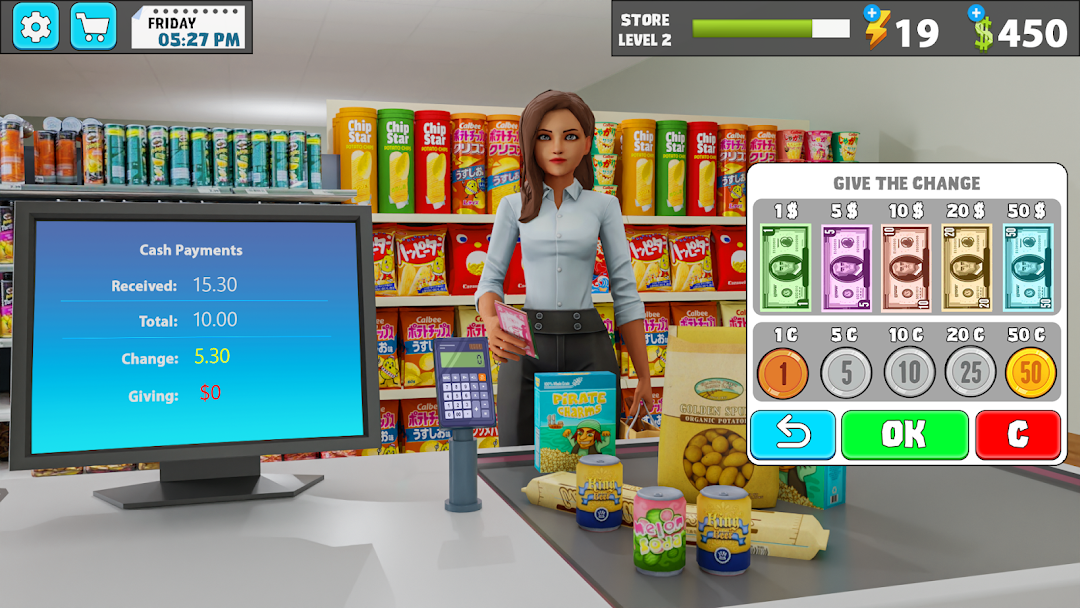
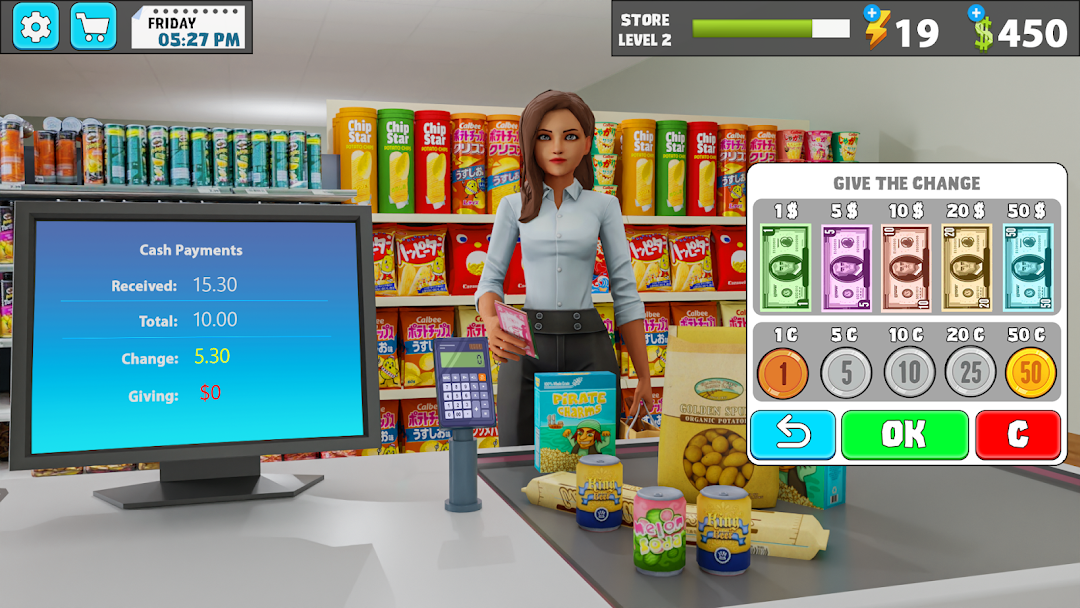
Effective Checkout System: A quick and easy checkout procedure will improve the client experience. This supermarket cashier simulator helps you decrease wait times and handle cash and card payments with ease.
Whether you're a fan of supermarket games or new to the genre, Supermarket Manager 3D Simulator offers a thrilling experience that combines strategic planning with the fast-paced action of grocery games. Immerse yourself in the detailed world of my supermarket, and become the best store manager the market has ever seen!
Hire and Train Staff: Employing knowledgeable staff will enhance your store's operations. In this grocery tycoon game, you train your workforce to complete different jobs quickly and smoothly while maintaining the store's smooth operation.
Personalize Your Store: Give your store a unique plan and appearance. Your grocery store simulator may be customized with a variety of themes, colors, and decorations to create a distinctive shopping experience.
Are you ready to build your own supermarket story? Step into the world of Supermarket Manager 3D Simulator and start your journey today!