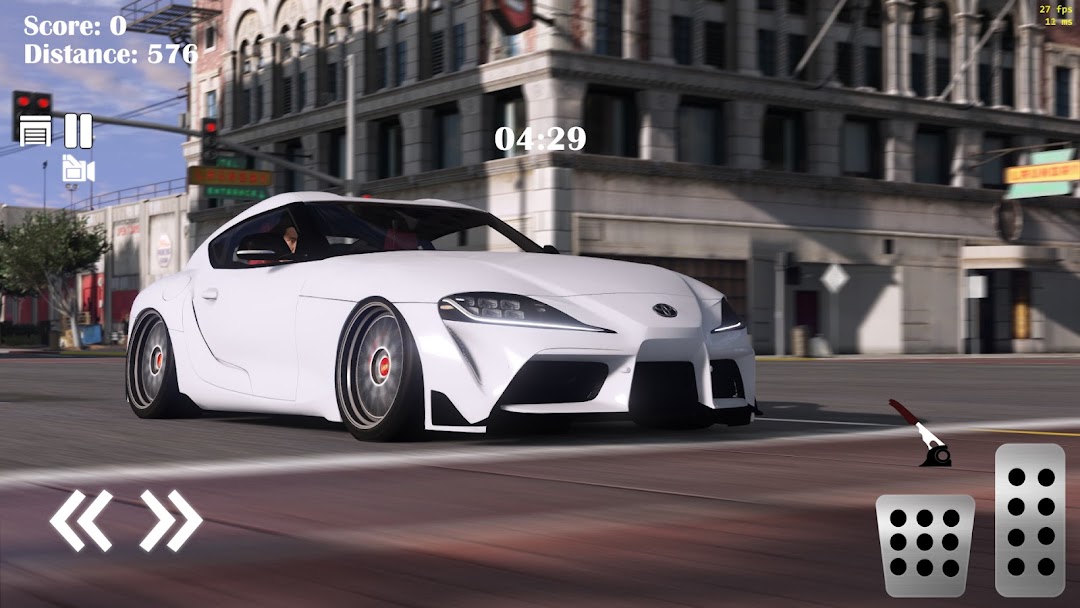
Supra Drift Simulator 3D Race is a Simulation application developed by MAYSTUDIO, but with the best Android emulator-LDPlayer, you can download and play Supra Drift Simulator 3D Race on your computer.
Running Supra Drift Simulator 3D Race on your computer allows you to browse clearly on a large screen, and controlling the application with a mouse and keyboard is much faster than using touchscreen, all while never having to worry about device battery issues.
With multi-instance and synchronization features, you can even run multiple applications and accounts on your PC.
And file sharing makes sharing images, videos, and files incredibly easy.
Download Supra Drift Simulator 3D Race and run it on your PC. Enjoy the large screen and high-definition quality on your PC!
Get ready to experience the ultimate supra car game with Supra Drift 3D! Step into the driver's seat and unleash the full potential of the iconic supra models as you drift your way to victory. With its breathtaking graphics and realistic gameplay, Supra Drift Simulator will keep you hooked for hours on end. So, buckle up and get ready for an adrenaline-fueled race like no other!Earn game money by showcasing your drifting skills on the virtual tracks. With the money earned, you can unlock and buy various supra models, each with its own unique features and abilities. From sleek and elegant designs to powerful engines that roar on the road, these supras will leave you awestruck.
Supra Drift 3D offers a wide range of thrilling features to enhance your gaming experience. Take control of your supra with the intuitive accelerator, pedal, and handbrake buttons, giving you complete control over the power and speed of your car. Feel the rush as you drift around corners, leaving your opponents in the dust.
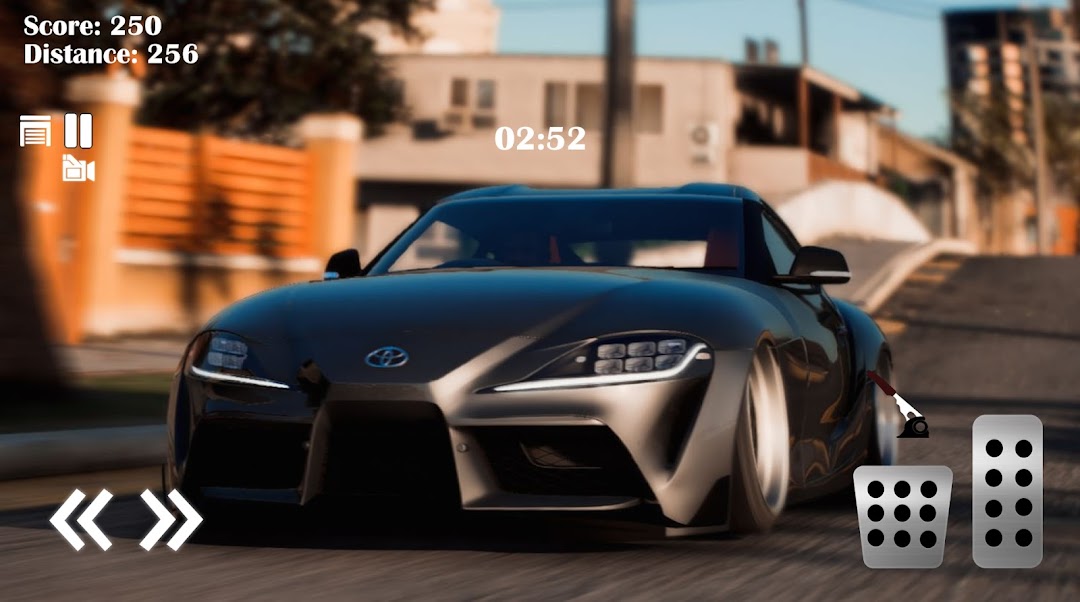
Choose from three different camera views to get the perfect angle for your drift. Immerse yourself in the action with the first-person view, or get a panoramic perspective of the track with the third-person view. The choice is yours!
Keep an eye on the drift earned indicator and drift points earned indicator to monitor your progress and fine-tune your drifting technique. Show off your drifting prowess and prove that you are the ultimate drift king.
Need a quick breather? No worries! Hit the pause button to take a moment, strategize your next move, or simply admire your supra from different angles. The game pause feature allows you to pause the action without losing your progress, so you can jump right back into the heart-pounding race whenever you're ready.
Supra Drift 3D is not just a game; it's a complete racing experience that will push your skills to the limit. With its stunning visuals and realistic physics, you will feel like you're in the driver's seat of a real supra. Get ready to burn rubber, conquer challenging tracks, and leave your opponents in awe!
With five different cars to choose from, the possibilities are endless. Unlock each supra model, master its unique handling and, and dominate the race. Whether you prefer the classic supra or the latest models, there's a car that suits every racing style.
Download Supra Drift 3D now and embark on a high-octane race like never before. Push your limits, master the art of drifting, and become the ultimate champion. Can you handle the power of the supras? Find out now in Supra Drift Simulator - the ultimate supra race game!
If you like to our game, please rate us. Have fun!