Sword Masters is a Action game developed by PixelByte, and LDPlayer is the best platform for playing Sword Masters on PC, offering powerful features to immerse you in the game.
When playing Sword Masters on computer, you can adjust frame rate settings for smooth gameplay and stunning visuals.
LDPlayer also provides pre-configured keyboard mapping for convenient control of the entire game. Continuous optimization of keyboard mapping enhances key sensitivity and skill accuracy. Additionally, LDPlayer offers special buttons like shoot, hide mouse, and continuous key press for an enhanced gaming experience.
If you prefer using a gamepad, the automatic gamepad detection allows you to customize controls with just a few clicks, enabling you to freely maneuver your hero. Start downloading and playing Sword Masters on your computer now!
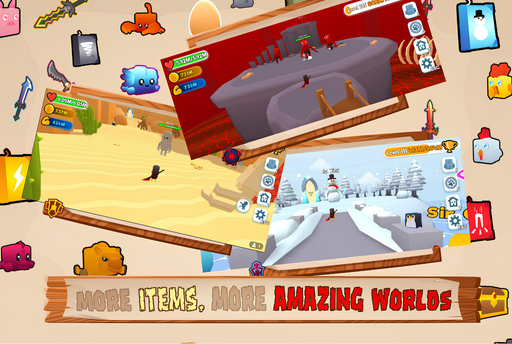
Embark on an epic 🌈 3D MMORPG adventure tailored for the young and young at heart. In this 🎨 cartoon-styled world, you'll master the art of the sword 🗡️, engage in the thrilling merge system to create the mightiest of blades, and bear shields 🛡️ that stand as symbols of your unwavering courage.As you progress, each level up brings you face-to-face with new, formidable bosses 🐉 to test your mettle. With every quest 📜 you undertake, you weave through a narrative tapestry brimming with challenges and wonders.
And what's a hero without their signature look? Clothe your avatar in an abundant selection of gear 🎽👑, making sure you're both battle-ready and stylish. Revel in the joy of discovery with gifts 🎁 and treasures hidden in every corner of this expansive world.
So, what are you waiting for? Step into Sword Masters 🏰 where the saga of your blade 🤺 and shield is only limited by your imagination. Ready your weapons, for an unforgettable journey awaits where every slash is a story, and every outfit speaks volumes of your glory!
🔥 Your quest for greatness begins now! Will you rise as the ultimate Sword Master? 🌟💪
Join us and carve your destiny! 🌐👾🎮