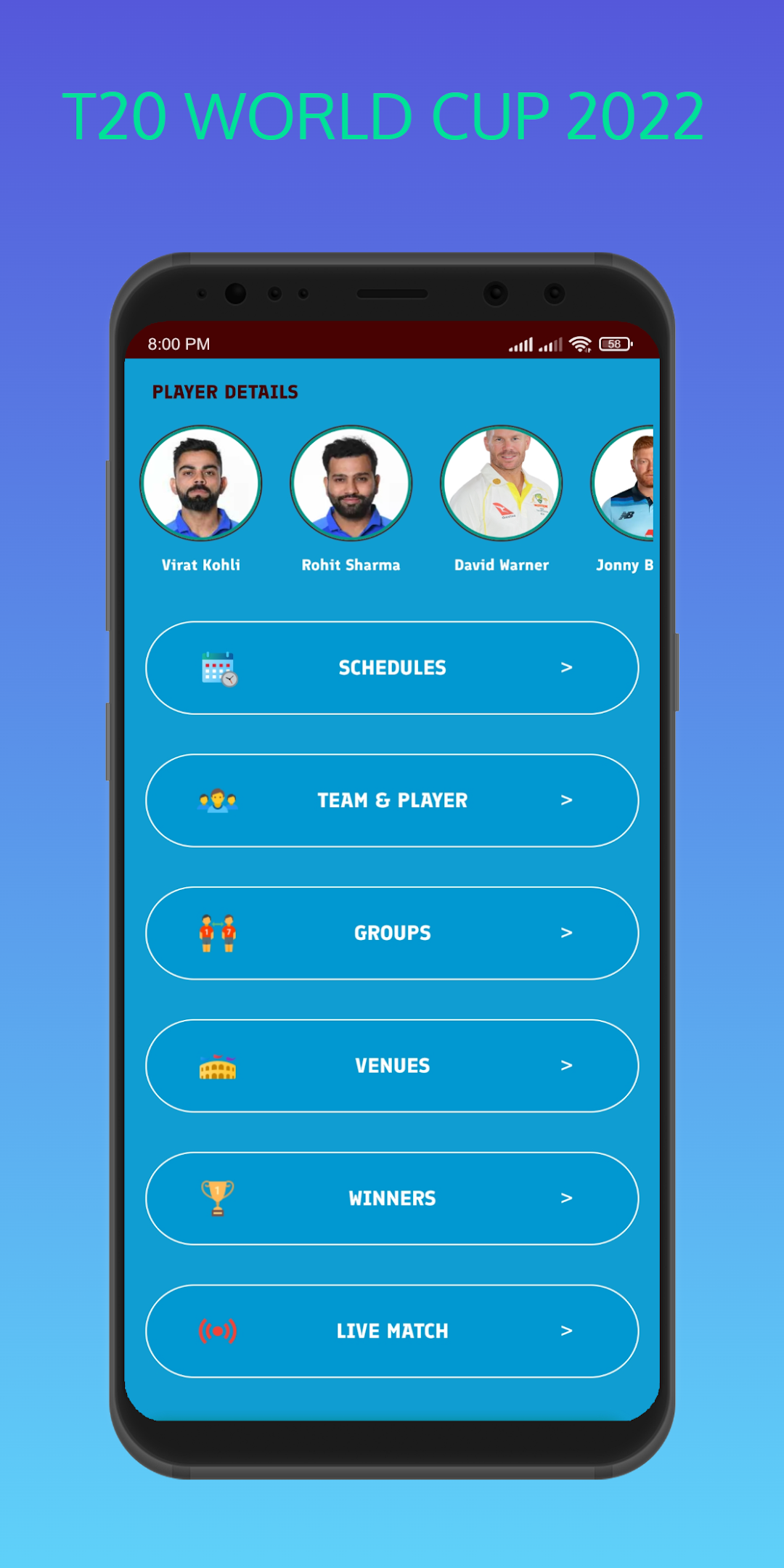
T20 World Cup 2022 Live is a Sports game developed by mustakimStudio. LDPlayer is the best platform for playing T20 World Cup 2022 Live on Windows PC, offering powerful features to enhance your immersive experience in T20 World Cup 2022 Live.
When playing T20 World Cup 2022 Live on your computer, the larger screen and more powerful graphics performance enable you to enjoy clearer and smoother game visuals, enhancing the visual experience of the game.
The operation of peripherals such as gamepads is emulated to better mimic the feel of real sports, providing more precise control and richer operation options.
Furthermore, if you wish to execute a series of continuous key combinations, the one-click macro feature will be the functionality you've been dreaming of, allowing you to effortlessly stay one step ahead with one-touch operation. Start downloading and playing T20 World Cup 2022 Live on your computer now!
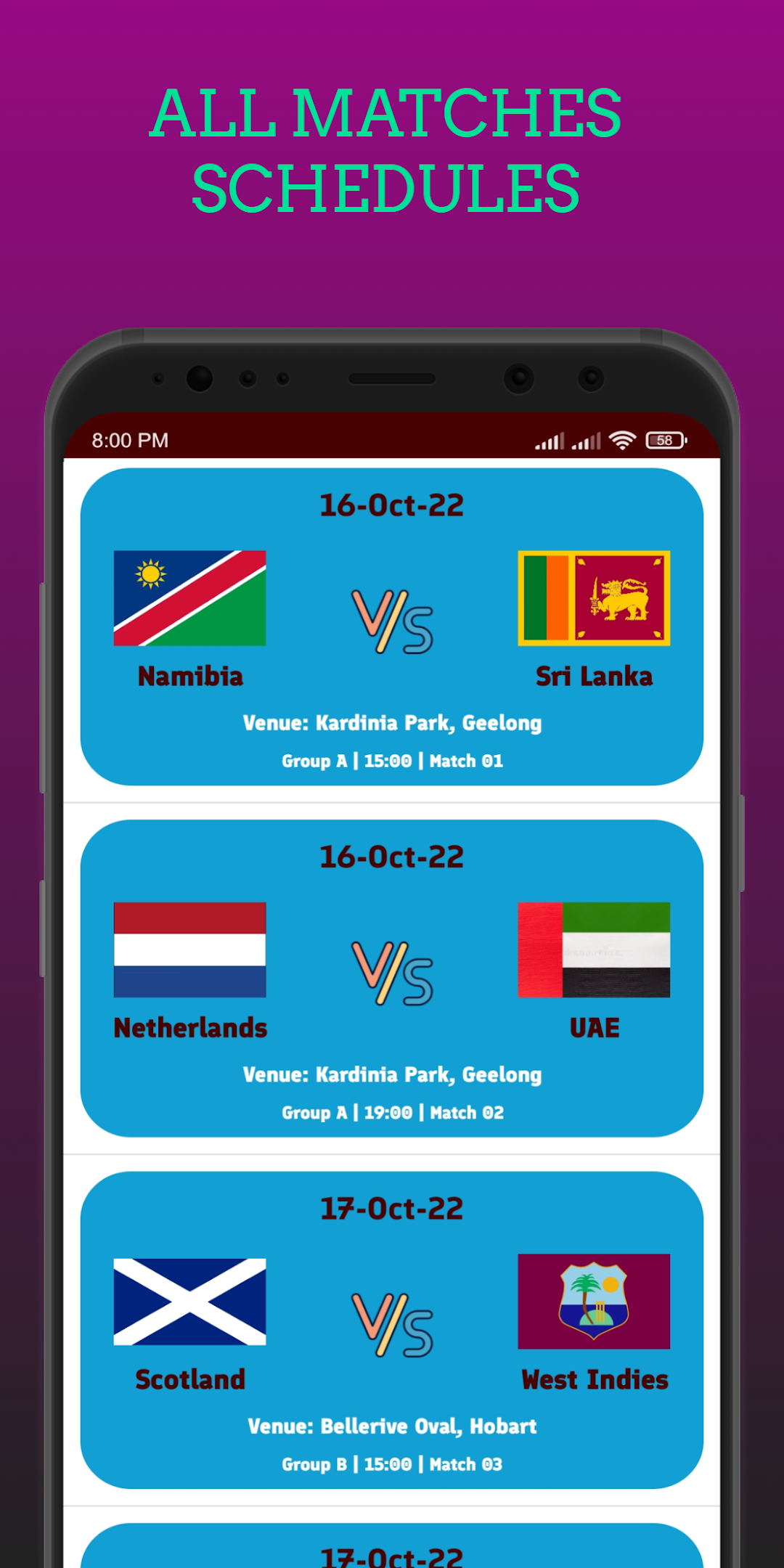
T20 World Cup 2022 will be held in Australia. Although initially, the tournament was supposed to be held in 2020. Due to the Covid pandemic, the ICC suspended the game with their notice in July 2020.And this year, Australia will host the ICC Men's T20 World Cup 2022.All T20 World Cup 2022 matches will be held at these 7 Venues: 1.Adelaide Oval 2.The Gabba 3.Bellerive Oval 4.Perth Stadium 5.Kardinia Park 6.Melbourne Cricket Ground 7.Sydney Cricket Ground.
T20 World Cup 2022 will start from October 16 to November 13. Here 16 teams are divided into 4 groups. The top 8 teams from the 2021 T20 Cup automatically qualify for the 2022 T20 World Cup. Besides, four more teams have been selected by ICC from the previous tournament. The remaining four teams will be chosen from the qualifier matches and the ICC tournament.
All cricket fans can watch all the matches of this tournament live score from this app. We will provide bat-to-bat information for all matches. Users can know from the app Team, player data, match schedule, and venue details from the app.
Disclaimer: It's an 'Unofficial' T20 World Cup 2022 App . All Images are copyright by their perspective owners. The images used in this app are available in open public domain. The image are used simply for aesthetic purposes. Requests to remove any image/logo/name will be honored.