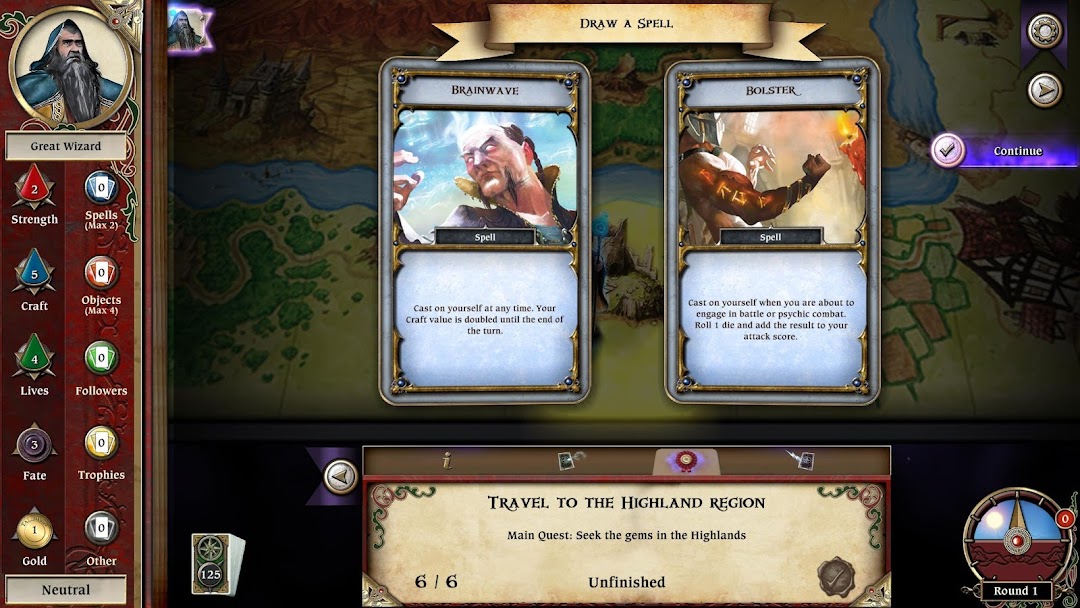
Talisman: Origins is a Board application developed by Nomad Games, but with the best Android emulator-LDPlayer, you can download and play Talisman: Origins on your computer.
Running Talisman: Origins on your computer allows you to browse clearly on a large screen, and controlling the application with a mouse and keyboard is much faster than using touchscreen, all while never having to worry about device battery issues.
With multi-instance and synchronization features, you can even run multiple applications and accounts on your PC.
And file sharing makes sharing images, videos, and files incredibly easy.
Download Talisman: Origins and run it on your PC. Enjoy the large screen and high-definition quality on your PC!
Discover the untold story behind the Talisman board game! Adventure through epic quests and face mighty challenges using the full rule-set of the Revised 4th Edition of Talisman. Play through the historic events that forged the world of Talisman, such as the creation of the Crown of Command, the return of the dragons, the Ifrit war and the rise of the guilds.If you’re new to the world of Talisman, discover the story behind this critically acclaimed board game in exciting single-player adventures. Learn at your own pace as you discover a world like no other!
Take control of 12 Talisman characters, including the new Great Wizard exclusive to Talisman: Origins. Battle to save the land from dragon invasions, double-crossing devils, demigods and more. With over 50 hours of content to play through, there’s always a new adventure to embark on.
With unique quests, you can also take part in specially designed quests exclusive to Talisman: Origins. Take a walk on the evil side as you command a dragon invasion, destroy sacred chapels and protect your dungeon from heroic invaders!
• Exciting stories set in the Talisman world
• 20 awesome quests spread across 4 epic campaigns
• 100 challenges provide hours of replay value
• Detailed interactive tutorial for new players
• Achievements track your progress through the stories