

Talking Pocoyo is a Casual game developed by Animaj SPV. LDPlayer is the best platform for playing Talking Pocoyo on Windows PC, offering powerful features to enhance your immersive experience in Talking Pocoyo.
When playing Talking Pocoyo on your computer, if you find repetitive actions or tasks tedious and time-consuming, fret not! Macro can alleviate your concerns. Simply record your actions with a click of the screen recording feature and let macros take care of the rest. Macros automate your operations, allowing you to effortlessly conquer the game with minimal effort! Start downloading and playing Talking Pocoyo on your computer now!
Download the FREE TALKING POCOYO App – Fun for Kids Aged 2-5!Looking for an engaging game that sparks joy and laughter? Download the TALKING POCOYO app and join Pocoyo, your child’s new best friend! This interactive app is perfect for kids and families, offering endless fun anytime, anywhere.
What’s Inside the App?
In TALKING POCOYO, Pocoyo is eager to entertain! He repeats everything you say in a funny voice, creating delightful moments for your little ones. Enjoy these exciting activities:
- Play with Pocoyo: Experience whimsical interactions as Pocoyo reacts playfully to your voice and actions. Sing, talk, and watch as he mimics your words in his silly tone!
- Pocoyo Musical: Let your child explore their musical talent! Play various instruments with Pocoyo and create your own tunes.
- Guess the Animal: Join the fun as Pocoyo imitates different animals! Compete with family and friends to guess which animal he’s pretending to be.
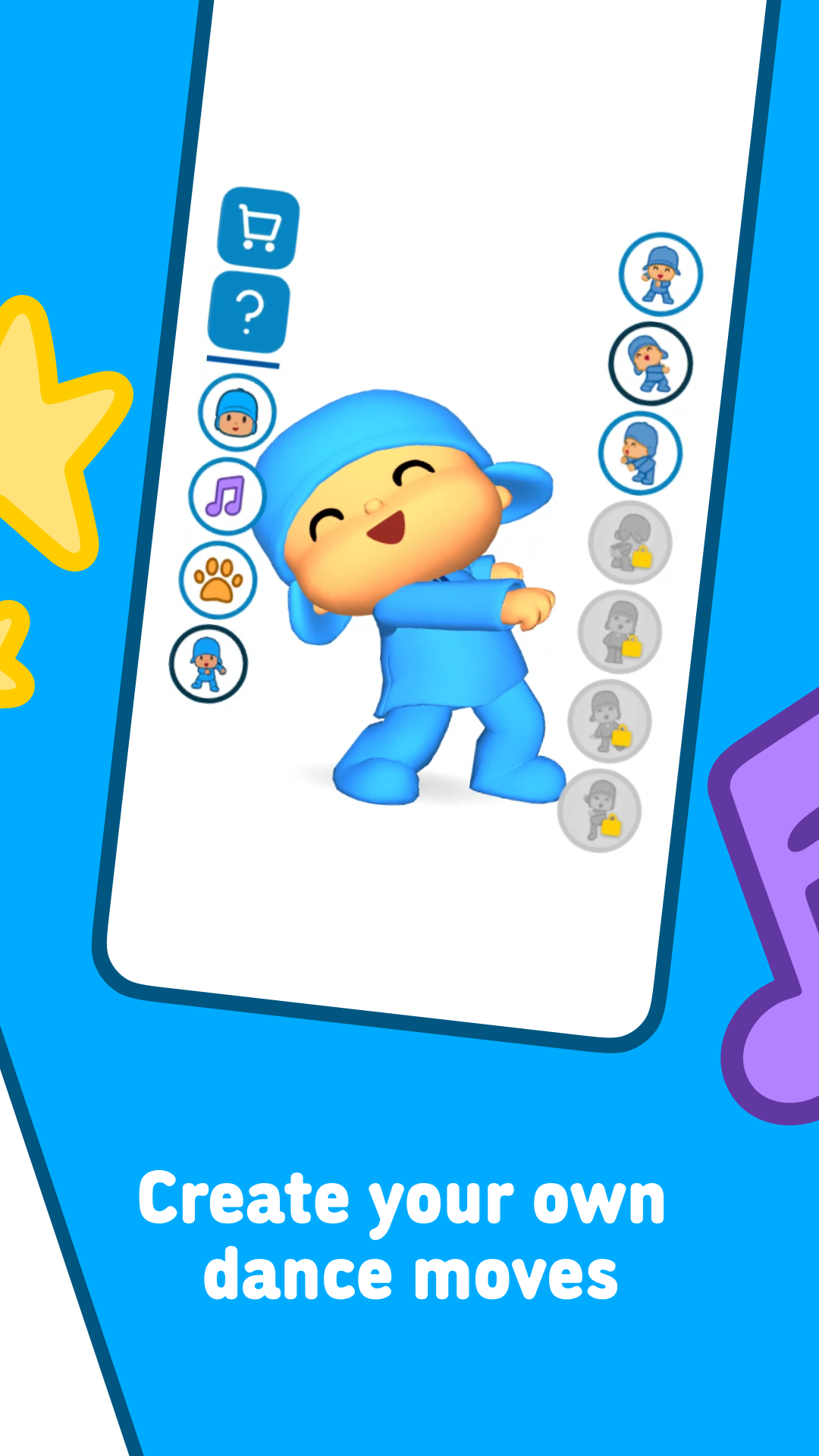
- Pocoyo Dances: Move and groove! Imitate Pocoyo’s fun dance moves and learn to dance along with your favorite character.
- Record and Share: Capture Pocoyo’s hilarious antics! Record videos and share the laughter with family and friends on Facebook or YouTube.
Why Choose TALKING POCOYO?
This app is designed to provide a safe, entertaining experience for young children. Your little ones will love interacting with Pocoyo, fostering creativity and imagination. Enjoy quality time together as you watch their excitement grow!
Download TALKING POCOYO today and bring joy to your child’s playtime!