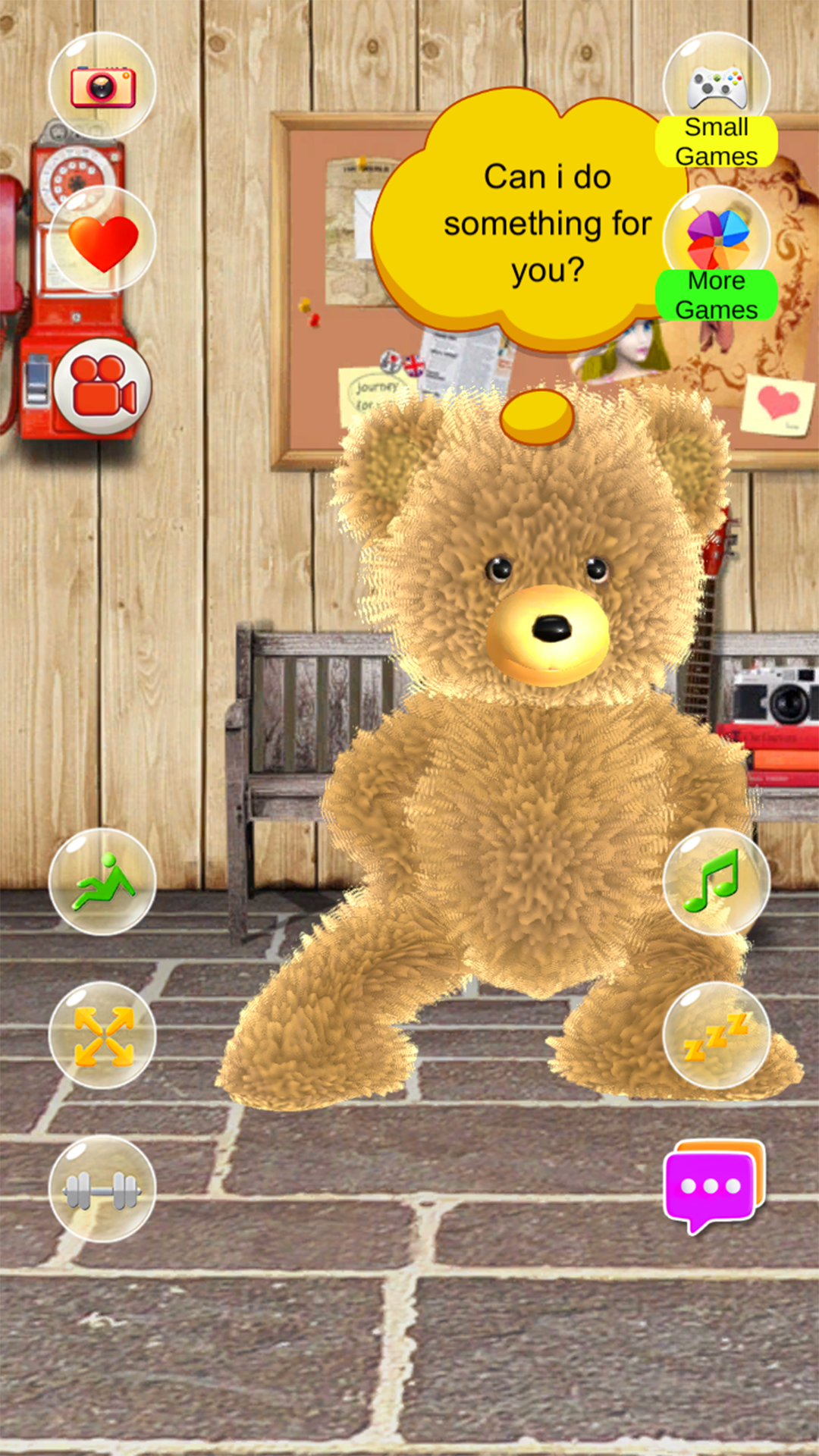
Talking Teddy Bear is a Casual game developed by Funny Talking. LDPlayer is the best platform for playing Talking Teddy Bear on Windows PC, offering powerful features to enhance your immersive experience in Talking Teddy Bear.
When playing Talking Teddy Bear on your computer, if you find repetitive actions or tasks tedious and time-consuming, fret not! Macro can alleviate your concerns. Simply record your actions with a click of the screen recording feature and let macros take care of the rest. Macros automate your operations, allowing you to effortlessly conquer the game with minimal effort! Start downloading and playing Talking Teddy Bear on your computer now!
Talking Teddy Bear is the cute talking bear you can chat with, learn from, and play with every day.Ask questions, enjoy storytime, practice English, and jump into mini games with your new teddy bear companion.
A TEDDY BEAR THAT TALKS WITH YOU
Start a real back-and-forth conversation with Talking Teddy Bear. Teddy responds to your questions with friendly, easy-to-understand answers that spark curiosity and smiles.
LEARN SOMETHING NEW (WITHOUT FEELING LIKE HOMEWORK)
Explore fun facts and simple explanations across everyday topics:
- Encyclopedia-style knowledge for quick learning
- Curious Q&A that encourages discovery
- Gentle prompts that build confidence through conversation
STORYTIME ADVENTURES, ANYTIME
Need a calm moment or a cozy bedtime routine? Teddy can tell delightful stories that turn “one more minute” into “one more story.”
PRACTICE ENGLISH THROUGH PLAY
Make English practice feel natural and fun:
- Simple, everyday conversations
- Useful words and phrases in context
- A friendly companion that keeps you engaged
MOVE, LAUGH, AND STAY ACTIVE
Teddy makes staying active feel like play:
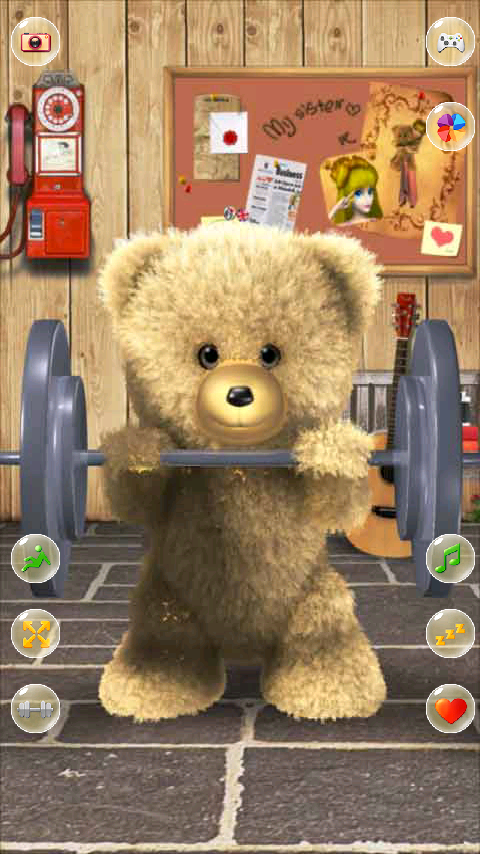
- Follow easy exercise demos with Teddy
- Make workouts more enjoyable with a buddy
- Watch Teddy dance, rest, and react in cute ways
MINI GAMES AND PLAYFUL MOMENTS
Take a break and keep the fun going:
- Quick mini games for fast, repeatable fun
- Tap and interact to see Teddy’s adorable reactions
- Poke Teddy’s head, arms, or feet and discover surprises
If you love teddy bear games, talking games, or cute companion apps, Talking Teddy Bear is ready to be your new favorite talking teddy. Download now and start your next little adventure.