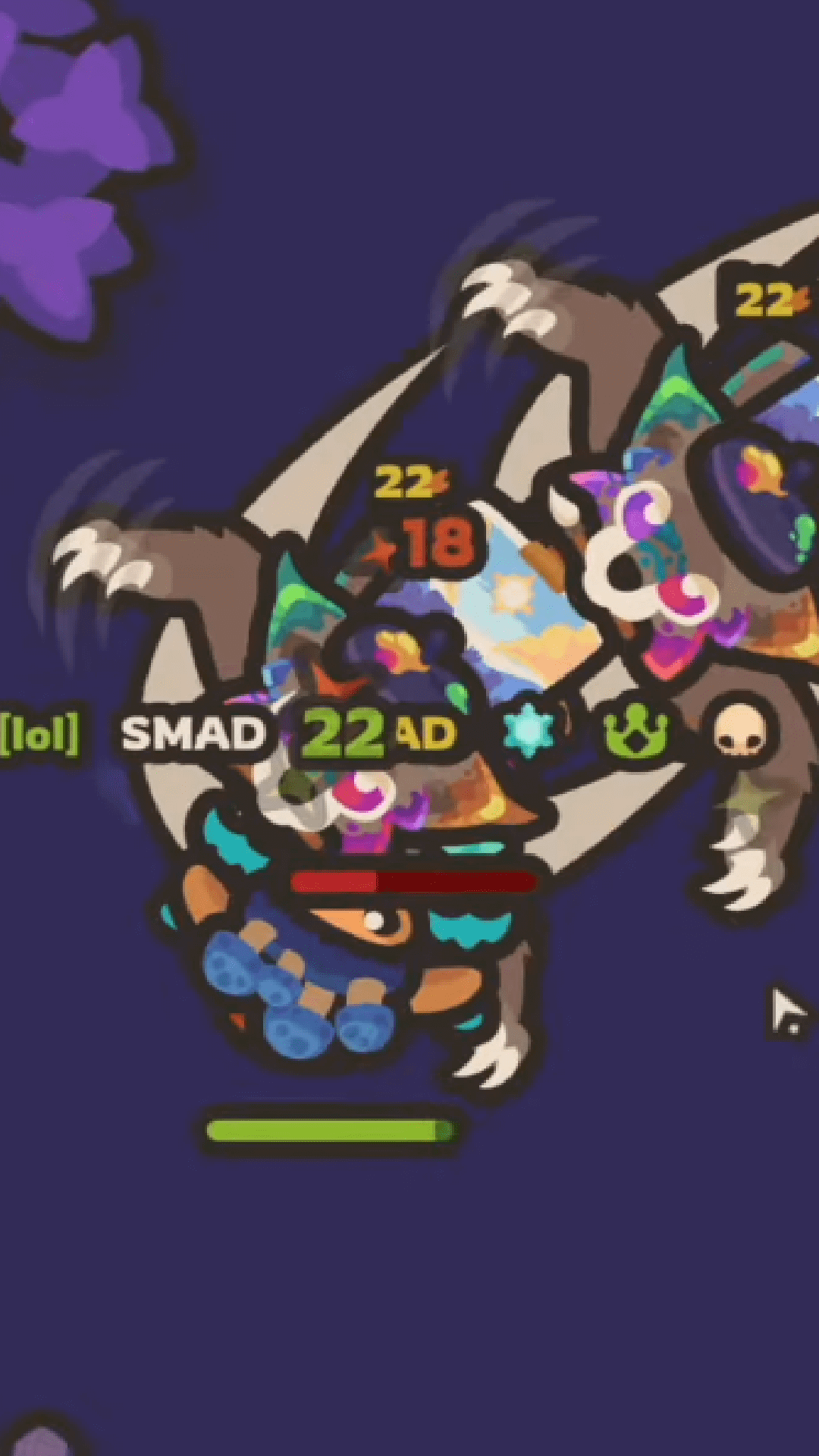
Taming.io is a Action game developed by Multiplayer.co, and LDPlayer is the best platform for playing Taming.io on PC, offering powerful features to immerse you in the game.
When playing Taming.io on computer, you can adjust frame rate settings for smooth gameplay and stunning visuals.
LDPlayer also provides pre-configured keyboard mapping for convenient control of the entire game. Continuous optimization of keyboard mapping enhances key sensitivity and skill accuracy. Additionally, LDPlayer offers special buttons like shoot, hide mouse, and continuous key press for an enhanced gaming experience.
If you prefer using a gamepad, the automatic gamepad detection allows you to customize controls with just a few clicks, enabling you to freely maneuver your hero. Start downloading and playing Taming.io on your computer now!
Taming.io is a survival .io game with magical pets that fight by your side.Craft and Upgrade
Collect resources to craft your village. Level up to unlock new craft and weapons. Place windmills to generate gold. Tame animals and make them evolve in epic battles! Collect golden apples in chests to custom your character and pets. Waste no time getting started. Start building your fortress and fortify it with walls and turrets. One of the most important buildings to unlock for your base is the windmill. This structure generates gold for you automatically.
Tame Pets
Each pet has a special ability, with its weakness and advantage. Fire, Plant, Water, Rock, Stunt, Damage, Repulse, Regen ... Choose your pet to get started and tame new ones in game. Build your army and fight other tamers!
Build a Team
Since Taming is a multiplayer .io game, plenty of other gamers share the world with you. It’s a good idea to get friendly with some of them to make a team. Doing it alone will be more challenging as you face other teams and higher-level players who will dominate you.
Features
Fight magical battles with other players Tame wild animals to fight for you Collect various resources Build and fortify your base Unlock more rewards as you age