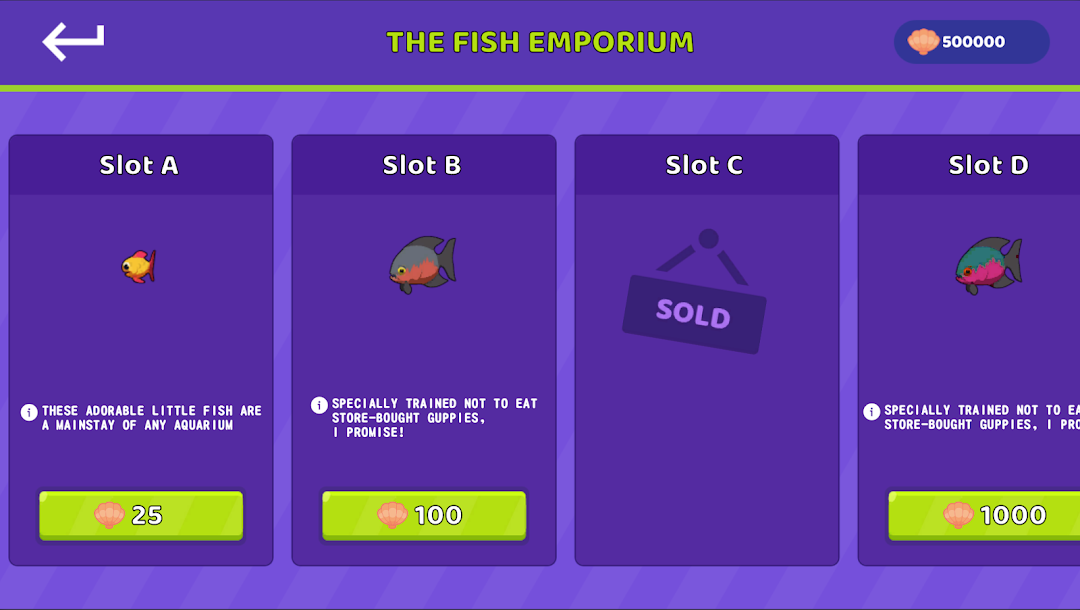


Tap Tap Aquarium -Virtual Tank is a Simulation application developed by 吴玲玲, but with the best Android emulator-LDPlayer, you can download and play Tap Tap Aquarium -Virtual Tank on your computer.
Running Tap Tap Aquarium -Virtual Tank on your computer allows you to browse clearly on a large screen, and controlling the application with a mouse and keyboard is much faster than using touchscreen, all while never having to worry about device battery issues.
With multi-instance and synchronization features, you can even run multiple applications and accounts on your PC.
And file sharing makes sharing images, videos, and files incredibly easy.
Download Tap Tap Aquarium -Virtual Tank and run it on your PC. Enjoy the large screen and high-definition quality on your PC!
The game is very simple, at the beginning of the game, you’ll start off with 2 small fishes . You need to feed your small fishes in order for them to grow, they can grow twice, once they grow once they’ll give you silver coins, than the second time will give you gold coins which of course gives you even more money. In order to get even more money, you buy better but more expensive fish, that eat your cheaper fish but drop more money than them.The in-game money can be used to purchase fish food and upgrades, such as more fish, better fish food, and more powerful lasers to fight alien attackers, to feeding frenzy.
You win the game by getting enough money to hatch an egg, in order to fully hatch the egg, you have to purchase it 3 times. Hatching the egg at the end of the level will give you a new pet to fight along your side every time. You can choose up to 3 pets at a time, and once you get all of the pets in the game, you can choose up to 4. Feeding frenzy your crazy aquarium!
In crazy insaniquarium includes 4 fun ways to play: Adventure, TimeTrial, Challenge and Virtual tank.
#Adventure Mode
Adventure Mode is the main mode of this game The goal of this mode is to purchase three egg pieces in every level to unlock a new pet. The player goes through five stages of four main tanks, with each tank having their own unique food chain.
#Bonus Adventure
After completing Adventure Mode for the first time, Bonus Adventure is unlocked. It is identical to Adventure Mode, however, there is now a Bonus Round at the end of every level. The time for each Bonus Round increases per level, starting at 10 seconds.
#Time Trial Mode
In this mode, there is no egg piece to buy. Instead, you have to purchase a random egg that contains a random pet. You can keep purchasing random eggs until all your pets are in use.The goal of this mode is to earn as much money before time runs out. In Tank 1, you have 5 minutes. In Tank 2-4, you have 10 minutes. From the money you earned, 5% will be taken and converted to shells and added to your balance.