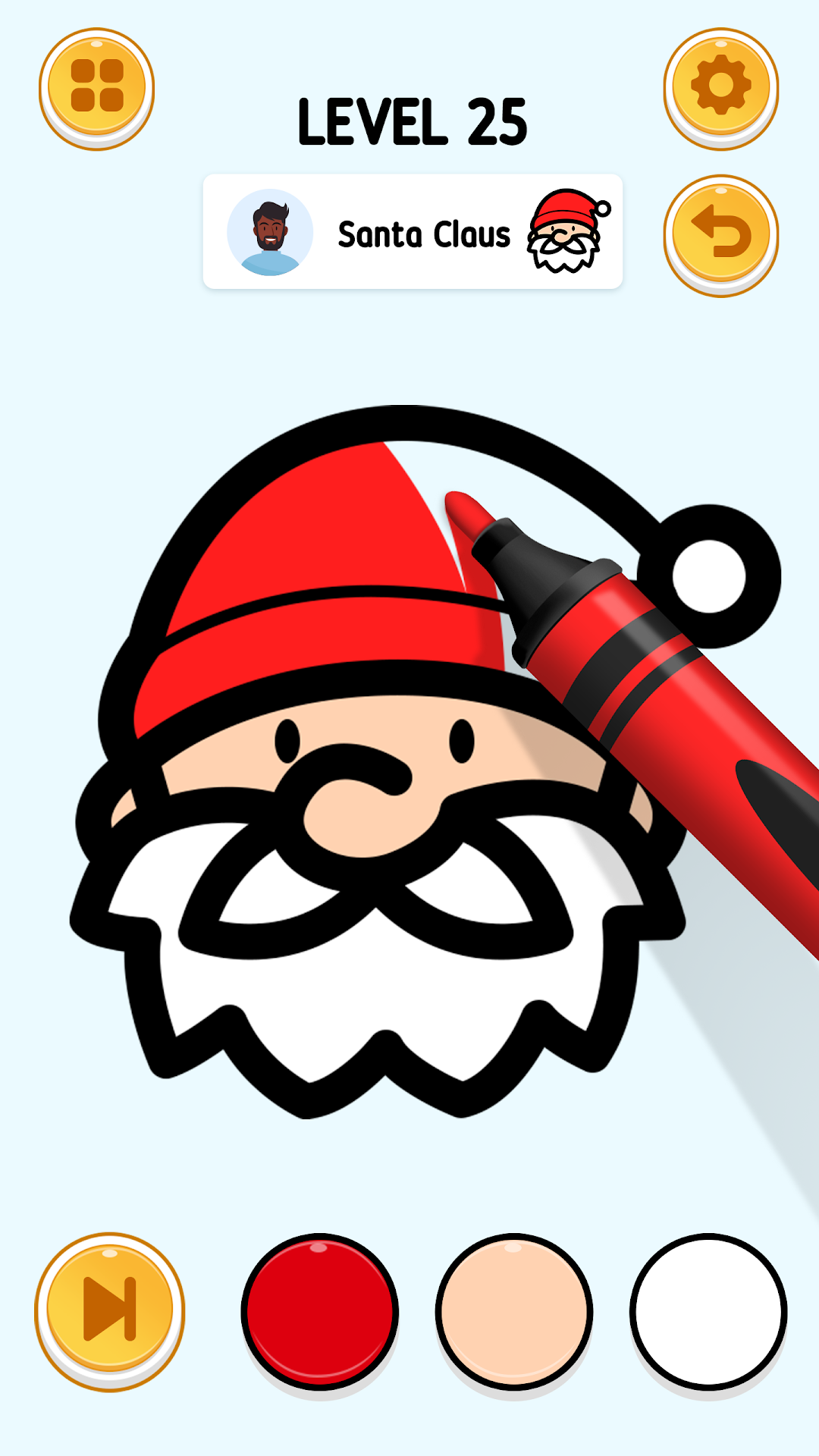
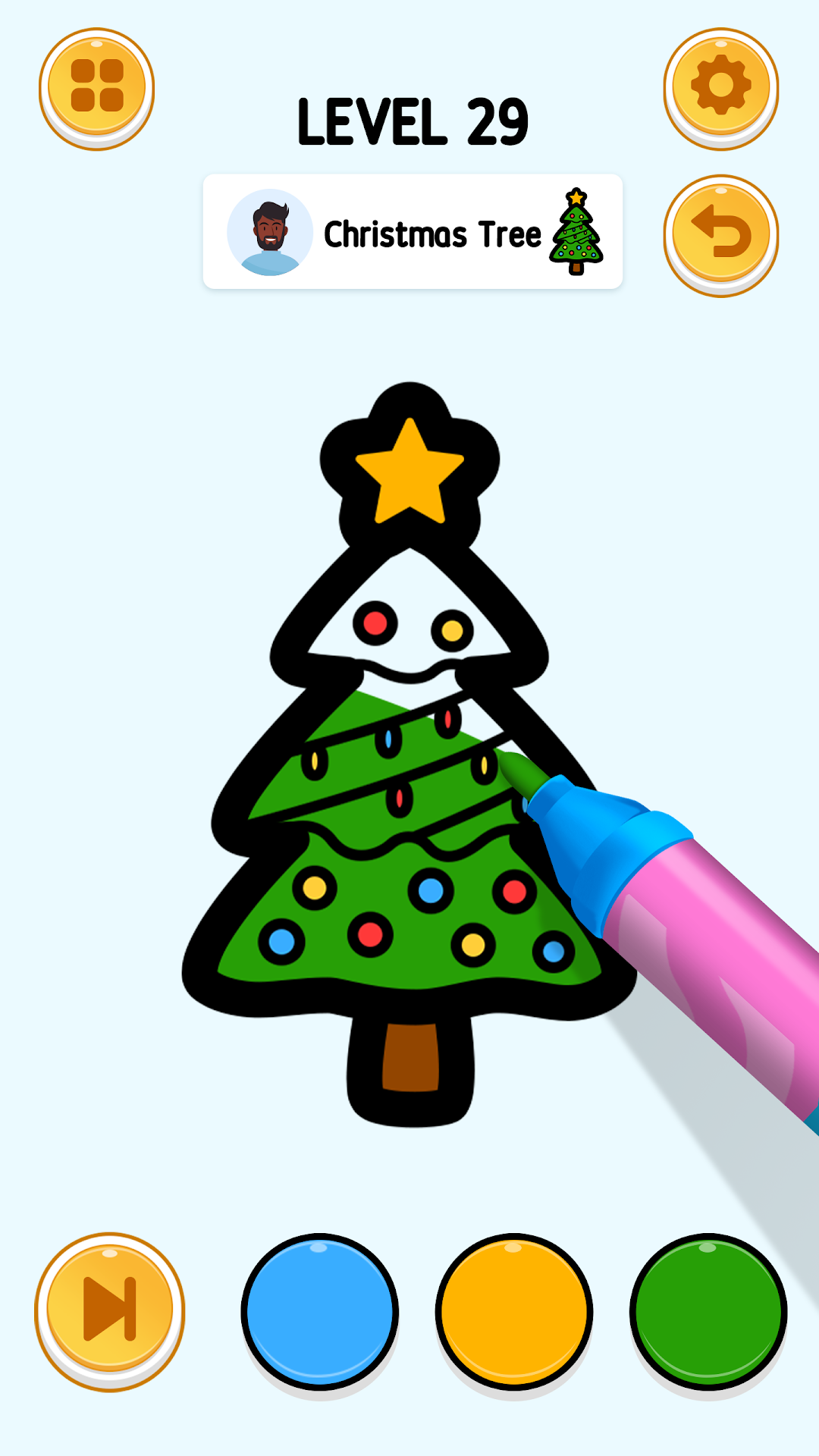
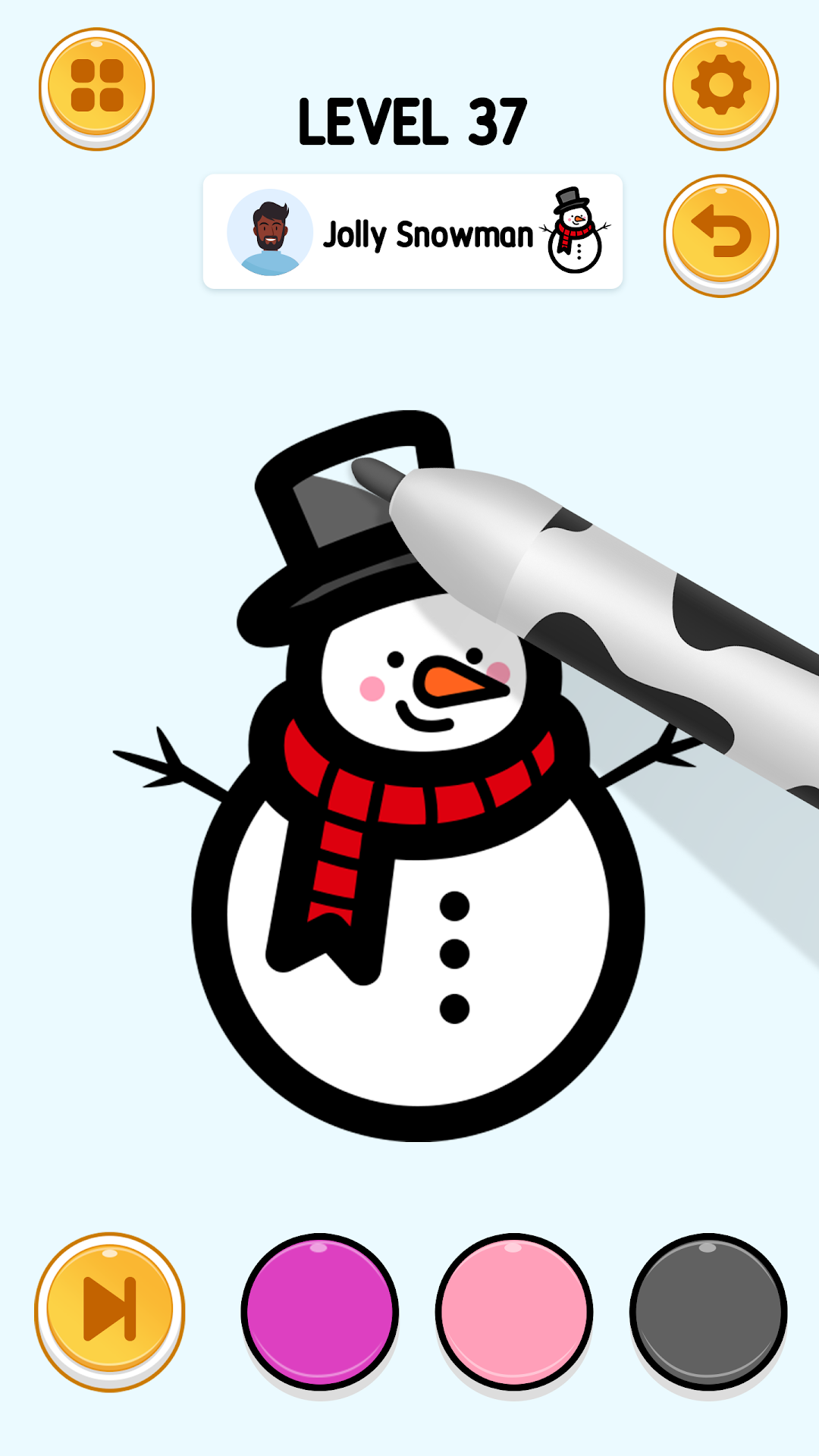
Tap To Color: Painting Book is a Casual game developed by Bravestars Casual. LDPlayer is the best platform for playing Tap To Color: Painting Book on Windows PC, offering powerful features to enhance your immersive experience in Tap To Color: Painting Book.
When playing Tap To Color: Painting Book on your computer, if you find repetitive actions or tasks tedious and time-consuming, fret not! Macro can alleviate your concerns. Simply record your actions with a click of the screen recording feature and let macros take care of the rest. Macros automate your operations, allowing you to effortlessly conquer the game with minimal effort! Start downloading and playing Tap To Color: Painting Book on your computer now!
Welcome to Tap To Color - Painting Book, a vibrant oasis for coloring enthusiasts and anyone seeking a blissful escape from the hustle and bustle of daily life. This game is not just about coloring; it's a journey into relaxation, joy, and creative expression. 🌈📚Whether you're a seasoned artist or just discovering the joy of coloring, Tap To Color - Painting Book offers an experience that's both fulfilling and tranquil. Say goodbye to stress and hello to a world of joyful painting feelings!
What Makes Tap To Color - Painting Book Special?
🖍 Hot And Trending Characters: Dive into a diverse library of images, featuring everything from serene landscapes and adorable animals to pop culture icons and abstract patterns. Our collection is constantly updated with the hottest and most trending characters, ensuring there's always something new and exciting to color.
🖍 Easy And Simple Gameplay: You don’t need to be a pro to enjoy Tap To Color. Our intuitive design makes coloring simple and enjoyable for everyone. Just tap to select colors and apply them to the images. It’s that easy!
🖍 Color ASMR Relaxing Sound: Enhance your coloring experience with the soothing sounds of Color ASMR. The gentle, relaxing audio not only helps you unwind but also deepens your immersion in the art of coloring. It's like a symphony for your senses!
Tap To Color - Painting Book is more than just a game; it's a personal retreat where peace and creativity meet. Perfect for unwinding after a long day, entertaining yourself during commutes, or enjoying a quiet weekend at home.
So why wait? Download Tap To Color - Painting Book now and embark on a delightful coloring journey. Fill your life with color, serenity, and joy! Discover the joy of coloring with Tap To Color - Painting Book. Download now and start your coloring adventure! 🌟🖍