Manage TCG Playing Card Mart is a Simulation application developed by Blingames, but with the best Android emulator-LDPlayer, you can download and play Manage TCG Playing Card Mart on your computer.
Running Manage TCG Playing Card Mart on your computer allows you to browse clearly on a large screen, and controlling the application with a mouse and keyboard is much faster than using touchscreen, all while never having to worry about device battery issues.
With multi-instance and synchronization features, you can even run multiple applications and accounts on your PC.
And file sharing makes sharing images, videos, and files incredibly easy.
Download Manage TCG Playing Card Mart and run it on your PC. Enjoy the large screen and high-definition quality on your PC!
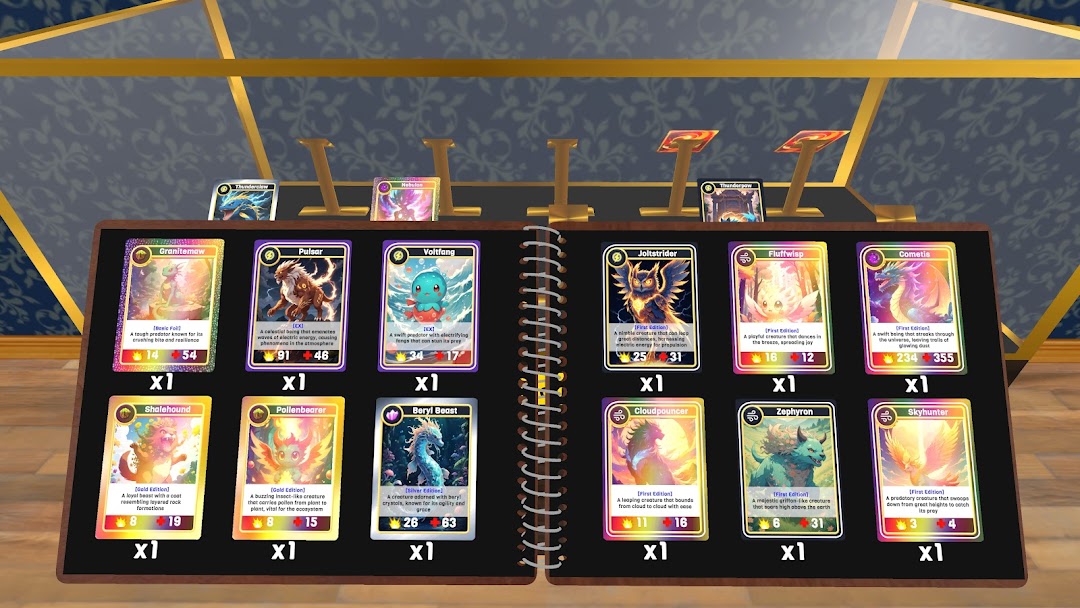
Build your own trading supermarket card shop. Stock shelves with the latest card booster packs, booster box, or crack them and collect the cards for yourself. Put your prized collection cards on display or sell them to the highest bidder. Set your own prices, hire staff, host events, and expand your card shop to be the best in town.Manage Your Store:
Design your own TCG supermarket shop. Organize shelves and card packs to make customer shopping experience smooth and easy.
Set Prices & Maximize Profits: Adjust prices dynamically to stay competitive while maximizing your profits. Will you go for the high-end market or cater to bargain hunters? The choice is yours!
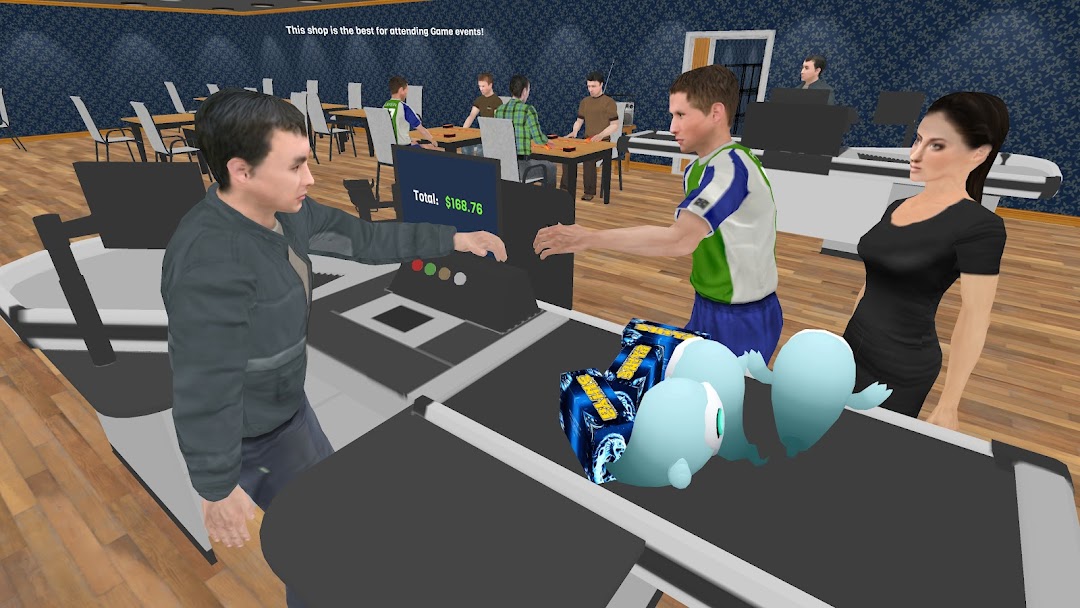
Hire & Manage Staff: Assemble a team of dedicated employees to help keep your supermarket running smoothly. Hire cashiers, stockers, and security personnel, and manage their schedules to optimize efficiency.
Expand & Design Your Store: Start small and expand your card shop into a sprawling retail empire! Customize the layout and design of your store to create an inviting shopping experience for your customers.
Online Orders & Delivery: Stay ahead of the competition by offering online ordering and delivery services. Manage logistics and ensure timely deliveries to keep your customers satisfied!