The Dark Tales 19's is a Adventure application developed by The Indian Game Dev, but with the best Android emulator-LDPlayer, you can download and play The Dark Tales 19's on your computer.
Running The Dark Tales 19's on your computer allows you to browse clearly on a large screen, and controlling the application with a mouse and keyboard is much faster than using touchscreen, all while never having to worry about device battery issues.
With multi-instance and synchronization features, you can even run multiple applications and accounts on your PC.
And file sharing makes sharing images, videos, and files incredibly easy.
Download The Dark Tales 19's and run it on your PC. Enjoy the large screen and high-definition quality on your PC!
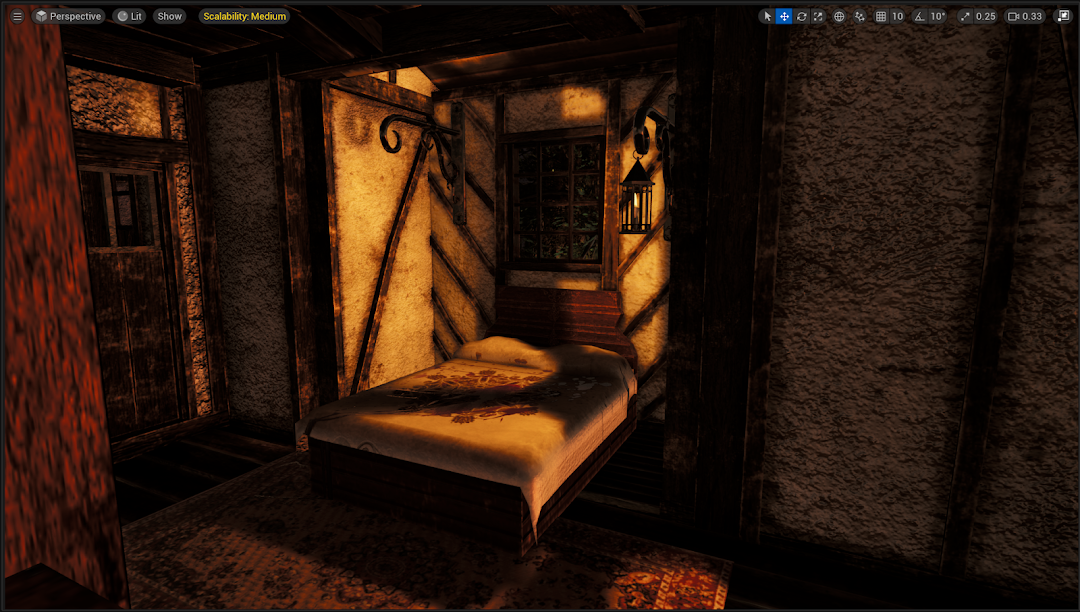
Step into the chilling world of The Dark Tales 19's, a Horror Adventure game that will take you on a terrifying journey through the mysteries of the 19th century. Inspired by real events, this Horror Adventure delivers a gripping story, immersive gameplay, and high-quality graphics that bring fear and excitement to life.You play as a character searching for your missing grandfather, only to stumble upon a dark and horrifying adventure filled with ancient secrets, cursed lands, and thrilling horror encounters. The beautifully crafted Horror Adventure environment, combined with an eerie soundtrack and stunning visuals, will pull you into a world of fear and mystery.
Prepare yourself for an unforgettable Horror Adventure as you navigate haunted mansions, abandoned villages, and eerie forests where witches, spirits, and unknown entities lurk in the shadows. Each step you take unravels a new terrifying secret, leading you closer to the shocking truth behind your grandfather’s disappearance.
With next-level Horror Adventure gameplay, intense puzzle-solving, and spine-chilling encounters, The Dark Tales 19's promises an experience unlike any other. Face your fears, make crucial decisions, and survive the ultimate Horror Adventure that will haunt you long after you put the game down.
Are you ready for the most thrilling horror adventure of your life? Download The Dark Tales 19's now and step into the Horror Adventure World.