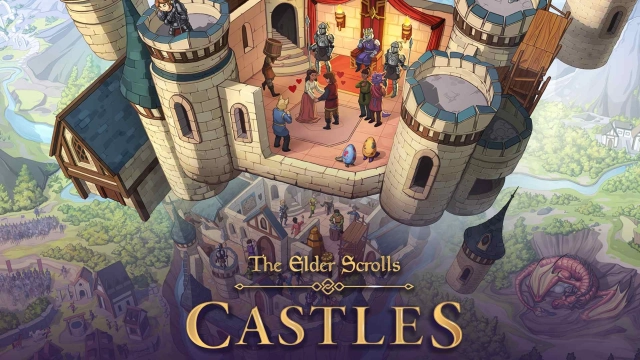
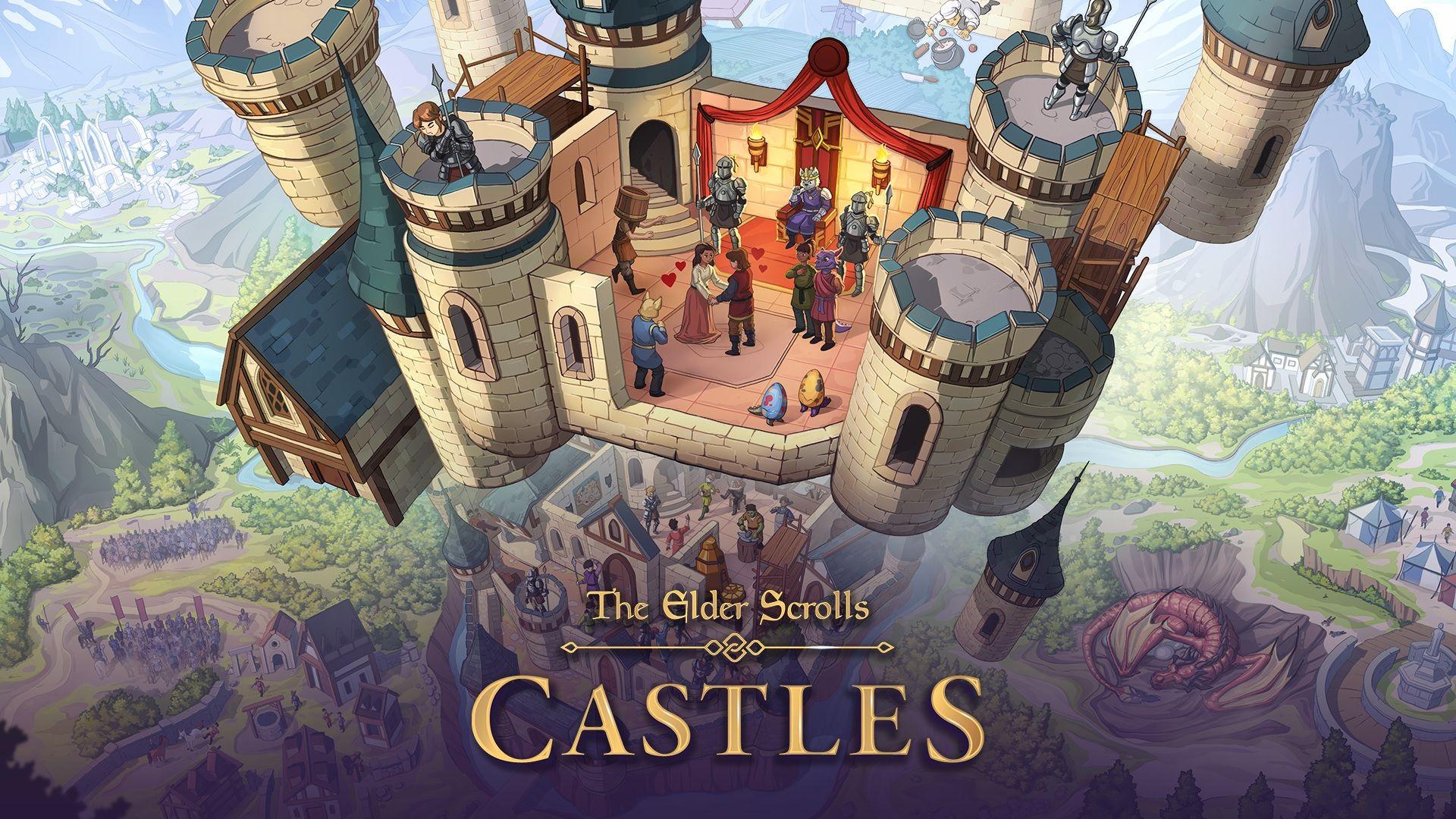
Shape the fate of your kingdom in The Elder Scrolls: Castles, that comes as a single player, casual, simulation game. Manage your dynasty, oversee castle operations, and plan for your realm’s prosperity across generations. If you're ready to rule like a true monarch, LDPlayer is the ultimate tool to elevate your gameplay and enjoy a seamless kingdom-building experience on PC.
Immerse Yourself in the Beauty of Your Kingdom
The game’s stunning visuals, detailed castle interiors, vibrant landscapes, and lively characters draw you into the immersive world of The Elder Scrolls. From customizing your castle’s layout to decorating and assigning workers, every choice contributes to the kingdom’s legacy. While mobile screens offer convenience, LDPlayer elevates the experience with high-definition resolutions and vivid colors, allowing you to explore every corner of your realm on a larger screen. With enhanced graphics and fluid performance, the beauty and complexity of your kingdom truly come to life.
Enjoy Uninterrupted Gameplay
Ruling a kingdom demands focus. Between managing your dynasty, training heirs, and completing epic quests, distractions like battery issues, lag, and notifications can hinder your progress on mobile. LDPlayer eliminates these disruptions, providing a stable and optimized experience. Whether your empire is small or sprawling, the emulator ensures smooth gameplay, so you can focus on building your legacy without interruptions.
Multitask Like a True Ruler
With countless tasks, from training subjects and expanding rooms to managing food supplies and battling enemies, The Elder Scrolls: Castles challenges you to balance your responsibilities. Tackling each task one by one can slow your progress. Enter LDPlayer’s Multi-Instance Sync feature, which lets you create multiple game instances and manage various activities at once. Train heroes, power them up, and oversee your castle’s operations—all at the same time. This efficient approach keeps your kingdom thriving and ensures your dynasty’s success.
Ready to take your kingdom to the next level? Optimize your gameplay in The Elder Scrolls: Castles with LDPlayer’s powerful features and breathtaking visuals. Seize the reins of your kingdom, secure your dynasty’s legacy, and experience the ultimate in strategy and adventure by playing The Elder Scrolls: Castles on PC with LDPlayer today.