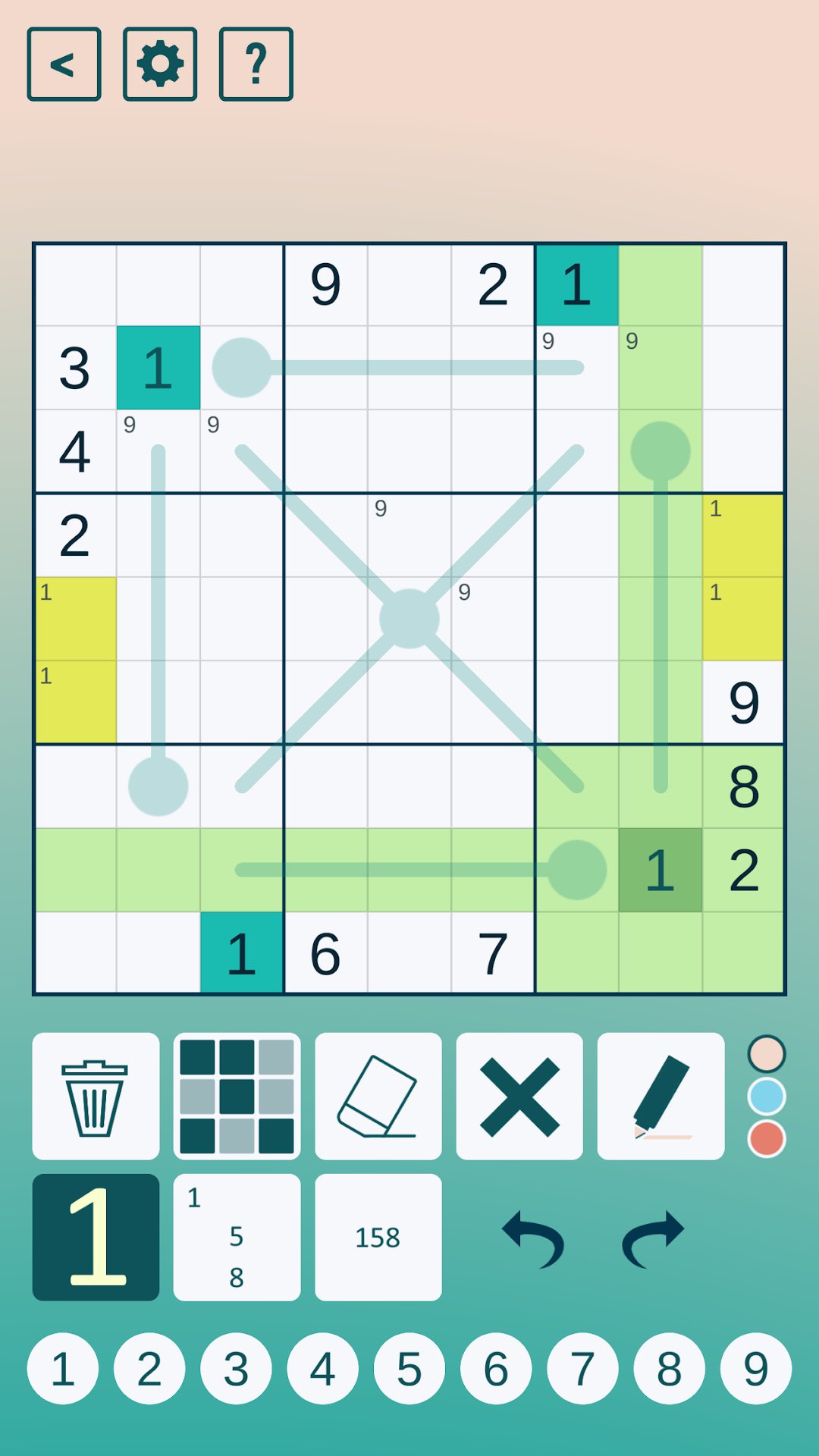
Thermo Sudoku is a Board application developed by Studio Goya LLC, but with the best Android emulator-LDPlayer, you can download and play Thermo Sudoku on your computer.
Running Thermo Sudoku on your computer allows you to browse clearly on a large screen, and controlling the application with a mouse and keyboard is much faster than using touchscreen, all while never having to worry about device battery issues.
With multi-instance and synchronization features, you can even run multiple applications and accounts on your PC.
And file sharing makes sharing images, videos, and files incredibly easy.
Download Thermo Sudoku and run it on your PC. Enjoy the large screen and high-definition quality on your PC!
Presented by Cracking The Cryptic, YouTube’s most popular Sudoku channel, comes a new game featuring one of the most popular puzzle types: Thermo Sudoku.How does Thermo Sudoku work? Well each sudoku grid contains thermometer shapes (often drawn to create themes) and digits on thermometers must increase as one moves further from the bulb end. The interactions between the thermometers leads to new logical ideas and patterns that completely refreshes the standard sudoku solving experience.
As with their other games (‘Classic Sudoku’, ‘Sandwich Sudoku’ and ‘Chess Sudoku’), Simon Anthony and Mark Goodliffe (the hosts of Cracking The Cryptic) have personally crafted the hints for the puzzles. So you know that every puzzle has been play-tested by a human being to ensure that the sudoku is interesting and fun to solve.
In Cracking The Cryptic’s games, players start with zero stars and earn stars by solving puzzles. The more puzzles you solve, the more stars you earn and the more puzzles you get to play. Only the most dedicated (and cleverest) sudoku players will finish all the puzzles. Of course the difficulty is carefully calibrated to ensure lots of puzzles at every level (from easy through to extreme). Anyone familiar with their YouTube channel will know that Simon and Mark take pride in teaching viewers to be better solvers and, in these games, they always craft the puzzles with the mindset of trying to help solvers improve their skills.
Mark and Simon have both represented the UK many times at the World Sudoku Championship and you can find more of their puzzles (and lots of others) on the internet’s biggest sudoku channel Cracking The Cryptic.
Features:
100 beautiful puzzles
Hints crafted by Simon and Mark!